
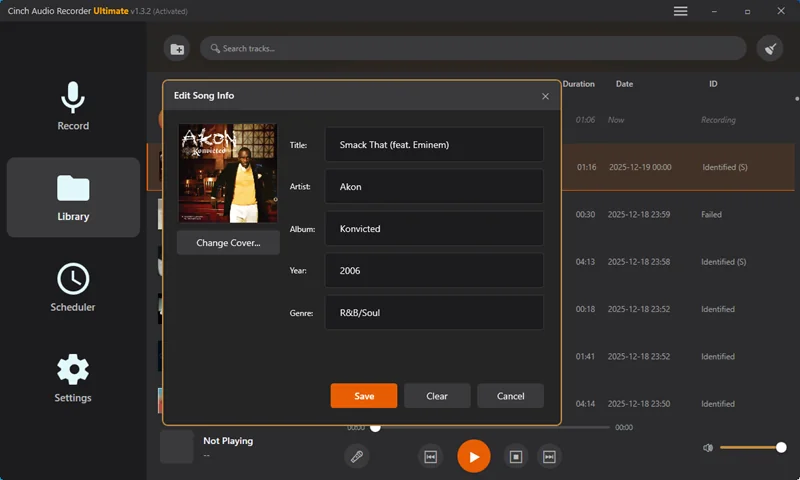
How to Add Cover Art to Audio Files After Recording
Add cover art to recorded audio safely by checking the file first, choosing artwork, editing MP3 or FLAC tags, and saving a new copy.
Read this guide
Cinch Audio Recorder Journal
Clear, tested guidance for recording streaming music, saving radio, cleaning noise, choosing formats, and getting the details right.
Add cover art to recorded audio safely by checking the file first, choosing artwork, editing MP3 or FLAC tags, and saving a new copy.
Read this guide 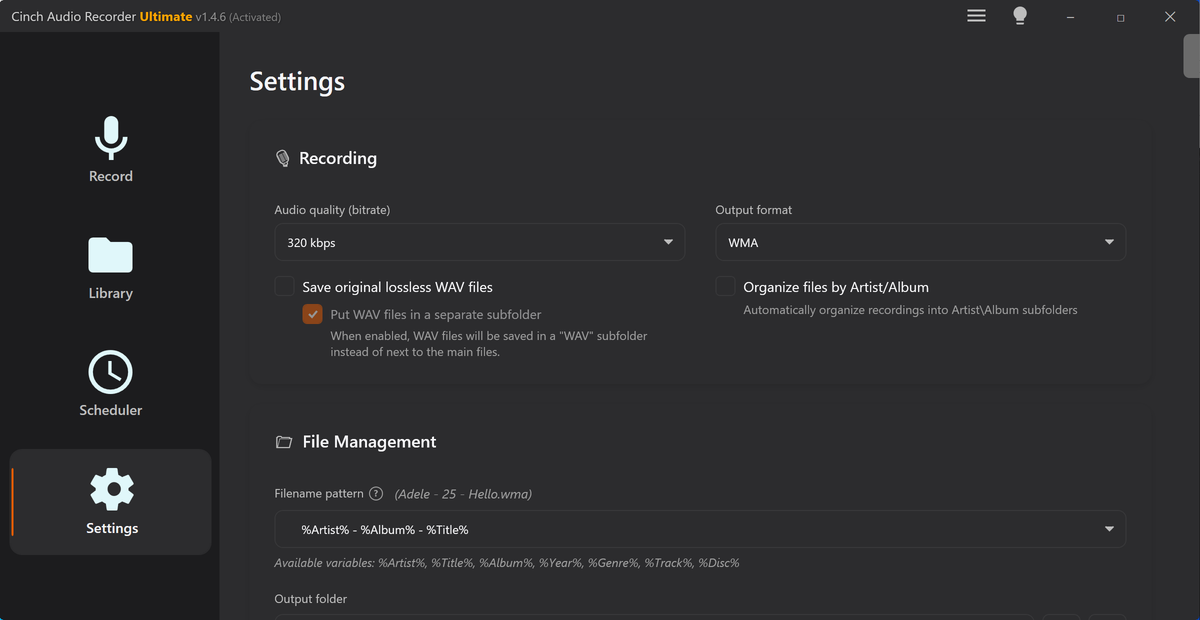
Prepare long audio recordings with the right source, format, sleep settings, storage check, notification control, and short test routine.
Read this guide 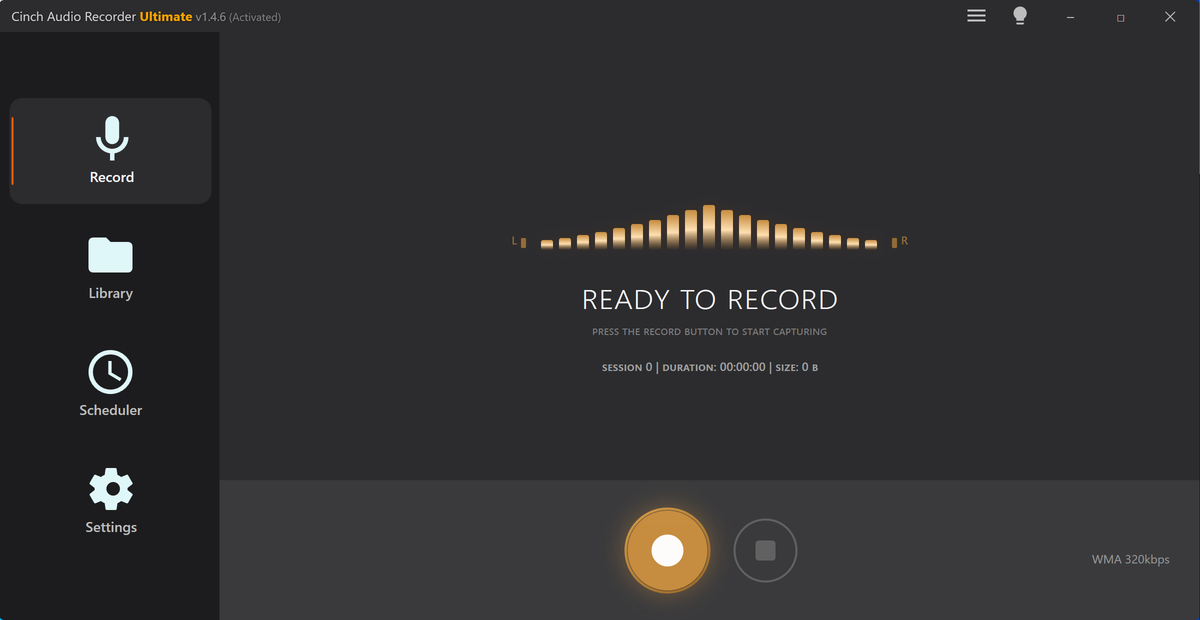
Compare browser recording and system audio recording for tab audio, desktop app sound, long sessions, metadata, privacy, and troubleshooting.
Read this guide 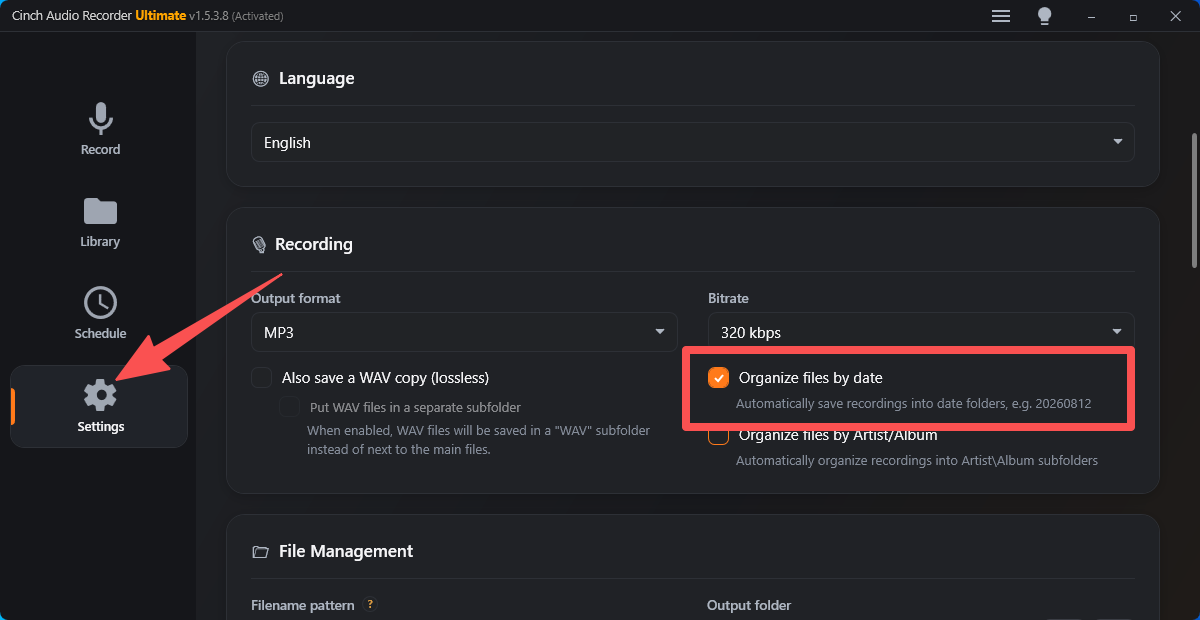
Use clear audio file naming patterns for recorded music, radio, lectures, webinars, playlists, versions, folders, and metadata cleanup.
Read this guide 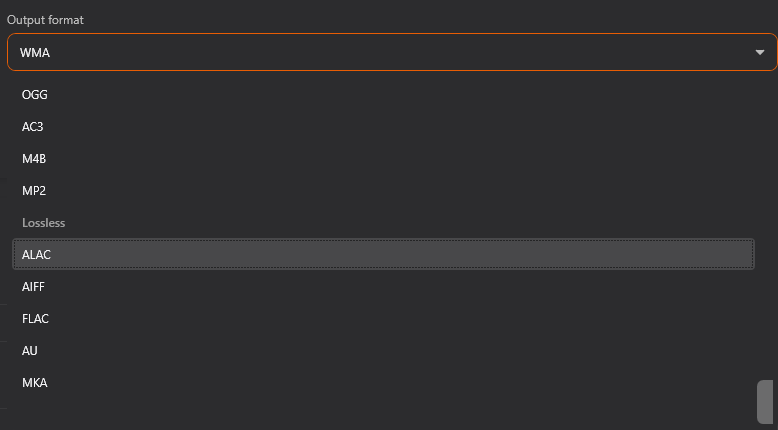
Pick a practical audio bitrate for voice, music, long recordings, editing copies, sharing, storage, and streaming-audio archives.
Read this guide Prepare recorded audio for car USB playback with practical checks for format, filenames, folders, stereo/mono, tags, and test copies.
Read this guide 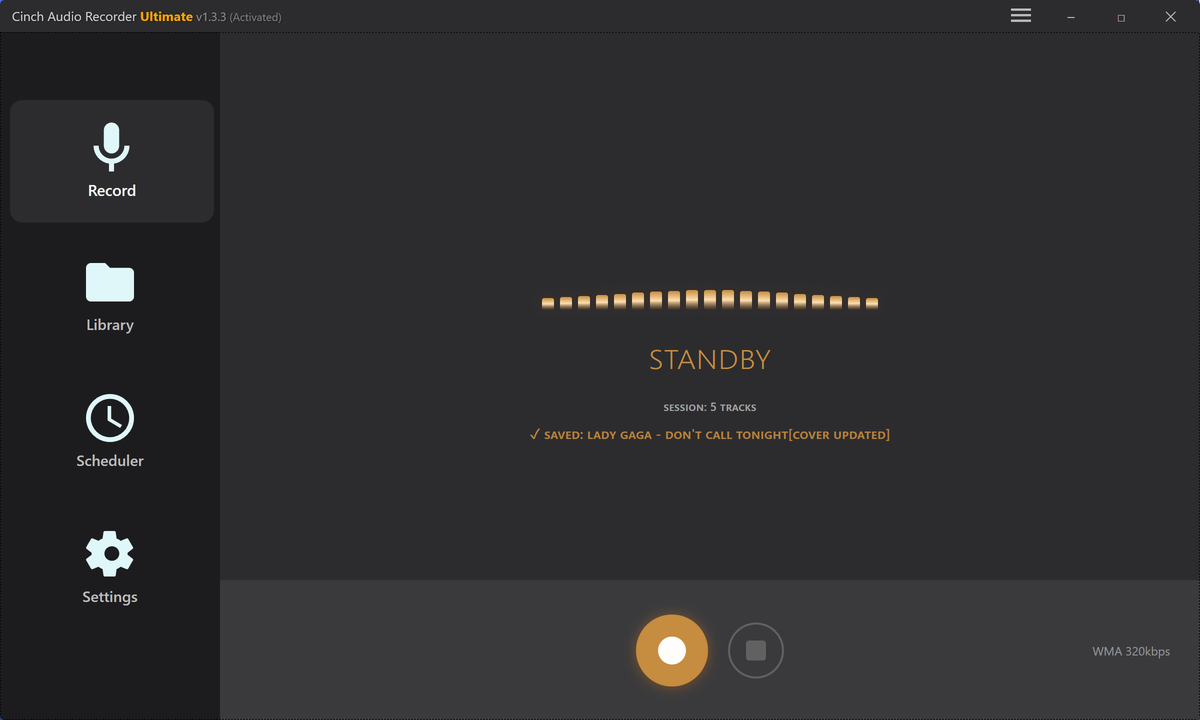
Use a practical podcast audio cleanup checklist for trimming, speaker balance, silence, volume, metadata, and final listening checks.
Read this guide 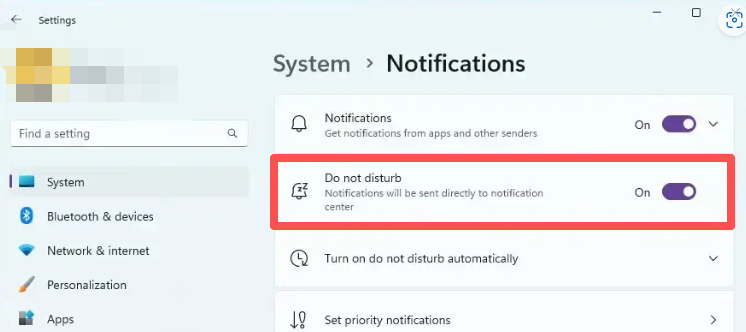
Stop notification sounds from getting into recordings. Use a quiet setup checklist, browser checks, Windows alerts, and re-record decisions.
Read this guide 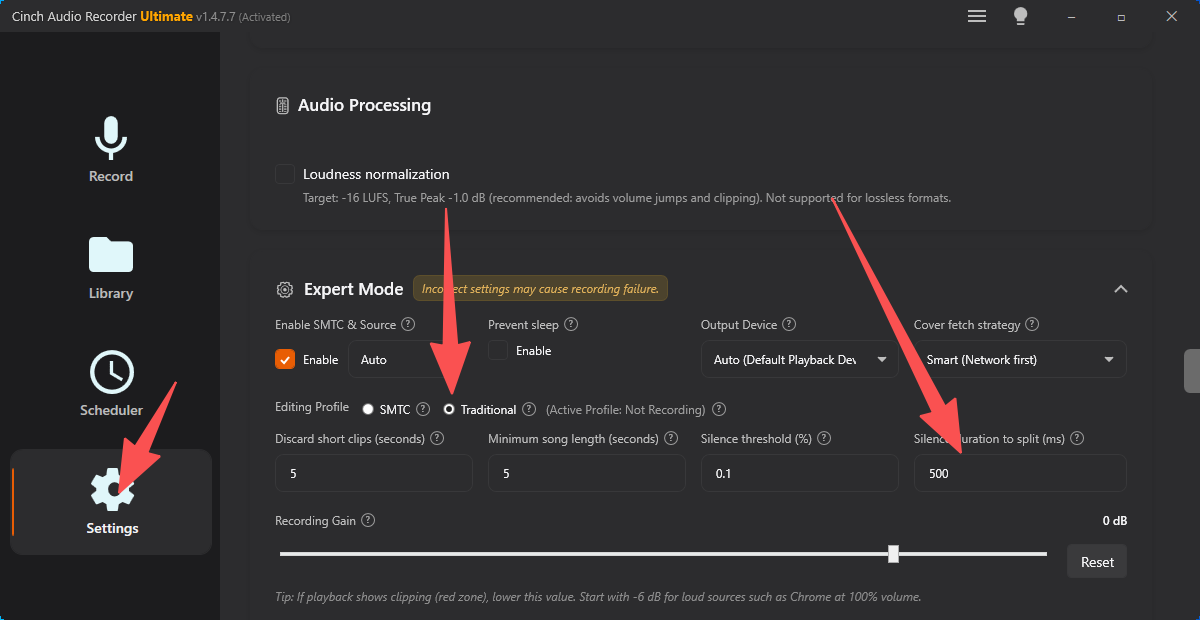
Fix a recording saved as one long file. Review the audio, choose trim or chapter splitting, name segments, and avoid bad cuts next time.
Read this guide 
Fix recordings that stop early by checking sleep, power, storage, source playback, output devices, buffering, and repeatable test evidence.
Read this guide Fix a recording saved as the wrong audio format. Learn when conversion is enough, when to re-record, and how to protect the original file.
Read this guide 
Use a short preflight recording to check source audio, device routing, volume, file location, format, silence, clipping, and metadata before a long session.
Read this guide Choose MP3, WAV, FLAC, or M4A for recorded audio based on listening, editing, archiving, metadata, storage, and playback needs.
Read this guide Fix browser recordings with no audio by checking tab sound, output devices, browser routing, hardware behavior, and short test files.
Read this guide 
Fix system-audio detection problems by checking the active output, recording device, Stereo Mix expectations, virtual cables, and app routing.
Read this guide Compare online audio recorders and desktop recorders for browser audio, streaming music, long sessions, metadata, cleanup, and support.
Read this guide 
Build a cleaner recorded music library by checking playback, filenames, metadata, artwork, lyrics, formats, folders, and backup copies.
Read this guide Fix missing song metadata by checking the recording first, improving the sample, retrying identification, editing tags, and replacing cover art.
Read this guide Fix silent recordings by checking the playback device, recorder source, browser output, Bluetooth switching, protected playback, and test files.
Read this guide 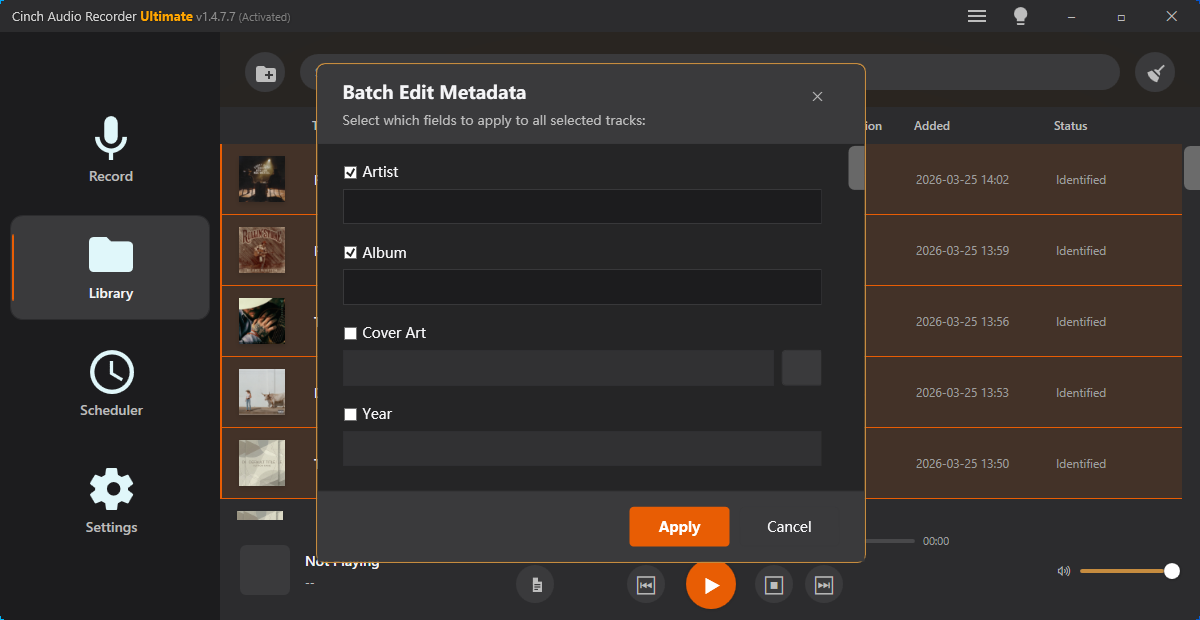
Record audio and keep the file useful afterward by checking title, artist, cover art, lyrics, filename patterns, and export format.
Read this guide 
Record clean browser audio from Chrome, Edge, or Firefox with fewer silent files, notification sounds, and device-routing surprises.
Read this guide Record online radio, web streams, and long listening sessions with fewer interruptions, better filenames, and cleaner post-recording review.
Read this guide Record YouTube audio more cleanly by controlling browser sound, testing the output device, and checking the saved file before a long session.
Read this guide Record Spotify playback into cleaner files by testing the audio route, avoiding notification sounds, and checking tags before a long session.
Read this guide The Cinch approach
Each article is written to help readers solve a real audio-saving problem first, then understand where Cinch Audio Recorder fits when they need a cleaner desktop workflow.