

Record the audio you can actually hear
Converters only handle links they recognize. Cinch captures desktop playback from apps, web players, radio sites, and browser audio, even when there is no direct URL to paste.
Cinch Audio Recorder captures desktop playback, separates songs, fills in titles, artists, cover art, and lyrics, then exports files you can keep, back up, and play in your own library.
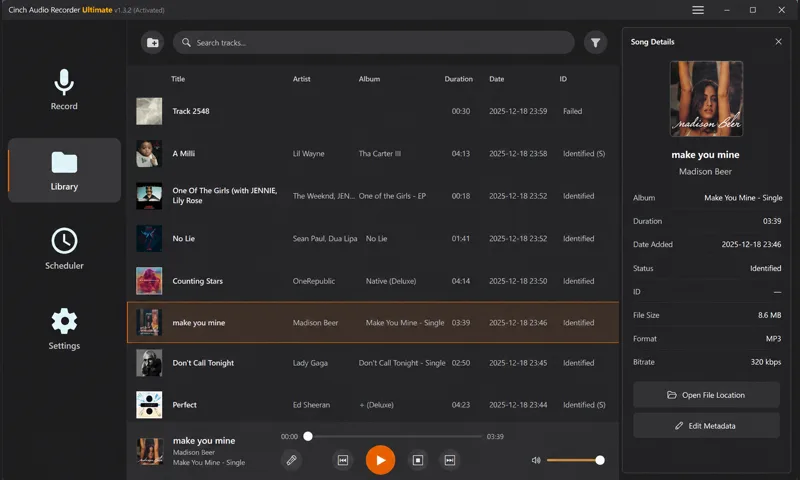
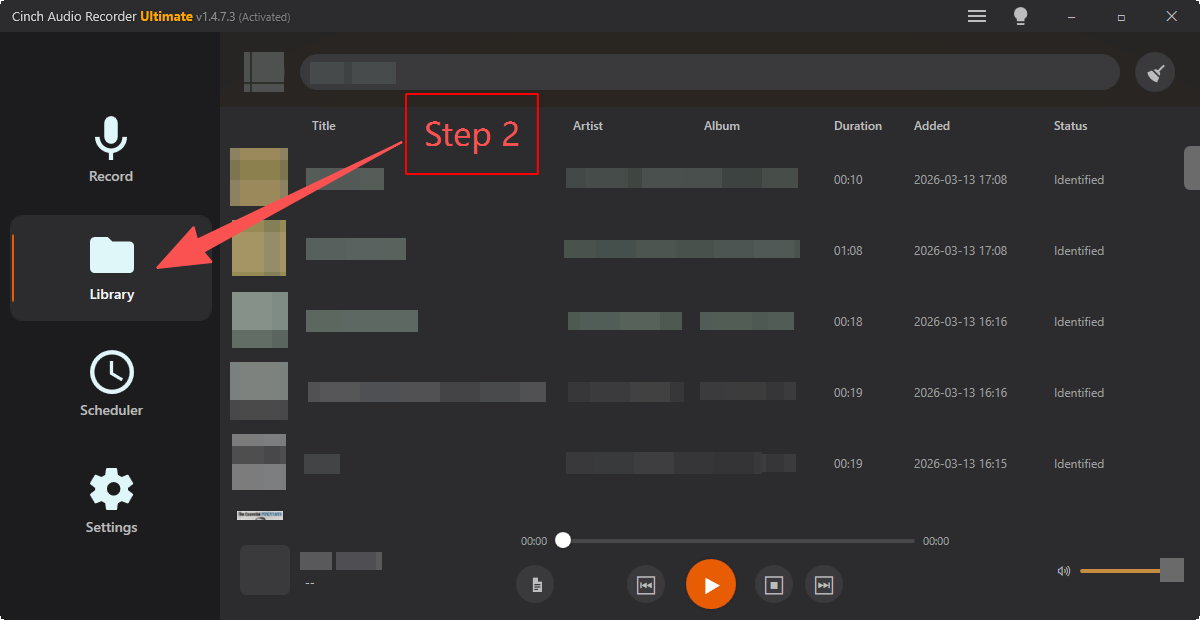
Library viewRecorded tracks, song info, artwork, and export controls in one desktop app.
Converters only handle links they recognize. Cinch captures desktop playback from apps, web players, radio sites, and browser audio, even when there is no direct URL to paste.

Cinch records the audio already playing on your computer. You do not enter streaming passwords inside the recorder, and you keep your normal listening workflow separate from capture.

Free editors often leave you with a raw waveform. Cinch can split songs, write tags, fetch artwork and lyrics when available, and filter short ad fragments before files reach your library.
Works with any streaming music, web player, radio site, or browser audio your computer can play, including Spotify, Apple Music, YouTube Music, Amazon Music, TIDAL, Deezer, and more. No URL to paste, no account to connect - if your computer can play it, Cinch can record it, which is something URL converters simply cannot do.
 Spotify
  Apple Music
  YouTube Music
  Amazon Music P Pandora
  TIDAL
TIDAL  Deezer
  SoundCloud Q Qobuz iH iHeartRadio B Bandcamp N Napster
  Web Players
 Plus music websites, internet radio, podcasts, webinars, online classes, and browser audio.
The strongest reason to use Cinch is not just saving audio. It is getting usable tracks afterward, with names, artwork, lyrics, cleanup tools, and flexible exports.
 Capture
 Cinch records the audio already playing on your computer, so you can save music, radio, podcasts, webinars, and browser audio without entering streaming passwords inside the recorder.
 Recognize
 SMTC metadata and audio fingerprinting help Cinch split tracks, identify songs, add artist and album details, download cover art, and attach lyrics when available.
 Clean Up
 When streams include ads, silence, buffering, or split fragments, Cinch gives you practical cleanup tools so the final files feel library-ready instead of raw.
 Export
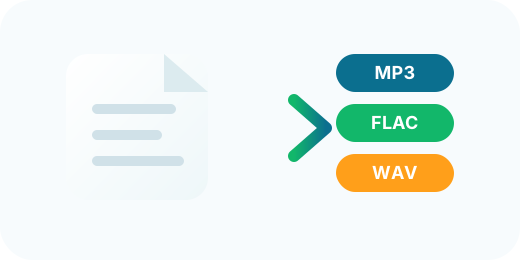
 Save compact files for phones, lossless files for archiving, or ringtone clips for quick reuse. Cinch keeps format choice flexible without making the workflow complicated.
Start recording, let Cinch identify and organize the session, then keep the tracks in the format that fits your devices.
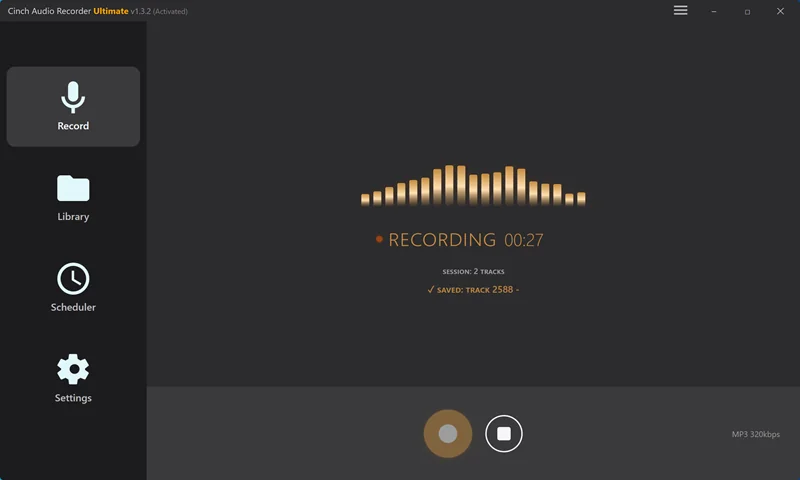
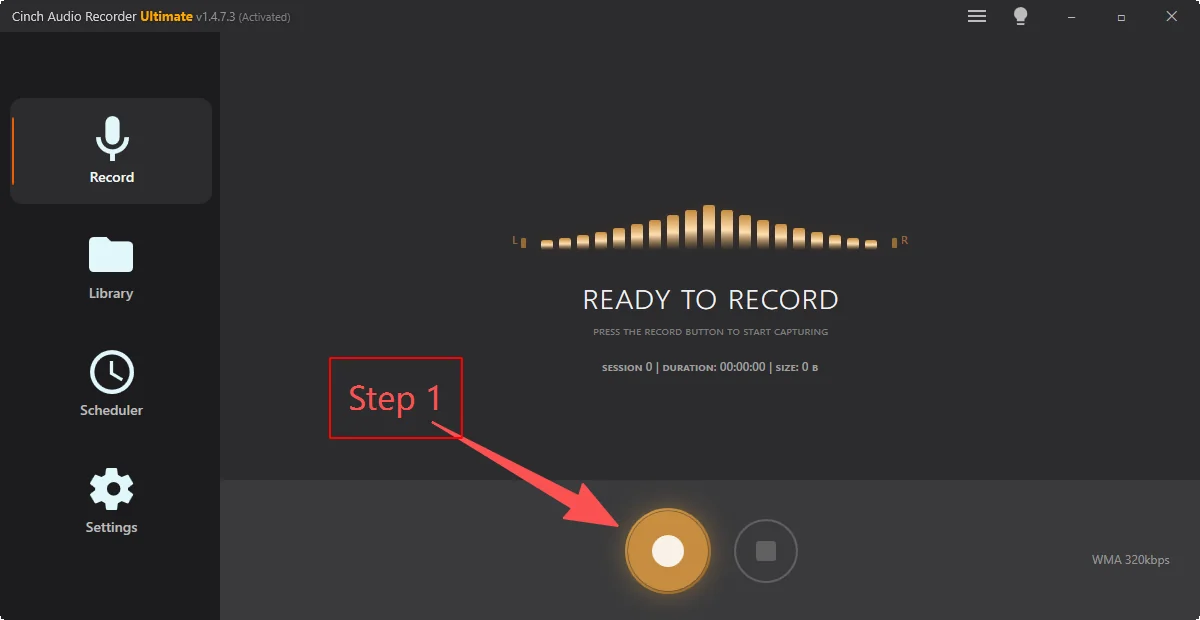
Open Cinch, click Record, and start playback from a streaming service, browser tab, radio site, podcast, or another desktop audio source.
As audio is captured, Cinch can split songs, recognize metadata, attach album art and lyrics, and reduce manual cleanup.
Choose MP3 for compatibility or FLAC, WAV, ALAC, and M4A for higher-quality archiving and device flexibility.
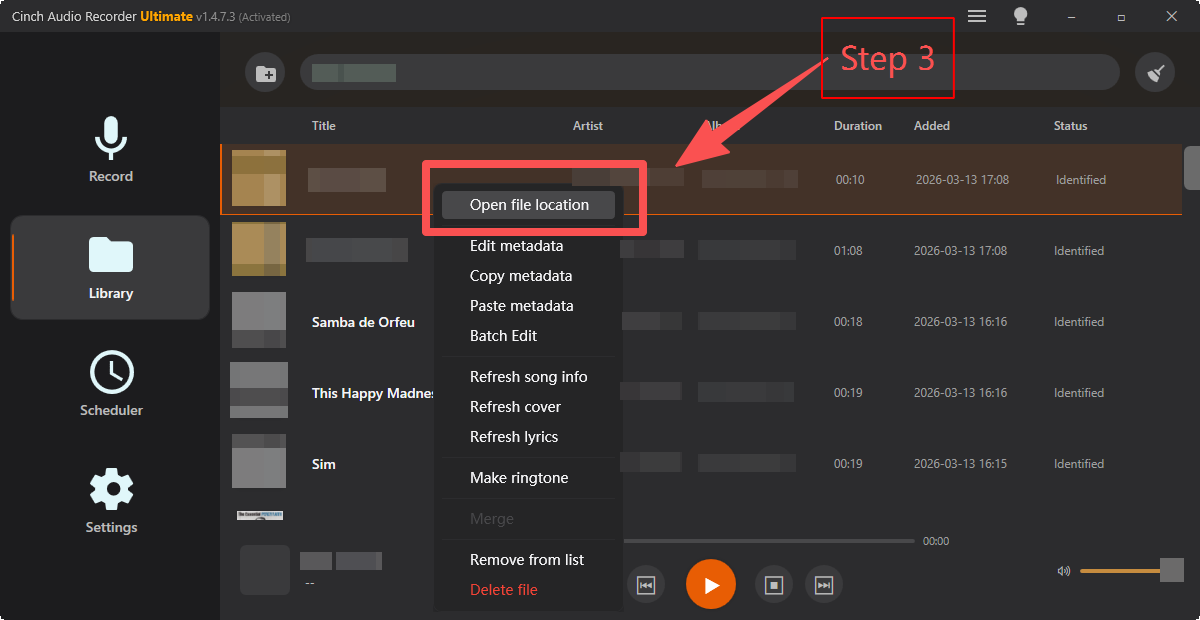
Cinch is built for people who need more than a recorder button: save streaming audio, organize long sessions, and preserve useful files locally without a complicated setup.

Record songs, playlists, and discovery sessions into files you can organize, back up, and play offline.

Save music videos, live sets, lectures, and creator audio without changing your normal browser workflow.

Schedule or run longer recordings, then clean up useful tracks, talk segments, or interviews afterward.

Silent recording helps you save audio at night, in offices, libraries, or shared rooms without speaker noise.
Any audio playing on your computer, including Spotify, Apple Music, YouTube Music, internet radio, podcasts, and browser audio.
Yes. Cinch can save song title, artist, album, cover art, and lyrics when that information is available.
Yes. The free trial lets you record up to 9 songs before purchasing a lifetime license.
Short, practical feedback focused on the workflow: record, clean up, and keep the result.
“Cinch is one of those rare utilities that just feels right. It has earned a permanent place in my toolkit, and I would gladly recommend it to friends.”
“Simple to use, dependable, and the sound quality is excellent. The ID tags work beautifully, and it was absolutely worth the price.”
“I keep coming back to this product because it continues to feel useful and well made. Really nice work.”
“This version is a pleasure to use. The Library page feels clearer, easier to read, and the recording quality is very good.”
“I tested it with songs from YouTube and my own collections, and they were all identified. That is worth celebrating.”
“The recording function works perfectly in the latest version. Re-downloading it showed a real improvement.”
Record a few real sessions, check the tags and export quality, then decide based on how the saved files fit your own listening library. You do not need to enter streaming passwords inside the recorder, and most cleanup happens before the files reach your library.