
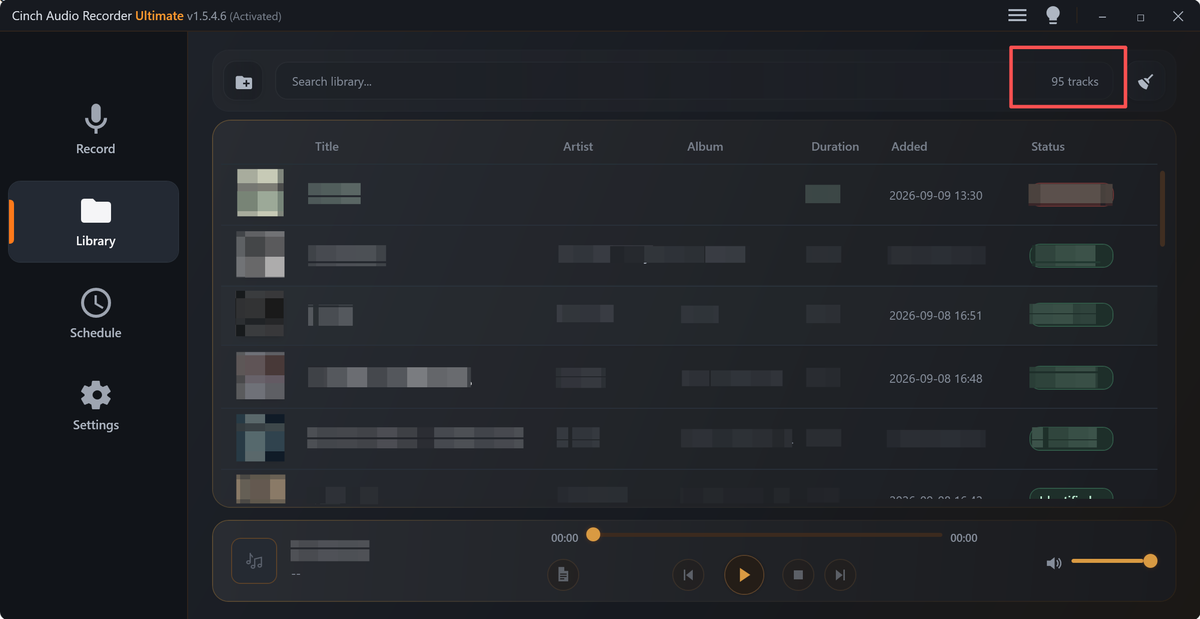
Turn Vague Audio Complaints Into Action Items
Turn vague playback complaints into a clear issue intake log with file identity, evidence, priority, and next action.
Read this guide
Cinch Audio Recorder Journal
Clear, tested guidance for recording streaming music, saving radio, cleaning noise, choosing formats, and getting the details right.
Turn vague playback complaints into a clear issue intake log with file identity, evidence, priority, and next action.
Read this guide 
Explain an audio issue with affected files, user impact, temporary guidance, owner, and review timing.
Read this guide 
Build a small audio monitoring sample set with trusted files, expected results, playback checks, labels, and review timing.
Read this guide Hand off audio files with owner notes, source status, version labels, quality checks, and next actions.
Read this guide Set up a manual playback monitoring checklist for public audio, downloads, embeds, and replacement files.
Read this guide Stop repeat audio problems with source rules, playback checks, labels, owners, and replacement proof.
Read this guide Keep useful audio, separate sources from copies, record retention reasons, and retire unclear files safely.
Read this guide List risky audio files, classify playback, source, permission, size, owner, and replacement issues before cleanup.
Read this guide Confirm public audio still plays after a rollout by checking links, file identity, playback, owners, and rollback status.
Read this guide Separate source, export, metadata, page, size, and playback causes before deciding how to fix an audio problem.
Read this guide Build a self-service audio troubleshooting path with symptoms, first checks, example files, safe fixes, and support handoff.
Read this guide Update support macros after an audio fix with checked wording, correct links, sample guidance, and escalation notes.
Read this guide Prepare temporary audio workarounds that solve an immediate problem without hiding source limits, ownership, or replacement timing.
Read this guide Choose the right backup, verify playback, rebuild labels, and restore without overwriting the source.
Read this guide Find, label, and retire outdated audio proof so old clips do not keep appearing in sales, support, or website workflows.
Read this guide 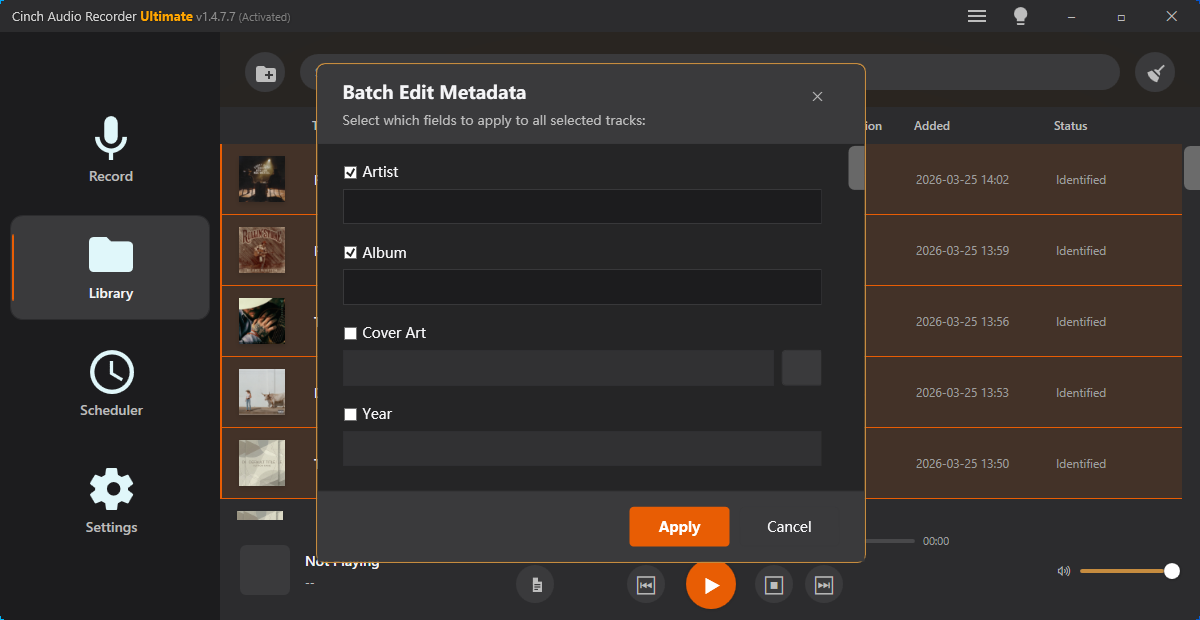
Preserve family recordings, make safer listening copies, keep context, and label voices without overwriting originals.
Read this guide Balance podcast guest tracks by checking loudness, clipping, silence, clicks, and review-copy roles.
Read this guide 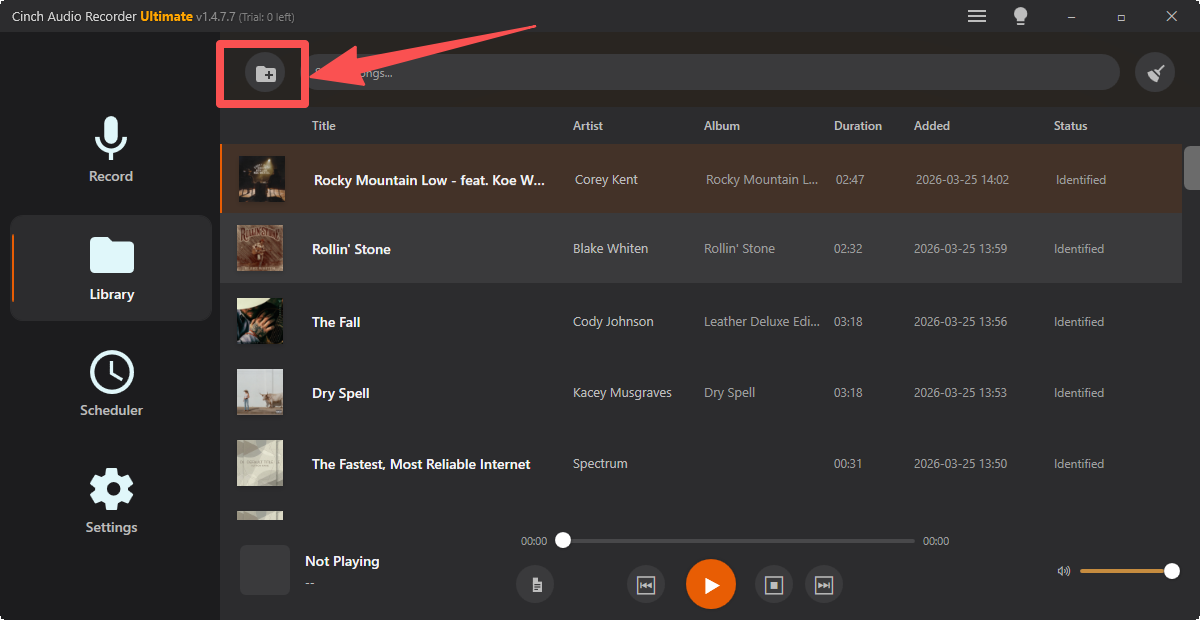
Audit a messy audio folder, identify unknown files, flag risky recordings, and plan safer sorting before edits.
Read this guide 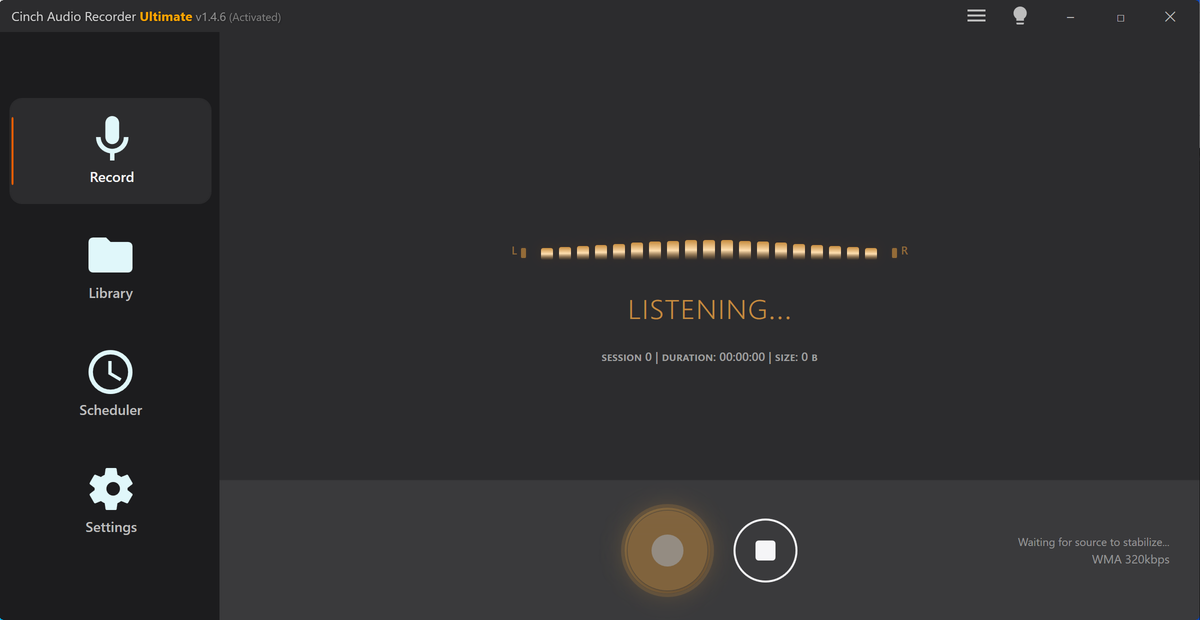
Estimate recording time, file size, test capture quality, and avoid silent or incomplete long audio sessions.
Read this guide Choose the best audio copy by comparing source clues, duration, quality, waveform evidence, and intended use.
Read this guide Check quality, trim rough edges, remove silence, normalize volume, fix metadata, and know when to re-record.
Read this guide 
Estimate audio size, trim waste, choose MP3 settings, compress a sharing copy, and avoid sending broken audio.
Read this guide Convert voice notes to MP3 safely, test playback, preserve context, trim copies, and label files.
Read this guide Create honest audio preview clips with enough context, checked playback, clear levels, labels, and delivery copies.
Read this guide The Cinch approach
Each article is written to help readers solve a real audio-saving problem first, then understand where Cinch Audio Recorder fits when they need a cleaner desktop workflow.