
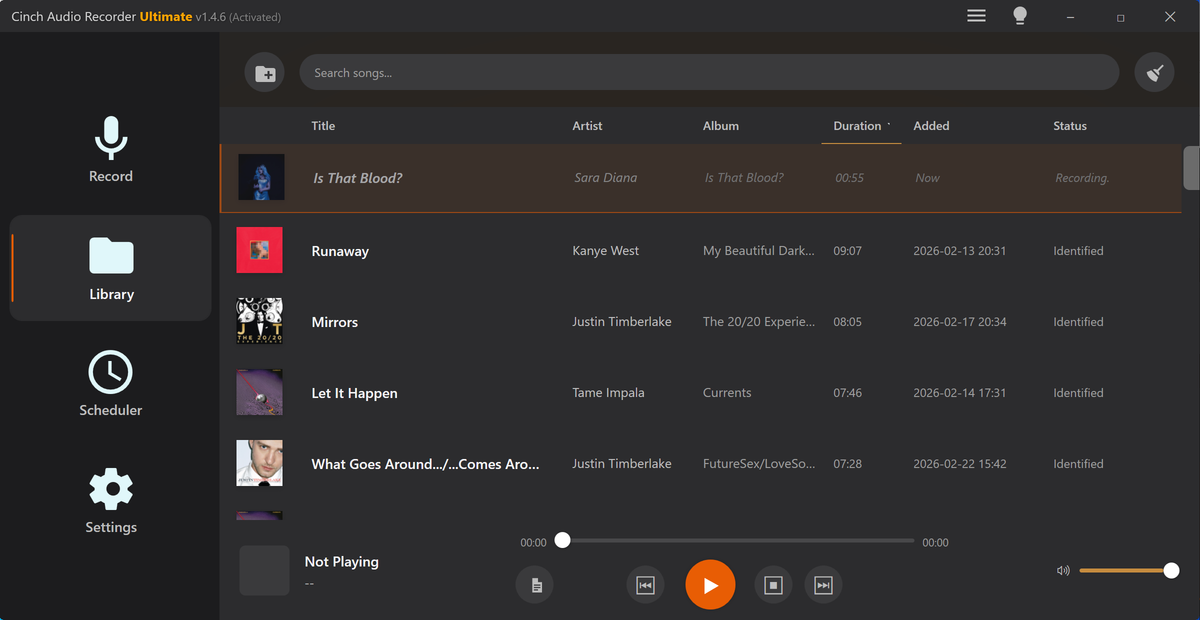
How to Make Audiobook Copies Easier to Follow
Prepare audiobook listening copies with chapter splits, natural pauses, safer volume, speed versions, and labels.
Read this guide
Cinch Audio Recorder Journal
Clear, tested guidance for recording streaming music, saving radio, cleaning noise, choosing formats, and getting the details right.
Prepare audiobook listening copies with chapter splits, natural pauses, safer volume, speed versions, and labels.
Read this guide 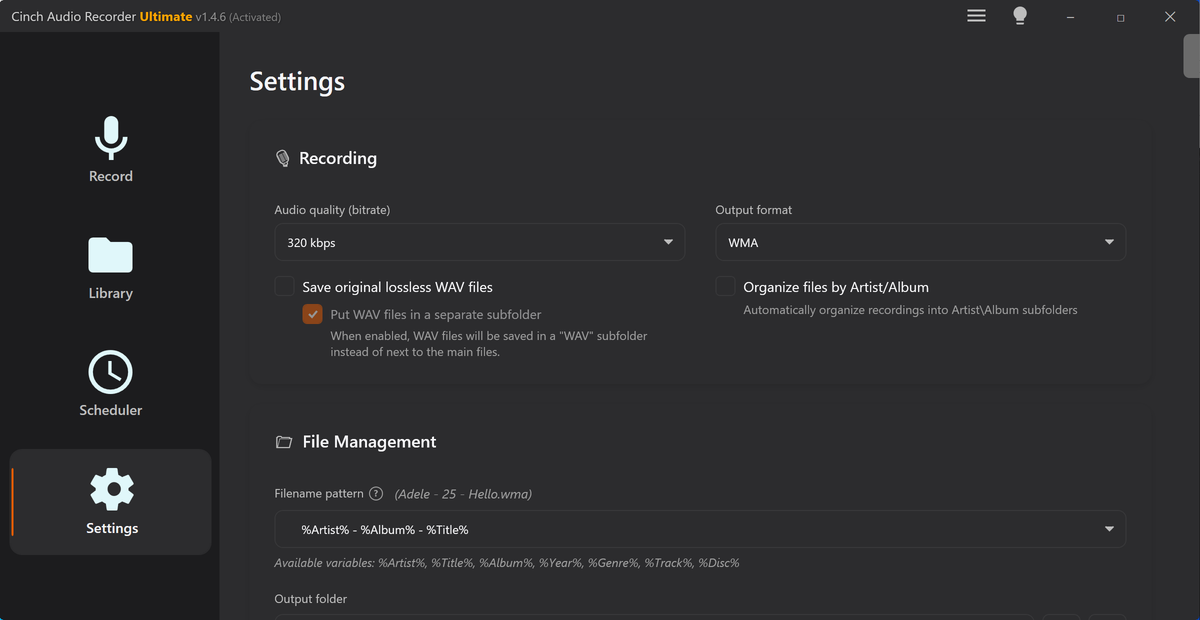
Trim background music, make clean loops, add fades, normalize level, convert format, and prepare safe playback copies.
Read this guide 
Prepare recorded audio for car USB playback with format conversion, tag fixes, volume checks, mono copies, and test folders.
Read this guide 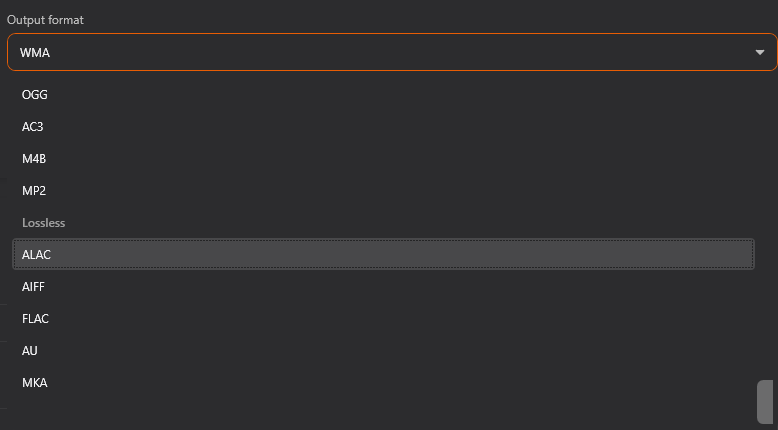
Check event audio, trim cues, normalize playback level, add fades, convert format, estimate size, and test copies.
Read this guide Prepare calmer bedtime audio copies with trimmed starts, tamed spikes, gentle fades, and safer playlist order.
Read this guide Inspect field recordings, trim useful moments, reduce steady noise carefully, normalize copies, add fades, and label locations.
Read this guide Trim language audio, slow difficult sections, remove safe silence, normalize speech, split lessons, and label practice copies.
Read this guide 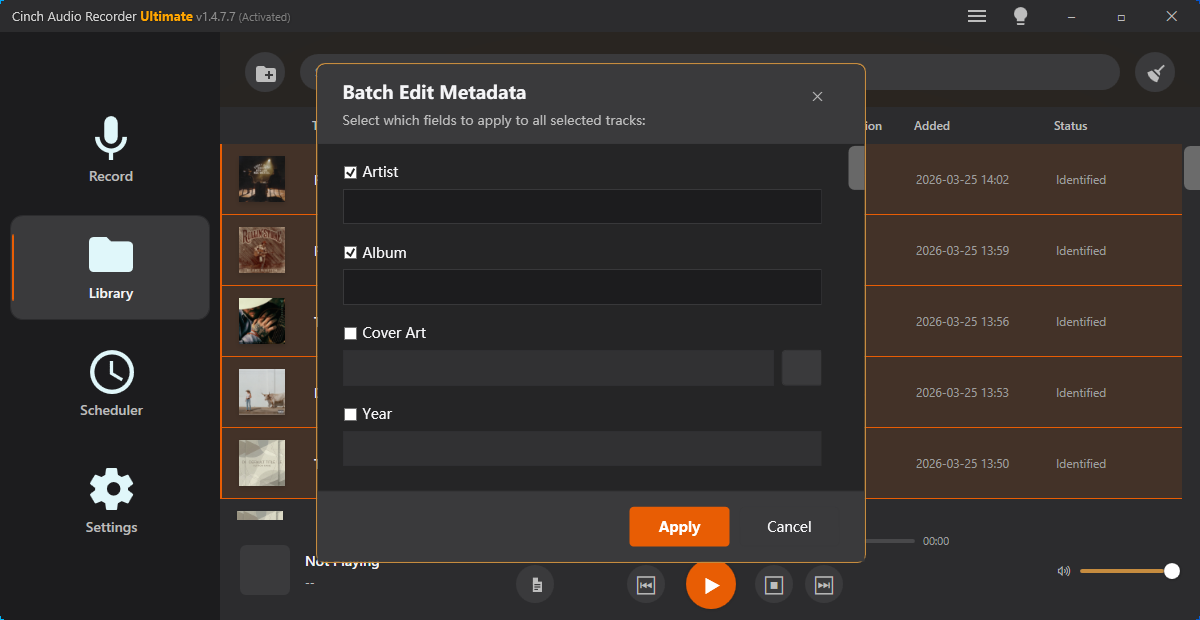
Check lecture audio, trim dead time, remove safe silence, split sections, adjust speed, and label study files.
Read this guide Check meeting audio, trim useful sections, remove safe silence, split topics, normalize speech, and label review copies.
Read this guide 
Prepare mono-compatible audio copies that keep important voice, music, and effects audible on one speaker.
Read this guide Make a safer private audio sharing copy with minimum context, checked playback, clean labels, and preserved source.
Read this guide Prepare product demo audio that proves one feature or outcome quickly without private source material or unfair loudness.
Read this guide 
Trim sleep audio, reduce sudden loud spikes, normalize level, remove rough noise, and make bedtime listening safer.
Read this guide Build a cleaner USB audio folder with readable names, safer MP3 copies, checked volume, and simple playback testing.
Read this guide 
Check voiceover audio, trim mistakes, reduce steady noise, normalize narration, add fades, and export video-ready copies.
Read this guide Trim lesson audio, clean obvious issues, split modules, normalize narration, add fades, and export course-ready copies.
Read this guide Prepare webinar replay audio with clean sections, preserved context, safer pauses, labels, and upload copies.
Read this guide 
Record a short audio message that is clear, trimmed, easy to open, and appropriate for the recipient.
Read this guide 
Shorten long audio for review by checking quality, trimming waste, removing safe dead air, and labeling copies.
Read this guide Sort songs by BPM and key with verified estimates, practice sections, speed copies, and safer labels.
Read this guide Sort unknown audio files by clues such as duration, metadata, waveform, quality, and safe review clips.
Read this guide Inspect audio metadata, check quality, view waveform clues, test format issues, and collect clear support evidence.
Read this guide Turn one long recording into useful sections with quality checks, chapter splitting, trimming, naming, and metadata cleanup.
Read this guide Sync two recordings with shared cues, drift estimates, source-safe test clips, and start-middle-end checks.
Read this guide The Cinch approach
Each article is written to help readers solve a real audio-saving problem first, then understand where Cinch Audio Recorder fits when they need a cleaner desktop workflow.