

How to Make Audio Easier to Hear on Phone Speakers
Make voice, music, and clips easier to hear on phone speakers without harsh boosting or distorted mono playback.
Read this guide
Cinch Audio Recorder Journal
Clear, tested guidance for recording streaming music, saving radio, cleaning noise, choosing formats, and getting the details right.
Make voice, music, and clips easier to hear on phone speakers without harsh boosting or distorted mono playback.
Read this guide 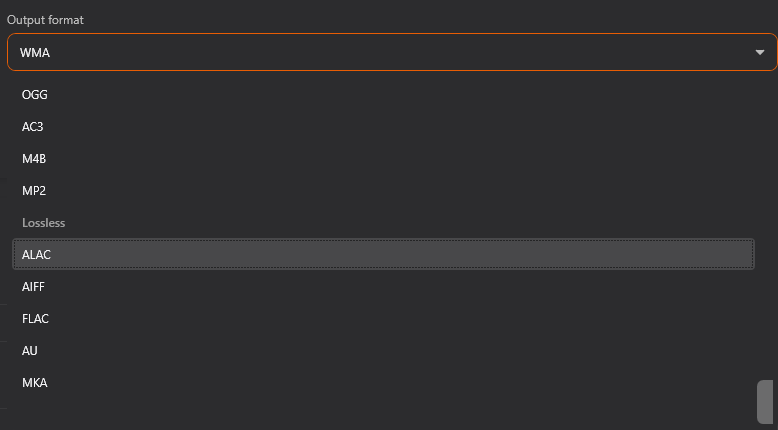
Trim presentation audio, level speech, add fades, convert format, compress file size, and prepare a clean playback copy.
Read this guide 
Choose approved press kit audio, remove private material, and add clear usage notes for journalists.
Read this guide 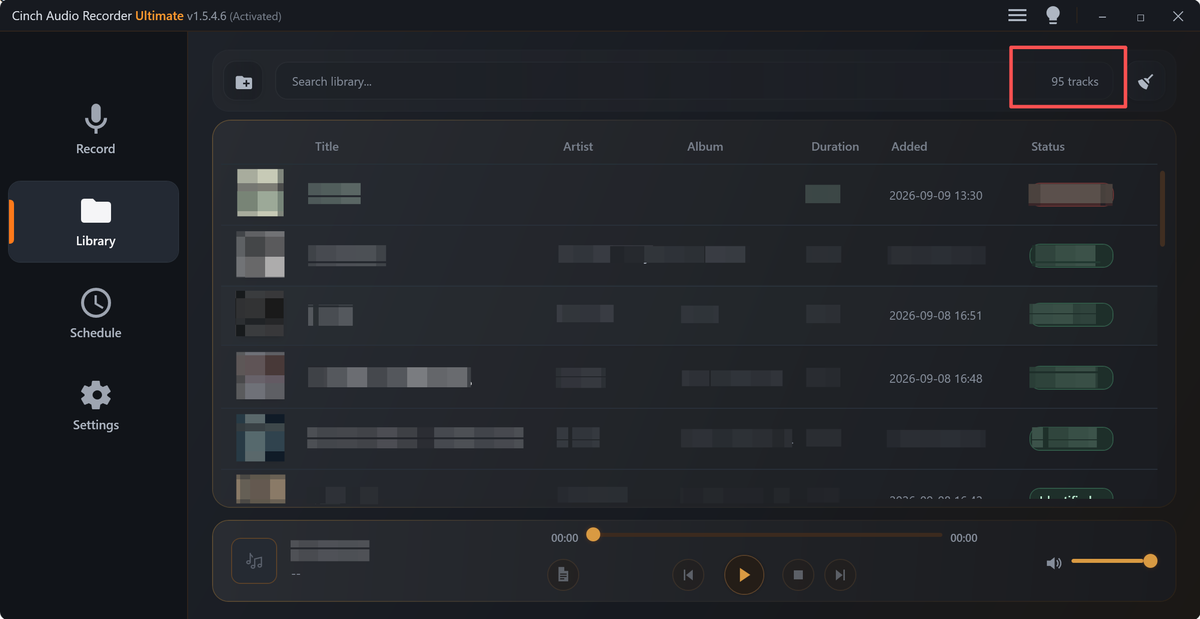
Prepare product update audio that proves one release change without confusing QA samples, customer issues, or marketing claims.
Read this guide 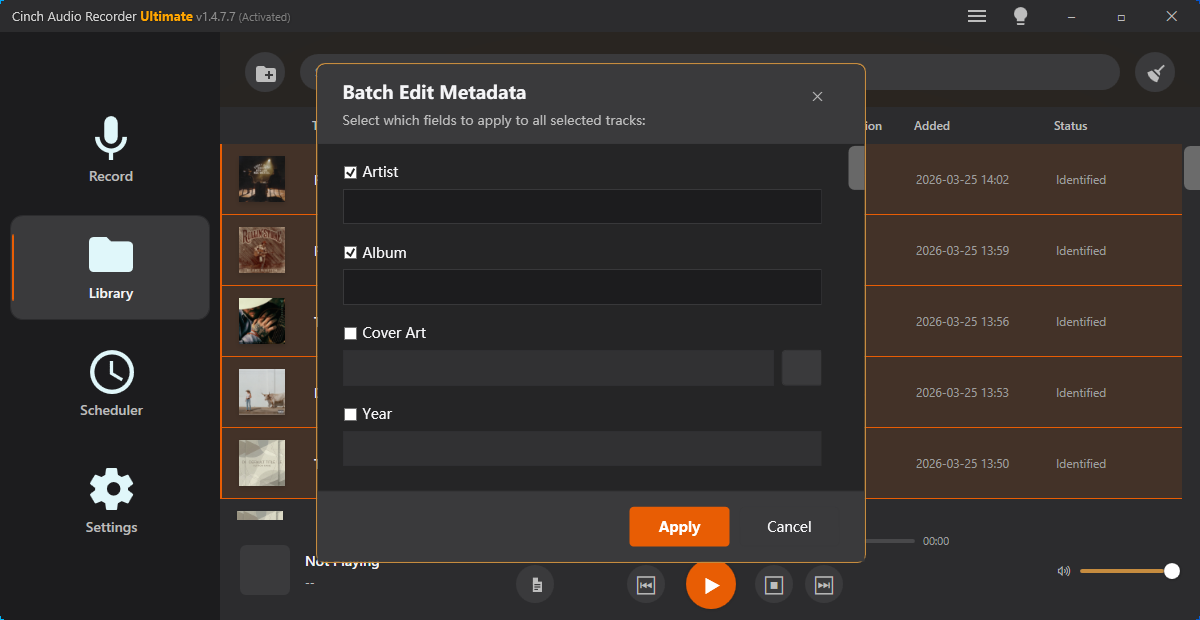
Build stable audio test samples with expected output, defect labels, and repeatable checks for future QA runs.
Read this guide Prepare QR code audio that works on phones with fast starts, practical size, clear context, and tested final links.
Read this guide Prepare renewal email audio that proves value while avoiding private account details, unfair comparisons, and unsupported claims.
Read this guide Package reviewer audio with clean metadata, approved proof clips, claim limits, and a simple listening order.
Read this guide Prepare short approved audio samples that answer buyer questions about sound quality, setup, metadata, or playback problems.
Read this guide Prepare audio for school submission with clear speech, trimmed sections, compatible format, smaller size, and labels.
Read this guide 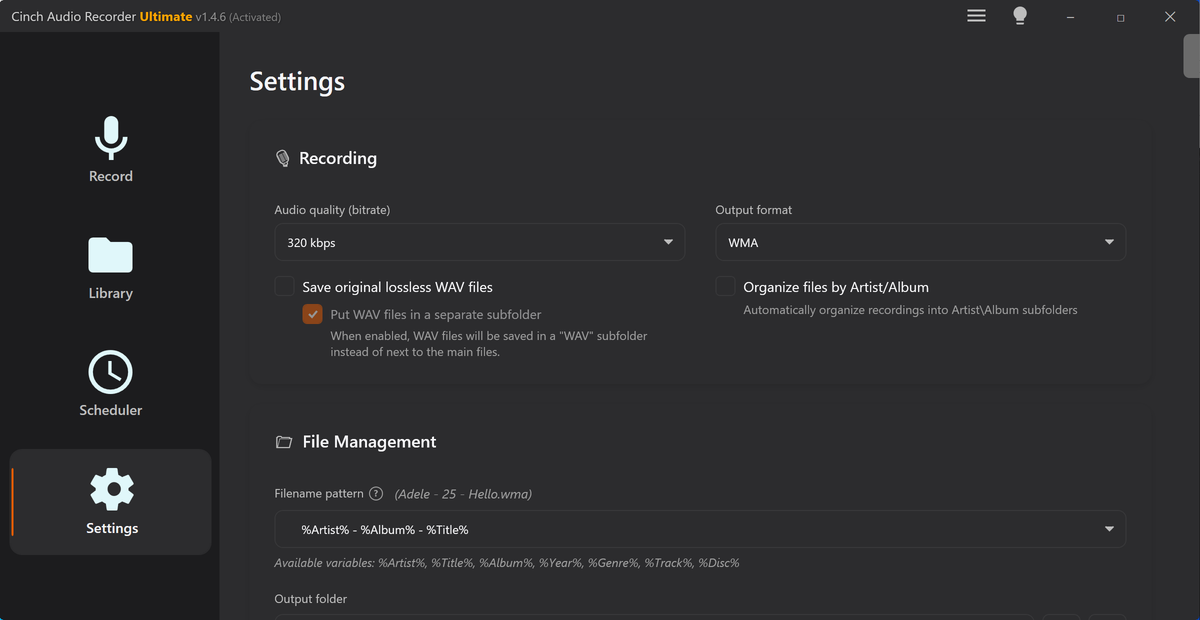
Prepare short ad audio with fast starts, clear voice, clean endings, practical file size, and review-ready labels.
Read this guide Create a short follow-up audio sample that answers one buyer question with context, consent, and a clear next step.
Read this guide Prepare support article audio examples that teach one issue safely, using recreated samples when customer evidence should stay private.
Read this guide Create short reproducible audio samples for escalation with expected results, actual results, timestamps, and safe context.
Read this guide Prepare a support reply audio clip that proves one point, protects private context, and tells the customer what to check next.
Read this guide 
Check speech before transcription, trim unrelated audio, keep speaker context, reduce steady noise carefully, and label upload copies.
Read this guide Prepare team review audio with short context clips, version labels, quality checks, waveform notes, and safe copies.
Read this guide Prepare troubleshooting email audio that shows one reproducible symptom, protects private labels, and tells support where to listen.
Read this guide Prepare tutorial page audio that matches one lesson step, teaches the expected result, and avoids private or misleading examples.
Read this guide Prepare audio for upload forms with checked duration, cleaner starts, safer formats, smaller copies, and clear filenames.
Read this guide Prepare website audio embeds with trimmed clips, clear levels, useful metadata, waveform visuals, and smaller delivery copies.
Read this guide Prepare an audio handoff package with clean copies, notes, labels, short samples, and files teammates can actually review.
Read this guide Prepare audio portfolio samples with focused clips, clear levels, useful labels, waveform visuals, and smaller files.
Read this guide Prepare an audio sample pack with selected clips, consistent levels, clear names, metadata, and smaller copies.
Read this guide The Cinch approach
Each article is written to help readers solve a real audio-saving problem first, then understand where Cinch Audio Recorder fits when they need a cleaner desktop workflow.