

Turn Interview Audio Into Fair Quote Clips
Create interview highlights that keep quote context, protect speaker intent, clean lightly, and label the clip.
Read this guide
Cinch Audio Recorder Journal
Clear, tested guidance for recording streaming music, saving radio, cleaning noise, choosing formats, and getting the details right.
Create interview highlights that keep quote context, protect speaker intent, clean lightly, and label the clip.
Read this guide 
Decide whether audio is fixable or should be rerecorded by testing content, clipping, noise, levels, and purpose.
Read this guide 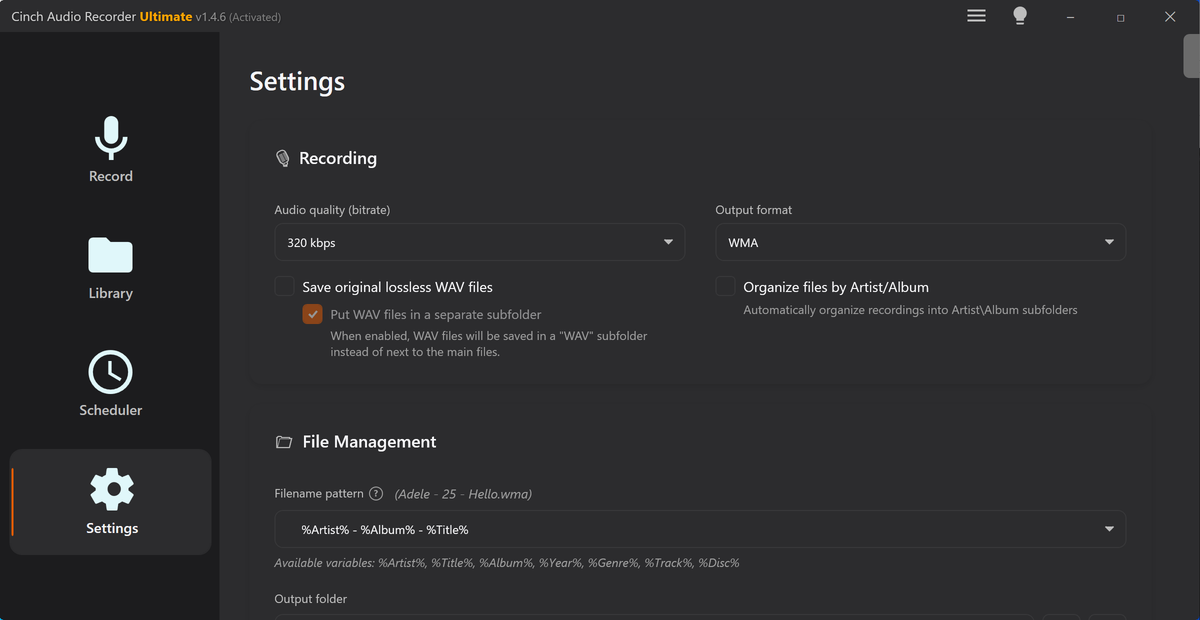
Diagnose noisy audio by matching listening symptoms with waveform clues, spectrogram patterns, and safe test clips.
Read this guide 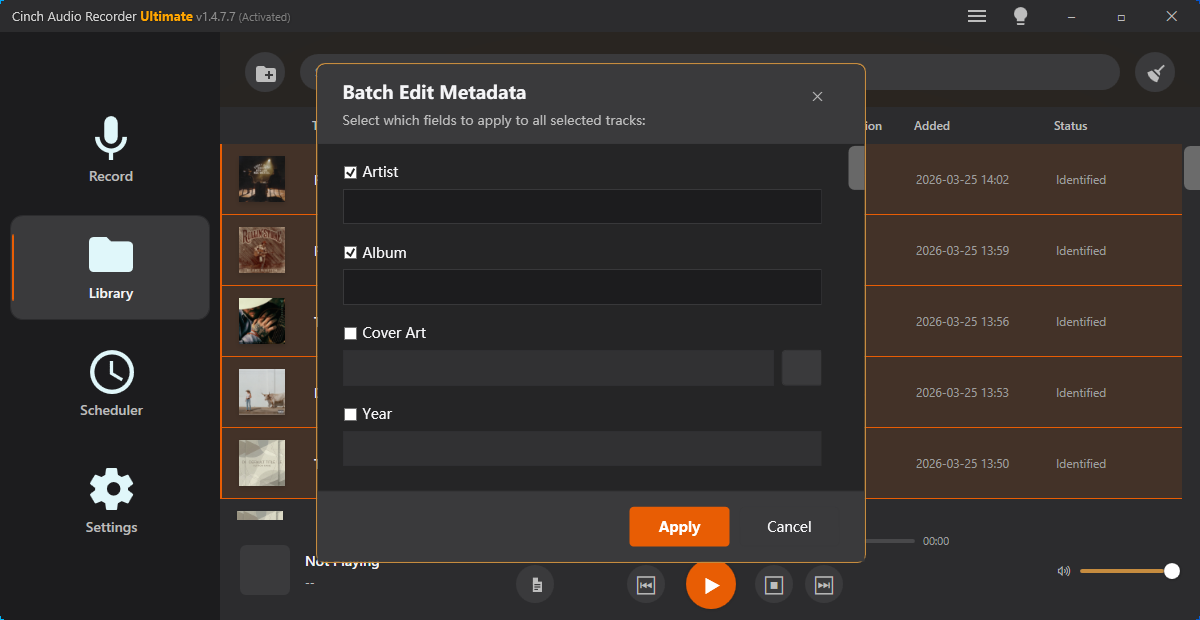
Extract audio from video, verify the track, trim useful sections, choose format, and label the final copy.
Read this guide Inspect tags, fix verified fields, add cover art, and avoid labeling the wrong audio copy.
Read this guide 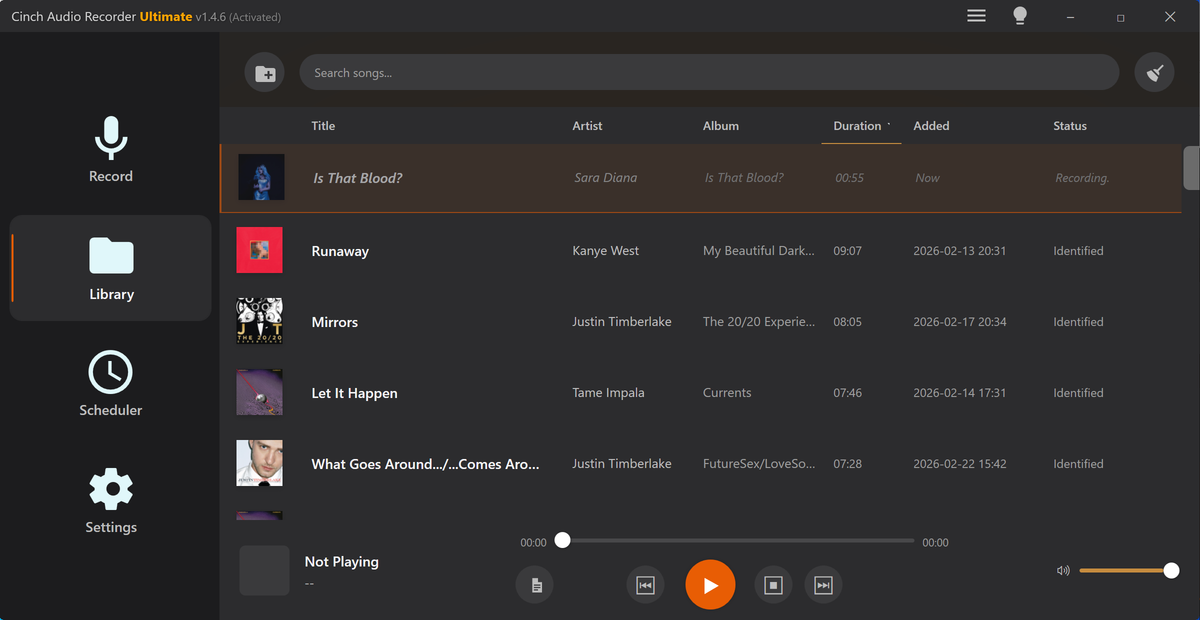
Check stereo imbalance, rebalance left and right audio, convert to mono when needed, normalize, and verify playback.
Read this guide 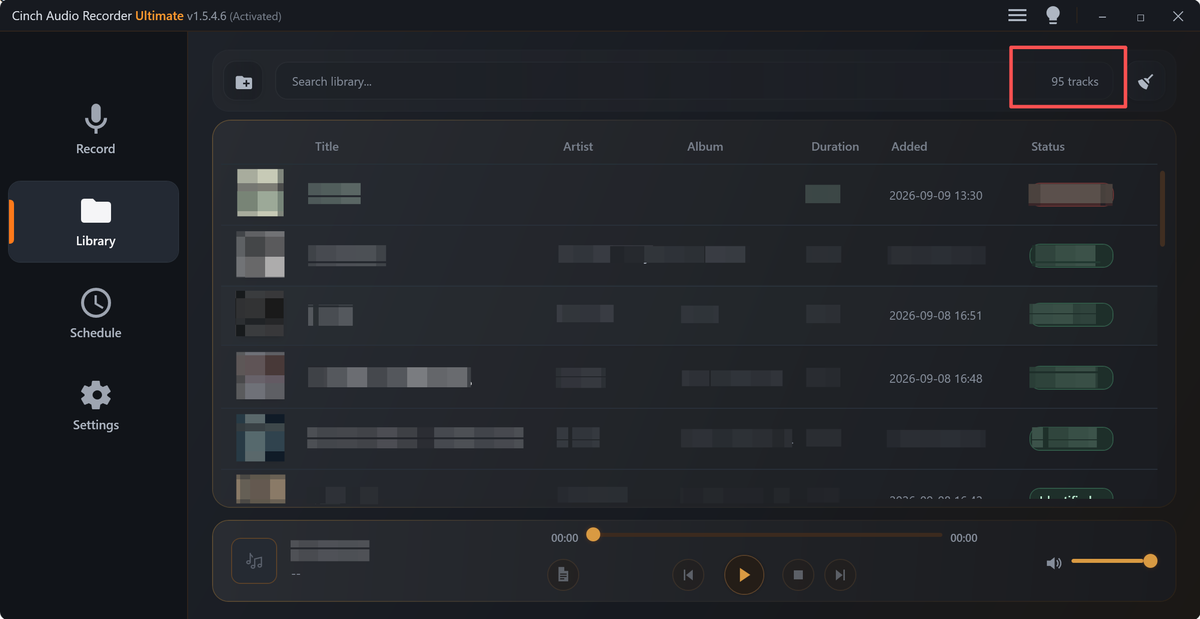
Check quiet recordings, trim noise, reduce hiss, normalize volume, boost carefully, and avoid clipping.
Read this guide Clean voice recordings, reduce steady noise, find mouth clicks, trim dead air, normalize volume, and check podcast balance.
Read this guide Level audio copies for steadier playback with source safety, realistic listening tests, and clear labels.
Read this guide Write audio quality review notes with file identity, timestamps, listening impact, evidence, and next actions.
Read this guide 
Trim audio, check quality, generate waveform images or videos, and prepare cleaner visuals for posts, notes, or support.
Read this guide Make podcast clips with one clear point, fair context, checked speech, smooth edges, visuals, and labels.
Read this guide Make fair before-and-after audio comparisons with matched sections, equal context, notes, and safe copies.
Read this guide Choose a clean section, trim a recording, add fades, make a ringtone copy, and avoid harsh starts or wrong formats.
Read this guide Turn one clear audio moment into a social post with the right clip, visual format, playback test, and sharing copy.
Read this guide Isolate a support audio problem, inspect file details, add waveform evidence, compress a copy, and explain what changed.
Read this guide Manage audio versions with source protection, role labels, review exports, comparison samples, and final checks.
Read this guide Merge audio segments in order, check joins, fix rough edges, level the copy, and label the final file.
Read this guide Organize music practice files with BPM/key notes, section clips, speed copies, labels, and source safety.
Read this guide Organize radio show recordings with preserved masters, section splits, pacing-safe trims, labels, and listening copies.
Read this guide Estimate recording time, file size, bitrate tradeoffs, test captures, and backup space before a long session.
Read this guide Plan voiceover ducking so narration stays clear, music supports the message, and small-speaker tests pass.
Read this guide Prepare an audio backup folder with source protection, playback checks, size planning, and clear copy roles.
Read this guide Plan audio folder cleanup with originals, review copies, duplicates, storage estimates, and safer labels.
Read this guide The Cinch approach
Each article is written to help readers solve a real audio-saving problem first, then understand where Cinch Audio Recorder fits when they need a cleaner desktop workflow.