
Save Family Voice Recordings Without Losing Context
 By HenrikUpdated Aug 7, 20266 min read
Preserve family recordings, make safer listening copies, keep context, and label voices without overwriting originals.
Family recordings are not just audio files. They may contain voices, stories, rooms, accents, and moments you cannot record again. That changes the workflow: preserve first, improve second.
Use this guide for old voice memos, cassette transfers, family interviews, memorial recordings, children speaking, oral-history clips, or personal audio archives.
Make the Review Copy Easy to Trust
| Checkpoint | Tool | Why it matters |
|---|---|---|
| 1 | Audio Metadata Viewer | Check duration, format, file size, and existing labels. |
| 2 | Recording Quality Checker | Confirm the file has usable speech and no obvious silent failure. |
| 3 | Audio Trimmer | Trim copies, not originals. |
| 4 | reduce hiss and hum in voice recordings | Reduce steady hiss or hum gently. |
| 5 | Audio Normalizer | Make speech easier to hear on normal speakers. |
| 6 | Audio Chapter Splitter | Split long conversations into people, topics, or dates. |
| 7 | Audio Metadata Editor | Add names, dates, locations, or notes after the listening copy is ready. |
The main rule: never overwrite the only copy.
Step 1: Make a Preservation Copy
Before editing, duplicate the file outside the browser workflow. Keep one folder for originals and another for listening copies.
A simple folder pattern works well:
originalsclean-listening-copiesnotes
Do not rely on memory for names and dates. Add a small text note if you know who is speaking or where the recording came from.
Step 2: Inspect Before Cleaning
Use the Audio Metadata Viewer and Recording Quality Checker to understand the file before editing.
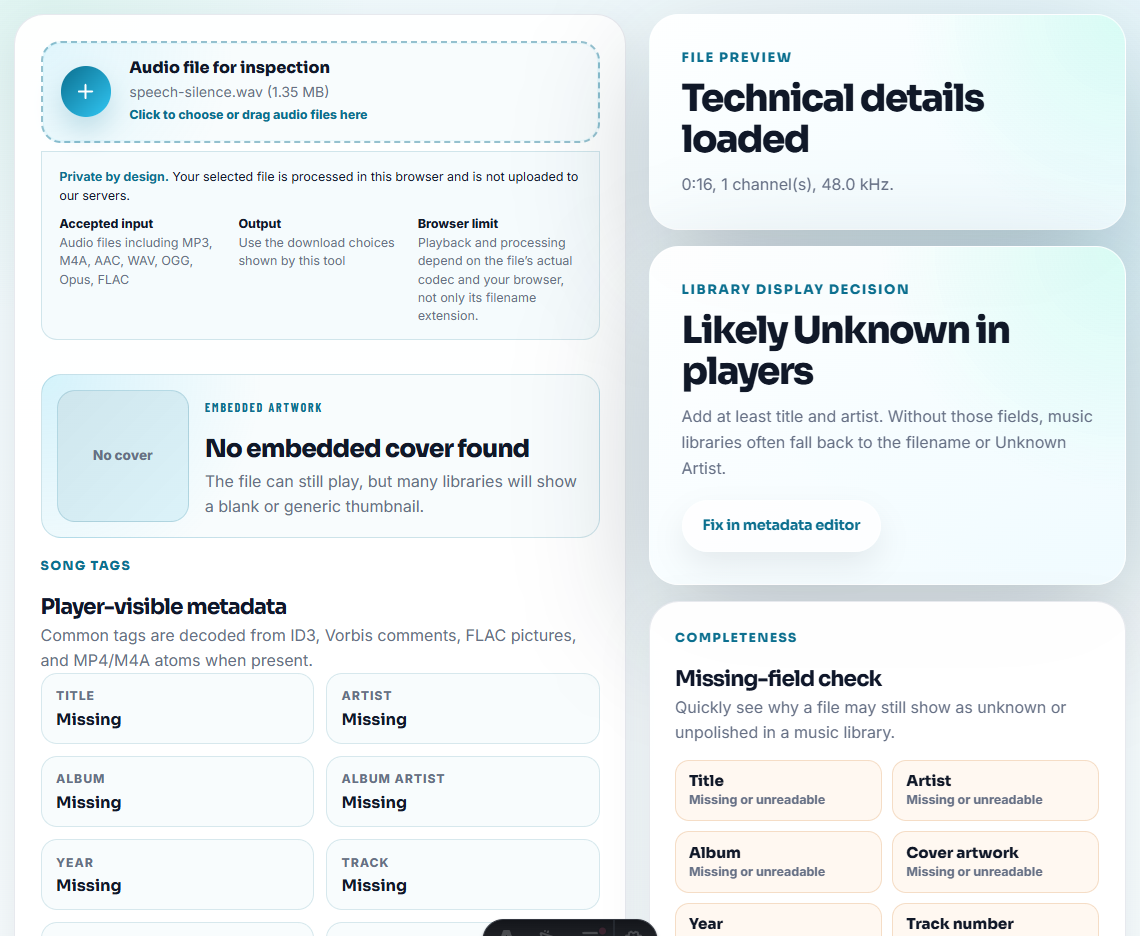
Check:
- Duration.
- Format.
- File size.
- Whether speech is present.
- Whether a section is silent.
- Whether loud peaks are harsh.
If a recording is fragile or important, make an extra backup before processing.
Step 3: Trim Only the Listening Copy
Use the Audio Trimmer on a copy to remove blank starts, transfer noise, or accidental endings. Avoid cutting too tightly around speech. A small amount of room tone can make old recordings feel natural.
Step 4: Reduce Noise Gently
Use reduce hiss and hum in voice recordings only when steady hiss or hum distracts from the voice. Do not chase perfect silence.
Over-cleaning can make voices sound artificial. For family audio, intelligibility and authenticity matter more than polished production.
Step 5: Normalize for Listening
Use Audio Normalizer after trimming and optional noise cleanup. The goal is to make voices easier to hear without creating harsh peaks.
Test the copy on the device family members will actually use: phone, laptop, speaker, or car.
Step 6: Split Long Recordings
Use Audio Chapter Splitter if one file contains multiple stories, people, or dates. Split only where the meaning changes.
Good labels include:
- Person speaking.
- Approximate date.
- Topic.
- Location.
- Source device.
Step 7: Add Useful Labels
Use Audio Metadata Editor for the listening copy. If metadata is not shown in your player, clear filenames are even more important.
A practical filename: 1998-grandma-kitchen-story-about-school.mp3.
Decide What Should Stay Authentic
Family archives are different from ordinary cleanup jobs because some “imperfections” are part of the memory. Before editing, decide what should be preserved, copied, or gently improved.
| Recording detail | Preserve in original | Change only in listening copy | Why it matters |
|---|---|---|---|
| Room tone, laughter, background family voices | Yes | Trim only if unrelated or distracting | These details may explain place, people, or mood. |
| Long blank start from a tape transfer | Yes | Trim for easy listening | The original proves the transfer, while the copy is easier to play. |
| Steady hiss or hum | Yes | Reduce gently if speech becomes clearer | Over-cleaning can make old voices sound unnatural. |
| Names, dates, or family context | Keep in notes | Add carefully to filenames or metadata | Future listeners need context more than perfect audio. |
If you are unsure, keep more context in the preserved source and make a shorter listening copy for everyday use.
Be Careful With Names and Sensitive Stories
Family audio often contains details that feel harmless inside the family but should not travel widely. Clean audio copies should make memories easier to hear without exposing more than intended.
| Detail in the recording | Archive privately | Put in filename? | Safer note |
|---|---|---|---|
| Full names of living relatives | Yes | Usually no | Use first name plus relationship if needed. |
| Medical, financial, or conflict stories | Yes | No | Keep a private note outside the shared copy. |
| Child voices | Yes | Only with family agreement | Label by event or year instead of full identity. |
| Unknown speaker | Yes | No guesswork | Use unknown-speaker until confirmed. |
| Exact home address or phone number | Yes | No | Trim from sharing copy if not part of the memory. |
This matters because archive files are often forwarded years later. A careful label helps future listeners while respecting people who did not expect the recording to be public.
When a Quick Local Check Is Enough
For family voice recordings, browser tools are enough when you are making a safer listening copy or checking whether a file still plays. Keep the original capture untouched, preserve dates and names, and avoid over-cleaning background details that may matter later.
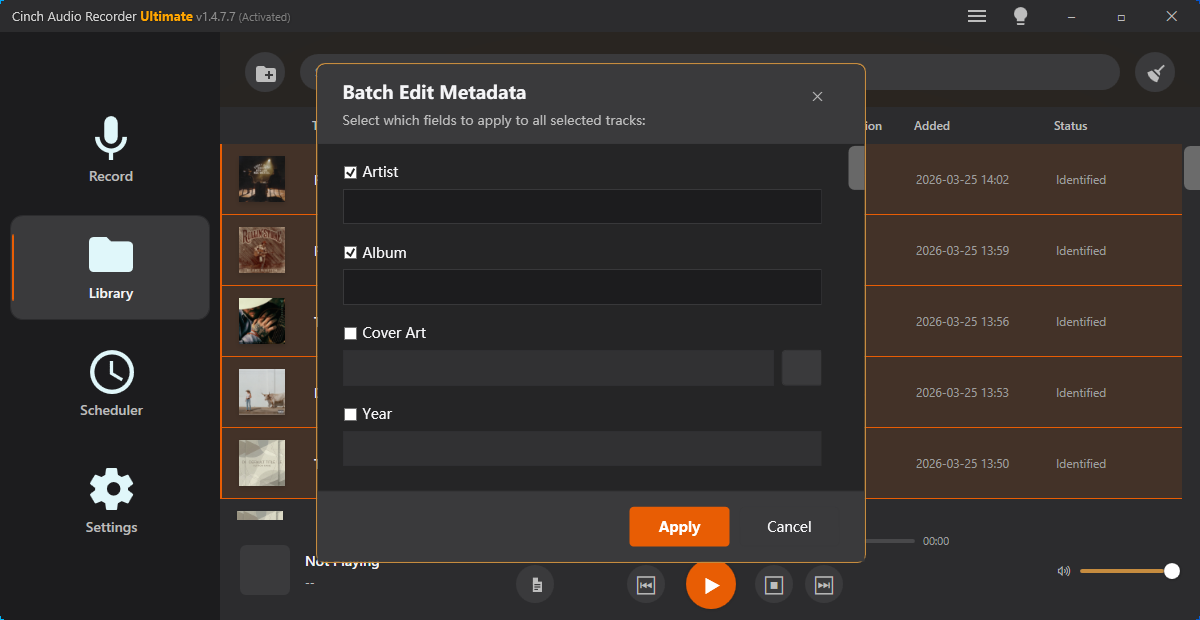
For new recordings from online sources, Cinch Audio Recorder is better suited to capture and organize audio before you make archive copies.
Related File Prep Guides
- Audio Metadata Viewer
- Recording Quality Checker
- Audio Trimmer
- reduce hiss and hum in voice recordings
- Audio Normalizer
- Audio Chapter Splitter
- Make Quiet Audio Loud Enough Without Clipping
Last Review Points
How should I clean old family voice recordings?
Keep the original, check whether the recording is complete, trim only copies, reduce steady noise gently, normalize speech, split meaningful sections, and label each file clearly.
Should I remove all background noise from family audio?
No. Remove only distracting steady noise when it helps. Room tone and natural background sound can be part of the memory.
What is the safest way to archive family recordings?
Keep an untouched original, create cleaned listening copies, use clear filenames, store notes separately, and avoid overwriting files during cleanup.