
Send Product Reviewers Audio They Can Trust
 By HenrikUpdated Aug 7, 20266 min read
Package reviewer audio with clean metadata, approved proof clips, claim limits, and a simple listening order.

Reviewer kit audio should help a reviewer understand the product, feature, or result without digging through messy source material. The best kit is small, labeled, and honest about what each file proves.
That is different from sending every recording you have. Reviewers need fast context: what to listen to, why it matters, and which file is the approved example.
Decide What the File Must Prove
| Pass | Tool to open | Check to make |
|---|---|---|
| 1 | Audio Metadata Viewer | Inspect duration, format, size, and hidden labels. |
| 2 | Recording Quality Checker | Catch silence, clipping, missing endings, or weak levels. |
| 3 | Audio Trimmer | Cut each reviewer clip to one clear proof point. |
| 4 | Audio Normalizer | Make review copies easier to hear without changing the story. |
| 5 | Audio Waveform Generator | Add a visual cue when a reviewer should notice timing or peaks. |
| 6 | Audio Compressor | Create smaller sharing copies after approval. |
| 7 | Audio Metadata Editor | Add product, feature, version, and review-status labels. |
The kit should be easy to scan before anyone presses play.
Step 1: Decide What the Reviewer Needs
Start by choosing the review purpose:
- Hear a product output sample.
- Compare before and after audio.
- Inspect a specific feature result.
- Confirm playback on a target device.
- Review a short public proof clip.
- Understand which example supports a claim.
If a file does not support one of those jobs, leave it out of the reviewer kit.
Step 2: Inspect the Files Before Packaging
Use Audio Metadata Viewer to check whether files have old names, private project labels, unexpected formats, or long durations.
Use Recording Quality Checker to catch avoidable playback issues before they become part of the review.
Step 3: Trim Each Clip to One Proof Point
Use Audio Trimmer on copies. Keep each clip focused:
- One feature result.
- One before-and-after comparison.
- One sound example.
- One problem and one fixed copy.
- One section that matches the reviewer note.
Reviewers should not have to scrub through a long file to find the point.
Step 4: Make the Kit Fair
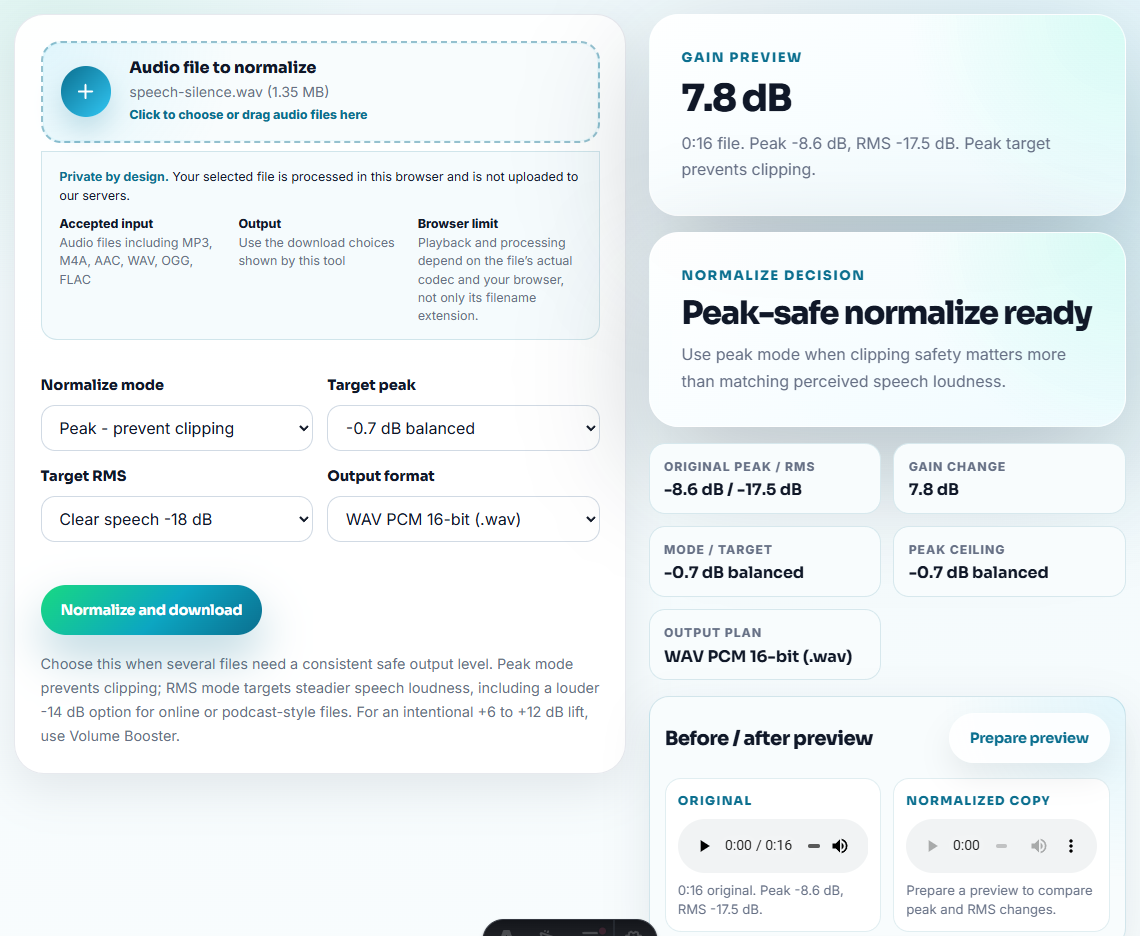
Use Audio Normalizer only when a clip is too quiet for normal review. Avoid making one version louder just to make it seem better.
Use Audio Waveform Generator when the reviewer needs a quick visual reference for silence, cuts, peaks, or timing.
Step 5: Create Delivery Copies
Use Audio Compressor after the kit is approved, especially when sending files through email, a review form, or cloud sharing.
Use Online Audio Format Converter only when the reviewer cannot open the source format. Keep the source and converted copies in separate folders.
Step 6: Label the Reviewer Kit
Use filenames that describe the review task:
reviewer-kit-feature-output-sample.mp3
before-after-cleanup-comparison-approved.mp3
product-demo-short-proof-clip.mp3
review-copy-device-playback-test.mp3
Use Audio Metadata Editor to add product, feature, version, public-status, or reviewer-note labels when files may be downloaded.
Give Reviewers a Listen-First Order
A reviewer kit should remove friction. Put the most useful, safest clip first and make the rest optional.
| Reviewer need | First file to include | Supporting note |
|---|---|---|
| Understand the product result. | Short approved demo output. | What the reviewer should listen for. |
| Compare before and after. | Matched comparison pair. | Whether level changes are part of the result. |
| Check a feature claim. | One clip tied to one claim. | Claim boundary and version context. |
| Test playback or compatibility. | Small device-test copy. | Target device, browser, or format expectation. |
This makes the kit more credible because the reviewer can inspect evidence in a deliberate order.
Build the Kit Around Review Decisions
A reviewer kit is stronger when each file answers a review decision. Do not make the reviewer infer the purpose from the audio alone.
| Kit section | Include | Reviewer decision |
|---|---|---|
| Start here | One approved short demo clip. | Does the result make sense without extra explanation? |
| Compare | Matched before-and-after pair. | Is the difference fair and easy to hear? |
| Verify claim | One clip tied to one page or product claim. | Does the evidence support the wording? |
| Check constraints | Device, browser, or file-size test copy. | Does the sample work in the expected environment? |
| Optional source | Source reference, not the full raw folder. | Is more context needed before publishing? |
This turns the kit from a media folder into a reviewer path. The user knows which file to open first and what judgment to make.
Quality Checks Before You Send Product Reviewers Audio They Can Trust
- Do not send every source recording.
- Do not mix draft, approved, and old clips without labels.
- Do not hide weak source quality by making the output copy louder.
- Do not expose internal filenames, customer names, or private notes.
- Do not compress the only source file.
- Do not rely on audio clips without a short written review note.
When Browser Prep Is Enough for Reviewer Kits
Browser prep is enough when a reviewer kit needs a few clearly labeled samples and the reviewer does not need raw source material. Use a larger workflow when the kit includes public claims, unreleased features, permission-sensitive clips, or many reviewer-specific variants.
Use a larger workflow when the kit needs legal approval, customer consent, localization, brand review, formal asset management, or many reviewer-specific variants.
Next Audio Workflow Steps
- Audio Metadata Viewer
- Recording Quality Checker
- Audio Trimmer
- Audio Waveform Generator
- Use Demo Audio to Prove One Product Outcome
- Make Fair Audio Samples for Comparison Pages
Checks Worth Making First
What audio should I send to a product reviewer?
Choose a small set of proof clips, check playback, trim each clip to one point, label versions clearly, and keep source files separate from reviewer copies.
Should a reviewer kit include full raw recordings?
Usually no. Send raw files only when the reviewer needs them. Short, labeled examples are easier to inspect and less likely to confuse the review.
What should I check for reviewer kit audio?
Give reviewers a small set of labeled clips, a listening order, usage notes, and source context without forcing them to sort through raw recordings.