
Identify Unknown Audio Files Before Sorting
 By HenrikUpdated Aug 7, 20266 min read
Sort unknown audio files by clues such as duration, metadata, waveform, quality, and safe review clips.
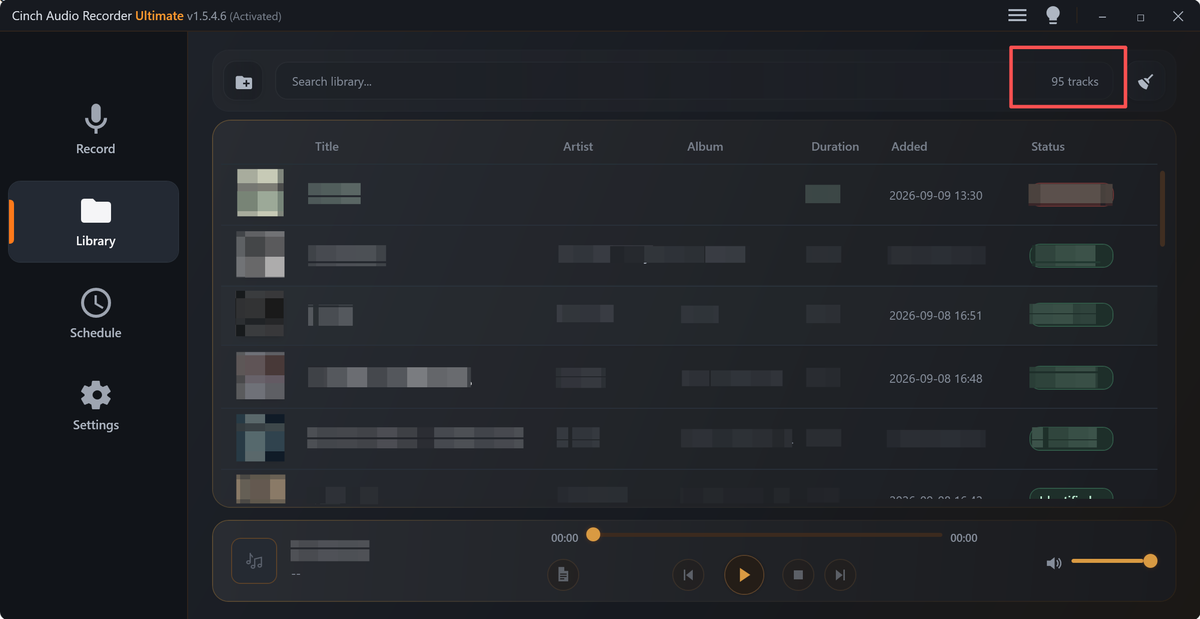
Unknown audio files usually arrive with names that tell you almost nothing: new recording.mp3, audio1.wav, track-003.m4a, or a download name full of numbers. Guessing from the filename can put the wrong recording in the wrong place.
This guide helps you identify files by evidence, then rename and sort copies without damaging the originals.
Use Clues in the Right Order
Unknown audio should be identified from stronger clues first. A filename is often the weakest clue.
| Clue | What it can tell you | What it cannot prove | Best use |
|---|---|---|---|
| Duration | Meeting length, song length, or short sample | Exact subject | First sorting pass |
| Format and channels | Recorder type or export style | Final quality | Separate source from delivery copies |
| Waveform shape | Silence, speech blocks, music, or repeated sections | Speaker identity | Choose what to preview |
| Short listening clip | Topic, language, speaker, or scene | Full file quality | Confirm the label |
| Existing metadata | Old title, date, project, or device hints | Current accuracy | Add evidence, not certainty |
Use the Tools in This Order
| Sequence | Free tool | What to look for |
|---|---|---|
| 1 | Audio Metadata Viewer | Read duration, format, size, channels, and any hidden tags. |
| 2 | Audio Trimmer | Make short review clips when a long file needs quick listening. |
| 3 | Recording Quality Checker | Catch files that are silent, clipped, too quiet, or incomplete. |
| 4 | Audio Waveform Generator | Compare visual shape, silence, peaks, and repeated patterns. |
| 5 | Audio Metadata Editor | Add confirmed labels after the file is identified. |
Treat each clue as partial evidence. The safest label comes from file details plus listening.
Do Not Let One Clue Decide the Folder
Unknown files become dangerous when one weak clue turns into a permanent label. Use at least two signals before renaming or moving a source file.
| Weak clue | Why it can mislead | Confirm with |
|---|---|---|
Filename says meeting | It may be a copied or exported name | Duration plus a short listening clip |
| Metadata has an old title | Tags may have survived from another file | Actual audio content and folder context |
| File is very large | It may include silence or the wrong source | Waveform shape and playback spot check |
| First seconds are silent | Useful audio may start later | Middle and ending review clips |
| Two files look similar | One may be a trimmed or compressed copy | Same timestamp comparison |
Step 1: Sort by Obvious Technical Clues
Start in Audio Metadata Viewer.
Create rough groups:
- Short clips under a minute.
- Long sessions.
- Large source-like files.
- Small compressed copies.
- Mono voice recordings.
- Stereo music or playback recordings.
- Files with useful tags.
- Files with no tags at all.
Do not decide final names yet. The first pass is just to reduce the pile.
Step 2: Listen Without Losing Context
For long files, do not scrub randomly through the whole recording. Use Audio Trimmer to make a small review clip from a copy.
Good review sections:
- The first 20 to 40 seconds after silence.
- A section near the middle.
- The final useful section.
- A place where voices, music, or event cues are clear.
Name review clips like this:
unknown-014-review-middle.mp3
unknown-014-review-ending.mp3
This keeps listening faster without changing the source.
Step 3: Catch Broken Files Before Sorting
Run uncertain files through Recording Quality Checker.
Flag files that are:
- Completely silent.
- Mostly silence with one small section.
- Clipped badly.
- Much quieter than similar recordings.
- Suspiciously short for the event or session.
Do not delete them yet. Mark them as needs-review or broken-but-keep until you know whether another copy exists.
Step 4: Compare Files That May Be Duplicates
Use Audio Waveform Generator when two files may contain the same audio but have different names.
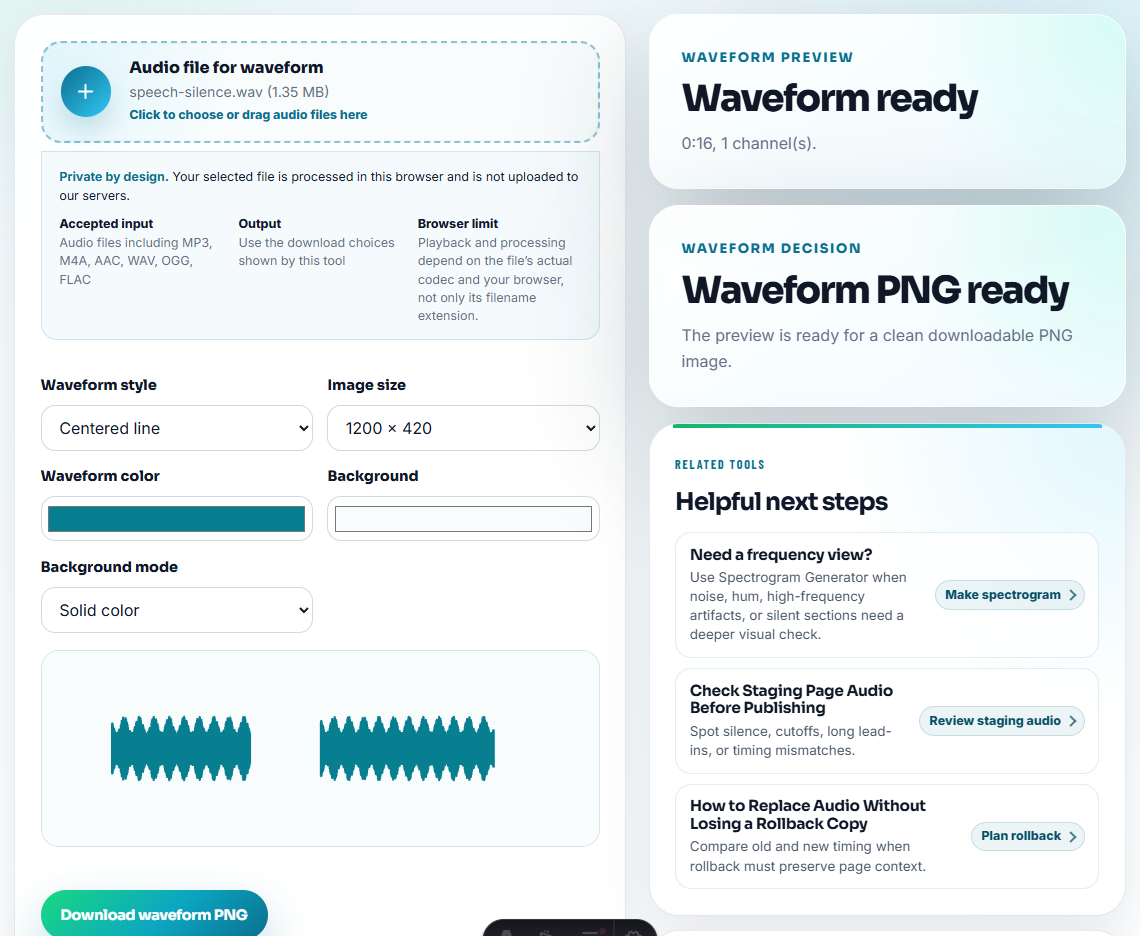
Compare:
- Overall duration.
- Silent starts.
- Loud peak locations.
- Repeated music or speech shape.
- Whether one file looks like a trimmed copy of another.
If one file is clearly a shorter export, label it as a copy instead of treating it as the main source.
Step 5: Rename With a Reversible Pattern
After identification, rename working copies with a pattern that keeps the old uncertainty visible.
Example:
2026-07-12-sales-call-source-from-audio1.wav
2026-07-12-sales-call-review-copy-from-track-003.mp3
2026-07-guitar-practice-idea-from-new-recording.m4a
This makes the new name useful while preserving the old filename clue.
Step 6: Add Confirmed Metadata
Use Audio Metadata Editor only after you are confident.
Useful fields:
- Title.
- Speaker or artist.
- Date.
- Project.
- Source.
- Notes such as original, review copy, trimmed sample, or possible duplicate.
Avoid writing guesses as if they are facts.
Sorting Rules That Prevent Bad Renames
- Do not rename source originals before making a copy.
- Do not sort files by size alone.
- Do not delete possible duplicates before comparing duration and content.
- Do not trust old tags if the audio sounds different.
- Do not create final folders while half the files are still unknown.
- Do not use vague final names such as
good one.mp3.
When Browser Prep Is Enough for Sorting
For unknown audio files, browser tools are useful when you need to identify content, format, duration, or obvious quality problems before filing them. Do not rename everything at once; listen, tag confidence, and keep an unresolved folder for files you cannot identify safely.
Use a larger media-management system when you need automatic fingerprinting, team approval, large archive search, or legal-grade audit history.
Related Fixes and Prep Guides
- Audio Metadata Viewer
- Audio Trimmer
- Recording Quality Checker
- Audio Waveform Generator
- Audio Metadata Editor
- Fix Missing Audio Titles Without Guessing
- Clean an Audio Folder Without Deleting Sources
- Find What Is Worth Keeping in a Messy Audio Folder
Checks Worth Making First
How do I identify unknown audio files?
Check file details, listen to a short safe section, compare duration and waveform clues, review quality issues, then rename only a working copy.
Can I rename unknown audio files right away?
Rename copies only after you have enough clues. Keep the original filename somewhere until you are confident about the file.
Which tools help sort unnamed recordings?
Identify format, duration, obvious content, and likely source before sorting; do not rename unknown recordings as final files too early.