
Check Storage Before a Long Recording Starts
 By HenrikUpdated Aug 7, 20266 min read
Estimate recording time, file size, bitrate tradeoffs, test captures, and backup space before a long session.
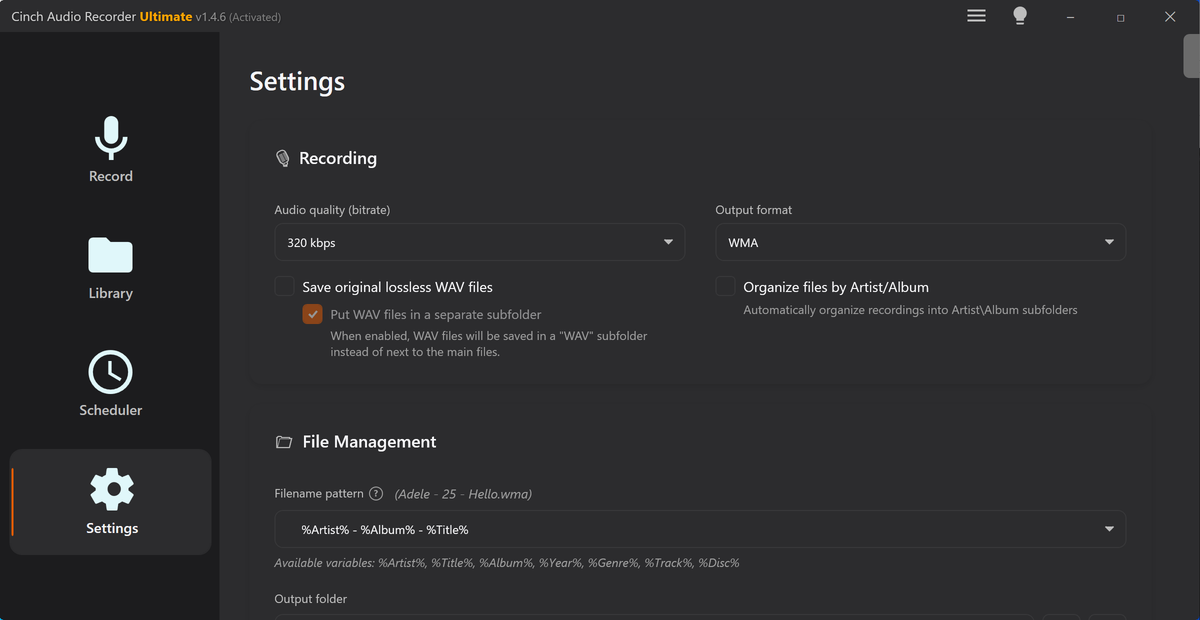
Long recordings fail quietly when storage planning is vague. The session may start fine, then run out of space, create an oversized file, or leave no room for backup copies.
Storage planning is cheaper than rescuing an incomplete recording. Estimate duration and file size before the session, then leave enough headroom for retries and exported copies.
Plan for the Recording After the Recording
The session file is not the only storage need. Plan room for the raw recording, the first backup, and any review copy.
| Recording situation | Storage risk | Plan before starting | After-session copy |
|---|---|---|---|
| Interview or meeting | Session runs longer than expected | Estimate using extra time, not the agenda | Keep raw plus review copy |
| Lecture or webinar | One huge file is hard to move | Leave room for split sections | Create labeled chapters |
| Field capture | Retakes and ambience add up | Budget for multiple takes | Preserve originals by location |
| Music or rehearsal | WAV sources grow quickly | Decide archive vs listening format | Export smaller listening copies later |
| Browser test capture | Wrong source may waste time | Record a short test first | Check test file before the real session |
Check the Copy Before You Change It
| Step | Free tool | What to confirm |
|---|---|---|
| 1 | Recording Time Calculator | Estimate how many hours fit in the available space. |
| 2 | Audio File Size Calculator | Compare file size by duration, bitrate, and format. |
| 3 | Online Audio Recorder | Make a short test capture before the real session. |
| 4 | Recording Quality Checker | Check the test file for silence, clipping, and usable levels. |
| 5 | Audio Metadata Viewer | Confirm the actual test file size, format, channels, and duration. |
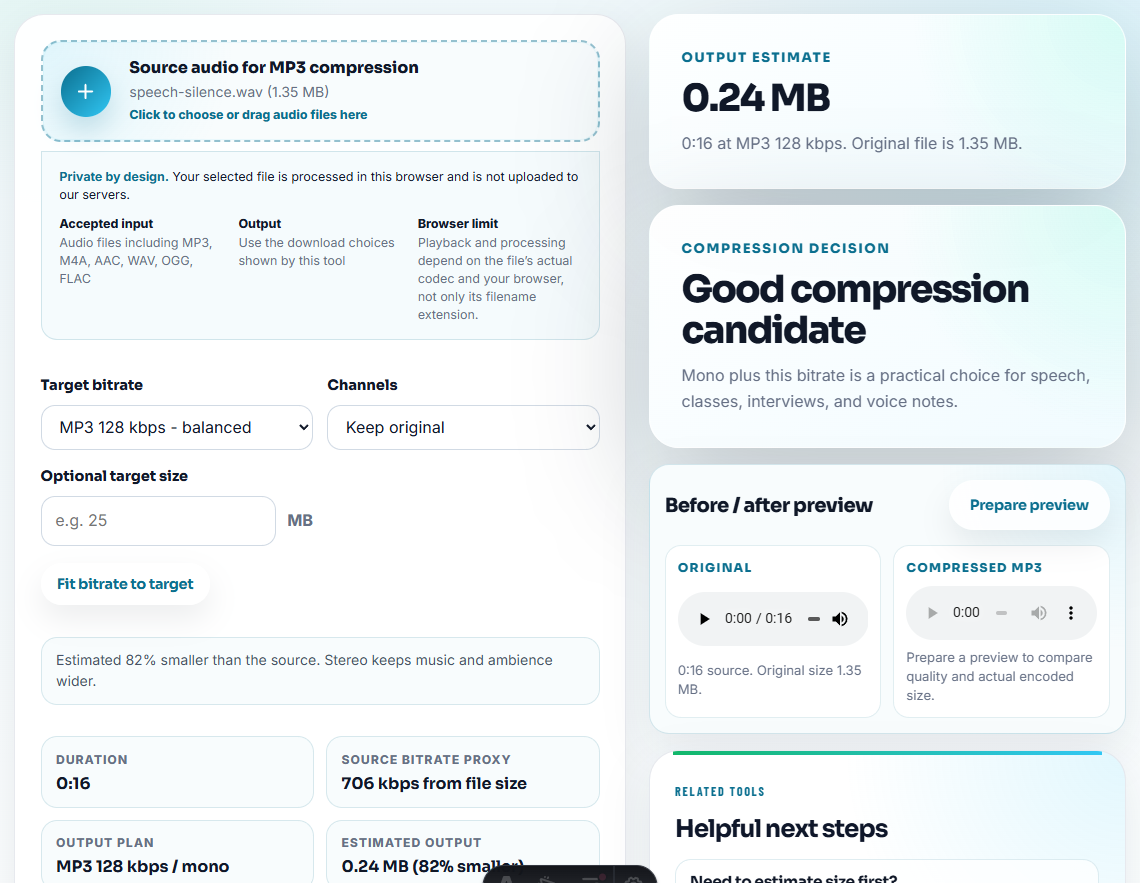
| 6 | Audio Compressor | Create smaller sharing copies after the session, not as the only archive. |
Do the math before recording starts. Storage problems are much harder to solve after an important session has already been missed.
Step 1: Estimate the Maximum Recording Time
Start with the Recording Time Calculator. Enter the storage space you can actually use, not the full disk size.
Leave room for:
- operating system and app temporary files
- a second safety copy
- edited exports
- screenshots, notes, or transcripts
- a session that runs longer than planned
If the estimate is close to the expected session length, the setup is too tight.
Leave Room for the Parts People Forget
The safest storage plan covers more than the main recording. Long sessions create supporting files before and after the final audio exists.
| Forgotten space need | Why it appears | Safer plan |
|---|---|---|
| Test captures | You may need several permission or source checks | Delete failed tests only after the real setup is confirmed. |
| Temporary exports | Editors and browsers may create working files | Keep extra disk space beyond the final file estimate. |
| Backup copy | The first copy protects the session from one bad export | Save the raw file before compressing or splitting. |
| Review version | Listeners often need a smaller file | Budget for at least one compressed copy. |
| Longer-than-planned session | Meetings, interviews, and webinars rarely end exactly on time | Estimate from the maximum possible duration, not the agenda. |
Step 2: Compare Size by Format
Use Audio File Size Calculator to compare MP3, M4A, WAV, or lossless-style storage assumptions. The same session can create very different file sizes depending on format and bitrate.
Use larger source files when the recording is important and may need editing. Use smaller copies for sharing after the source is safe.
Step 3: Make a Short Test Recording
Use Online Audio Recorder for a short browser test when that matches your workflow. Record a minute of the same source, then save the file.
The goal is not just to prove the microphone works. You want to confirm that the real source, browser permission, volume, channel count, and export format behave as expected.
Step 4: Check the Test File
Open the test in Recording Quality Checker. Look for silence, clipped peaks, very low levels, or a file that does not contain the expected source.
Then inspect the file in Audio Metadata Viewer so the planned size estimate matches a real exported file.
Step 5: Separate Archive and Sharing Copies
After the real session, keep the original recording first. Use Audio Compressor only to create smaller delivery copies for email, upload, or review.
Clear folder names help:
2026-07-lecture-originals/2026-07-lecture-review-copies/webinar-source-keep/webinar-compressed-share/
When to Stay With Browser-Based Checks
Browser checks are enough when you are estimating storage for a handful of recordings, comparing a few exported copies, or deciding whether one folder needs cleanup. Keep the original unchanged and move to a controlled review when the files affect public pages, paid work, or customer evidence.
Cinch Audio Recorder is a better fit when you need repeatable desktop recording, saved files, and a clearer path from source capture to organized listening copies.
Useful Follow-Up Steps
- Recording Time Calculator
- Audio File Size Calculator
- Online Audio Recorder
- Recording Quality Checker
- Shorten Long Audio So Reviewers Hear the Point
- Build an Audio Backup Folder You Can Trust
- Avoid a Failed Long Recording Session
- Best settings for long audio recording
- Organize Radio Recordings Into Usable Sections
Quick Checks Before You Finish
How do I plan storage for a long audio recording?
Estimate recording time from available space, compare file sizes by format and bitrate, run a short test recording, then keep extra room for backups and exports.
Should I record a long session as MP3 or WAV?
WAV is larger and easier to preserve for editing. MP3 is smaller and easier to share. Choose based on whether the session is an archive source or a listening copy.
How much extra storage should I leave before recording?
Leave more space than the estimate requires, because temporary files, backup copies, exports, and unexpected session length can use additional storage.