
How to Find Audio Files That Slow a Page Down
 By HenrikUpdated Aug 7, 20266 min read
Review audio size, format, duration, playback, and delivery copies before a public page gets heavier.

Audio can make a page more useful, but it can also make the page heavier than it needs to be. A long source recording, an oversized demo, or a file in the wrong format may still play for you while creating a poor public experience.
Page performance review is not about making every audio file tiny. It is about matching the file to the page job.
Decide If the Page Needs the Full File
Before compressing anything, decide whether the page really needs the current audio length and quality.
| Page use | Keep full file? | Better public copy | Watch out for |
|---|---|---|---|
| Short demo | Usually no | Trimmed clip with clear start | Publishing a long source file |
| Support example | Only if context matters | Focused symptom sample | Losing the exact problem |
| Download resource | Sometimes yes | Clearly labeled delivery file | Wrong format or huge size |
| Case study proof | No, unless required | Approved excerpt | Claim and clip mismatch |
| Internal review link | Maybe | Review copy separate from public copy | Accidentally indexing draft assets |
Use the Tools in This Order
| Step | Free tool | What to confirm |
|---|---|---|
| 1 | Audio File Size Calculator | Estimate whether the file size fits the page, download, or embed use. |
| 2 | Audio Metadata Viewer | Check duration, bitrate clues, format, comments, and source notes. |
| 3 | Recording Quality Checker | Confirm the public copy is audible, complete, and not damaged. |
| 4 | Audio Waveform Generator | Spot long silence, extra lead-in, or sections that make the file longer than needed. |
| 5 | Audio Trimmer | Cut a shorter delivery copy when the page only needs one useful section. |
| 6 | Audio Compressor | Create a smaller public copy after the source and content are approved. |
| 7 | Online Audio Format Converter | Export a compatible delivery copy only when the page needs another format. |
| 8 | Audio Metadata Editor | Add delivery status, page use, source, version, and performance-review notes. |
Pages with demo audio, support samples, tutorial downloads, public embeds, case-study clips, or downloadable examples need audio files that do not quietly slow the page down.
Step 1: Define the Page Job
Before optimizing the file, write down what the audio must do:
page: /support/
audio job: short example for expected playback
visitor need: listen quickly, not download a source archive
source file: source-support-example-original.wav
public copy: support-example-public-v2.mp3
decision: trim and compress delivery copy
If the page only needs a 20-second example, do not publish a five-minute source file.
Step 2: Check Size, Duration, and Format
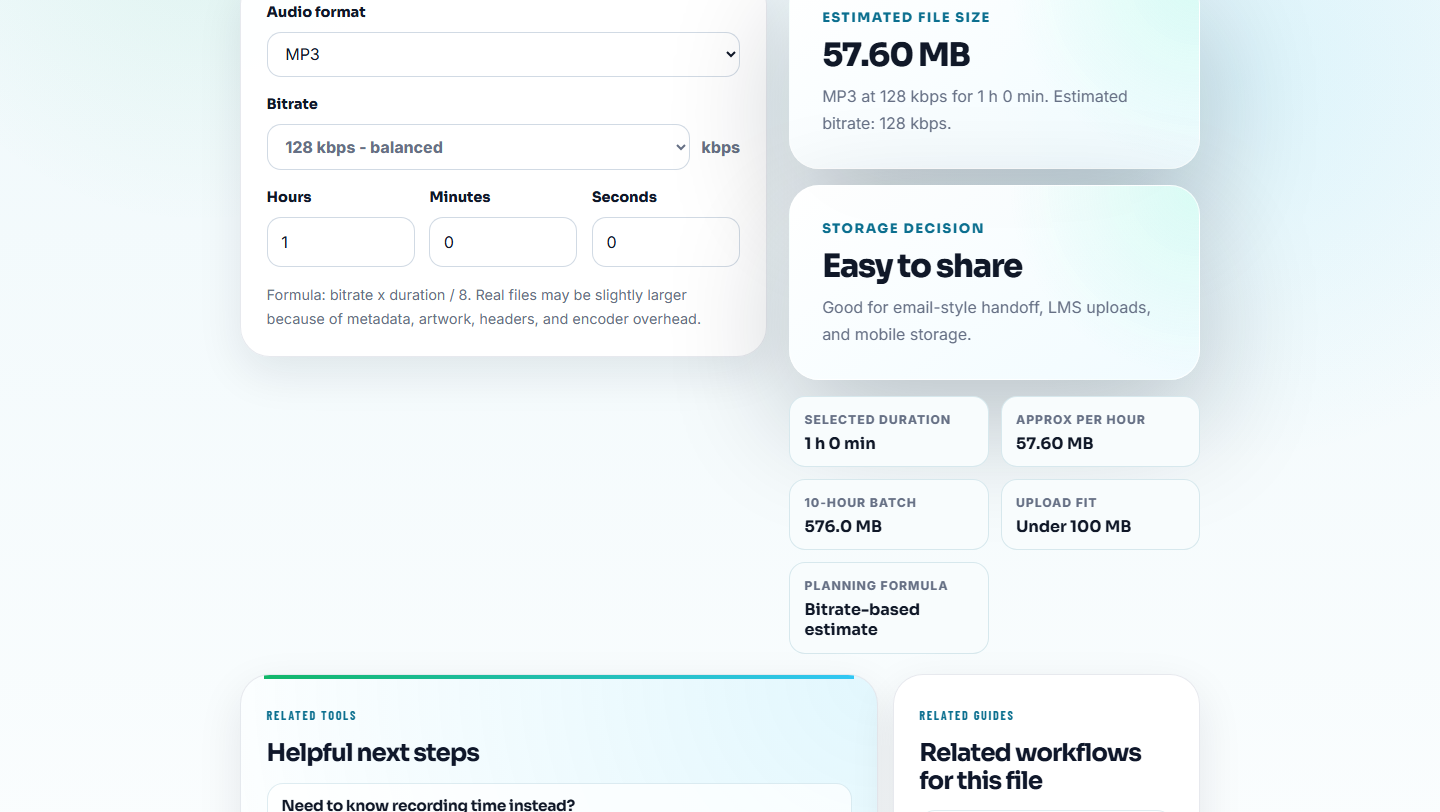
Use Audio File Size Calculator to estimate whether the file is reasonable for the page. Then use Audio Metadata Viewer to inspect duration, format, and existing notes.
Ask:
- Is this a source file or a public delivery copy?
- Is the file longer than the page needs?
- Is the format named correctly on the page?
- Is the file size reasonable for a quick listen?
- Does metadata reveal an old or private use?
Do not compress until you know whether the file belongs on the page.
Step 3: Remove Extra Time Before Compression
If the file includes a long start, ending, or unrelated section, use Audio Waveform Generator to find it. Then use Audio Trimmer on a copy.
Trimming a delivery copy often helps more than aggressive compression because the visitor gets the useful section sooner.
Use filenames such as:
performance-review-demo-trimmed-v2.mp3
performance-review-support-example-public.mp3
performance-review-before-after-short-copy.mp3
Step 4: Check Quality Before and After
Use Recording Quality Checker before publishing the optimized copy. Make sure the smaller file is still understandable and complete.
If compression makes the clip sound distracting, keep a higher-quality delivery copy and solve performance by trimming or changing how the page presents the audio.
Step 5: Create the Delivery Copy
Use Audio Compressor when file size is the main issue. Use Online Audio Format Converter when format compatibility is the issue.
Keep this separation:
source: source-demo-original.wav
review: performance-demo-review-v2.mp3
public: performance-demo-public-v2.mp3
The public file can be small. The source record should remain intact.
Step 6: Label the Decision
Use Audio Metadata Editor to add a note:
Page performance review: public delivery copy. Source: source-demo-original.wav. Page: /support/. Trimmed for short example, compressed for public page.This keeps the next editor from replacing the public copy with a source file again.
Red Flags While You Find Audio Files That Slow a Page Down
- Do not publish source-quality files when the page needs only a sample.
- Do not compress before checking whether the content is correct.
- Do not keep long silence in a public example.
- Do not change the file format without updating page wording.
- Do not overwrite the original source while making a smaller copy.
- Do not assume “smaller” is always better if the clip becomes hard to understand.
When to Stay With Browser-Based Checks
Browser prep is enough when you are checking a few audio assets for size, duration, and obvious delivery problems. Use a formal performance review when the page has many embeds, traffic risk, analytics goals, caching concerns, or product launch timing.
Use a stricter performance workflow when you manage many media-heavy pages, paid downloads, CDN rules, adaptive streaming, or large public audio libraries.
Tools That Pair With This Task
- Audio File Size Calculator
- Audio Compressor
- Move Website Audio Without Breaking References
- Find Every Embedded Audio File Before a Redesign
- Check Download Audio Before Changing Public Links
- QA Public Page Audio Before Users Find Issues
- Check Reused Audio Before It Becomes Outdated
Reader Notes
How can audio affect page performance?
Large files, long embedded clips, unsupported formats, and unnecessary source-quality downloads can make pages heavier, harder to test, and more confusing for visitors.
Should I always compress audio for a website page?
No. First check the page purpose, file size, format, quality, and source record. Compress only a delivery copy when a smaller public file is appropriate.
What should I check for audio page performance review?
Use file size calculation, metadata viewing, quality checking, waveform review, compression, format conversion, and metadata editing.