
Check Reused Audio Before It Becomes Outdated
 By HenrikUpdated Aug 7, 20266 min read
Review audio that appears on several pages, so reused clips stay accurate, traceable, and current.

Reusing one audio file on several pages can be efficient. It can also create a hidden SEO and trust problem when one page changes and another still uses the old context.
Repeated page use review checks whether the same clip still makes sense everywhere it appears.
Review the Shared File Before Editing Pages
| Step | Free tool | What to confirm |
|---|---|---|
| 1 | Audio Metadata Viewer | Check file identity, source clues, comments, dates, and current labels. |
| 2 | Recording Quality Checker | Confirm the reused copy still plays correctly before reviewing page context. |
| 3 | Audio Waveform Generator | Verify timing when different pages refer to different moments in the same clip. |
| 4 | Audio File Size Calculator | Decide whether one shared file is too large for repeated page use. |
| 5 | Audio Trimmer | Create page-specific excerpts when each page needs a different section. |
| 6 | Audio Compressor | Create smaller public copies after the repeated-use decision is clear. |
| 7 | Online Audio Format Converter | Export page-specific delivery copies only when a destination requires it. |
| 8 | Audio Metadata Editor | Add page-use list, source, allowed use, replacement, and review notes. |
This is useful for product demo clips, proof examples, tutorial samples, support audio, and public downloads that appear in more than one place. Check the shared file first so page edits do not hide a media problem.
Step 1: List Every Page That Uses the Clip
Start with a use map:
file: product-demo-public-v2.mp3
source: source-product-demo-original.wav
pages:
- /cinch-audio-recorder/
- /support/
- /prepare-audio-for-public-page-qa-with-free-tools/
status: repeated-use review needed
Do not review the audio in isolation. The same sound can be helpful on one page and misleading on another.
Step 2: Inspect the File Once
Use Audio Metadata Viewer to capture source notes, duration, format, hidden comments, and existing labels.
Then use Recording Quality Checker to confirm the clip is audible and complete before you spend time reviewing page context.
Step 3: Review Each Page Context
For every page, answer:
| Question | Why it matters |
|---|---|
| Does the clip support this page section? | Prevents weak or misleading examples |
| Does the surrounding text still match? | Avoids stale claims |
| Is the source still approved for this use? | Protects permissions and trust |
| Is the same version used elsewhere? | Prevents version confusion |
| Should this page get a shorter excerpt? | Improves focus and performance |
If one page needs a different section, create a page-specific copy instead of forcing one file to serve every job.
Step 4: Use Waveform Timing When Pages Refer to Moments
Use Audio Waveform Generator when pages refer to different sections of the same recording.
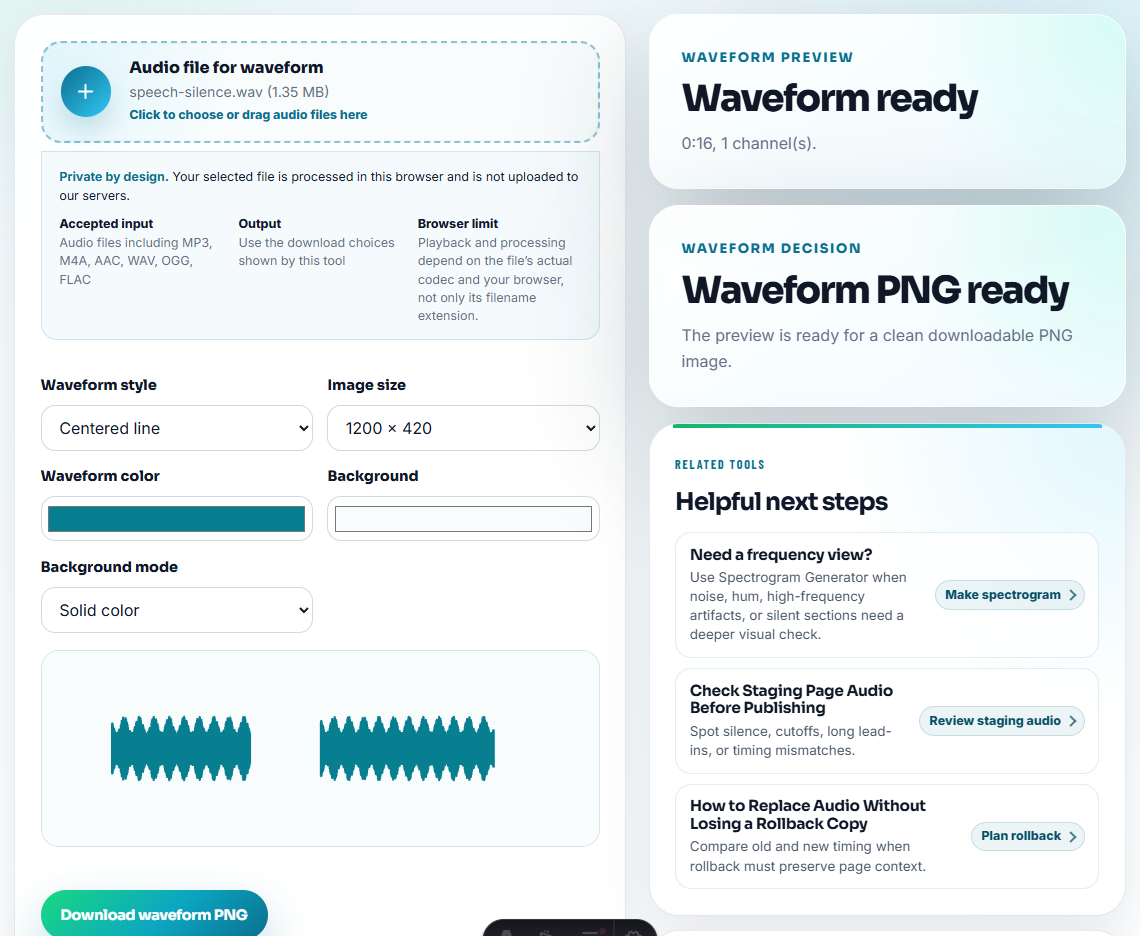
Example:
/support/ uses 00:08-00:20
/comparison/ uses 00:25-00:44
/tutorial/ uses 00:00-00:18
If the timing differs, consider page-specific trimmed copies with Audio Trimmer.
Step 5: Decide Shared Copy or Page-Specific Copy
Use this simple rule:
| Situation | Better choice |
|---|---|
| Same clip, same meaning, same page promise | Shared public copy |
| Same source, different section | Page-specific excerpt |
| Same source, different quality need | Page-specific delivery copy |
| One page has old wording | Refresh or replace on that page |
| Source or permission unclear | Hold until traceable |
This prevents repeated use from turning into repeated confusion.
Step 6: Label the Use List
Use Audio Metadata Editor to add a note such as:
Repeated page use: /support/ and /tutorial-pages/. Source: source-product-demo-original.wav. Same public copy approved for short demo context only.If a page gets its own excerpt, note the relationship:
Excerpt for /support/. Source: source-product-demo-original.wav. Do not replace shared product demo copy.Set a Reuse Review Cadence
Reusable audio needs a review trigger, not constant manual checking. Choose a cadence based on how much risk the reused clip carries.
| Reuse pattern | Review trigger | Why |
|---|---|---|
| Same clip on two support pages | When either page is refreshed | The surrounding instructions may change. |
| Same proof clip on sales and product pages | Before each campaign or major product update | The clip may imply a claim in one context but not another. |
| Same customer voice in several assets | Permission expiry, account change, or page refresh | Approval can be channel-specific. |
| Same tutorial sample in many guides | Quarterly or when the tool workflow changes | A small UI change can make the example stale. |
| Same public download linked from several pages | Whenever the file is replaced | Every link should point to the intended version. |
This keeps repeated use manageable. The goal is not to create more work; it is to know exactly when the shared file needs attention.
Keep a Reuse Register
For any clip used on more than one page, keep one compact record:
| Register field | Example |
|---|---|
| Shared file | product-demo-public-v2.mp3 |
| Source file | source-product-demo-original.wav |
| Pages using it | /support/, /cinch-audio-recorder/, /tutorials/ |
| Approved meaning | Short setup demo only |
| Not approved for | Paid ads, testimonials, benchmark claims |
| Review trigger | Product setup flow changes |
This gives future editors a faster way to decide whether to keep, replace, or split the reused audio.
Red Flags While You Check Reused Audio Before It Becomes Outdated
- Do not assume one approved page means all pages are approved.
- Do not reuse a clip when surrounding copy changed.
- Do not make several files with vague names such as final2.mp3.
- Do not delete the shared copy until every page reference is checked.
- Do not trim a shared source when only one page needs a shorter section.
- Do not ignore file size when the same clip appears repeatedly.
When to Stay With Browser-Based Checks
Browser prep is enough when you are checking one shared clip across a small set of pages and every page owner is easy to confirm. Use a stronger asset system when reuse spans many pages, different permission scopes, or public proof that must remain traceable.
Use a stronger asset system when many editors reuse media, permissions differ by page, or every public proof clip needs formal approval history.
Useful Follow-Up Steps
- Audio Metadata Viewer
- Audio Metadata Editor
- Find Every Embedded Audio File Before a Redesign
- Check Live Audio Before Refreshing a Page
- Trace Public Audio Back to the Source File
- Find Audio Files That Slow a Page Down
Checks Worth Making First
What is repeated page use review?
It is a check for audio clips used on multiple pages to confirm each page still has the right context, source, status, and version.
Can I use the same audio file on several pages?
Yes, if the clip supports each page honestly and the source, permission, replacement status, and surrounding text remain clear.
What would make this result unsafe to share?
Check whether the same clip is reused in too many places, whether each page still needs it, and whether a page-specific copy would be clearer.