
Find Every Embedded Audio File Before a Redesign
 By HenrikUpdated Aug 7, 20266 min read
Inventory embedded audio before redesigns, migrations, refreshes, audits, and public page cleanup.
An audio embed inventory is a practical list of the clips that appear across a website. It answers simple questions: where is this audio used, what does it prove, is it still current, and what should happen to it next?
This matters before redesigns, content refreshes, migrations, support-article cleanup, and public demo updates.
Build the Embed Inventory in Order
| Checkpoint | Tool | Why it matters |
|---|---|---|
| 1 | Audio Metadata Viewer | Read file details, old notes, source clues, duration, and format. |
| 2 | Recording Quality Checker | Mark whether the embedded clip plays clearly and completely. |
| 3 | Audio Waveform Generator | Identify silence, cut points, or timing when page text mentions a moment. |
| 4 | Audio File Size Calculator | Flag files that are large for a page embed or public download. |
| 5 | Audio Compressor | Prepare smaller delivery copies after the inventory decision is made. |
| 6 | Online Audio Format Converter | Prepare compatible delivery copies when the page needs another format. |
| 7 | Audio Metadata Editor | Add page, source, status, owner, and next-review labels. |
The inventory does not need to be fancy. It needs to be consistent enough that the next editor knows what each audio file is doing.
Step 1: List the Page and File Together
For each embedded or downloadable audio file, capture:
page: /support/
section: setup example
file: setup-example-public.mp3
purpose: show expected recording result
source: source-setup-example-original.wav
status: review before refresh
Do not list files without their page context. A clip can be valid in one section and confusing in another.
Step 2: Inspect File Details
Use Audio Metadata Viewer to capture:
- Duration.
- Format.
- File size.
- Title or comment fields.
- Source notes.
- Old page names.
- Private or outdated labels.
If the file includes old product wording, do not assume it is still safe for the page.
Step 3: Add a Playback Status
Use Recording Quality Checker and record one of these statuses:
| Status | Meaning |
|---|---|
| Plays clearly | Keep or review for content fit |
| Silent or incomplete | Fix or replace |
| Wrong clip | Trace source before publishing |
| Too quiet | Review level before page use |
| Clipped or distorted | Replace if it harms trust |
| Unknown source | Hold for review |
This keeps the inventory useful for both content editors and support teams.
Step 4: Check Timing When Context Matters
Use Audio Waveform Generator when surrounding page text points to a specific moment:
- A before-and-after section.
- A short support example.
- A demo clip with a quiet lead-in.
- A quote or spoken answer.
- A troubleshooting sample.
Add timing notes such as:
page text refers to the result at 00:18-00:32This prevents future trimming from removing the important part.
Step 5: Decide the Next Action
Use a simple action label:
keep
refresh-review
replace
compress
convert
retire
hold-source-unknown
Do not compress, convert, or replace files while building the inventory. First decide what the file is and whether it should stay.
Step 6: Prepare Copies After the Decision
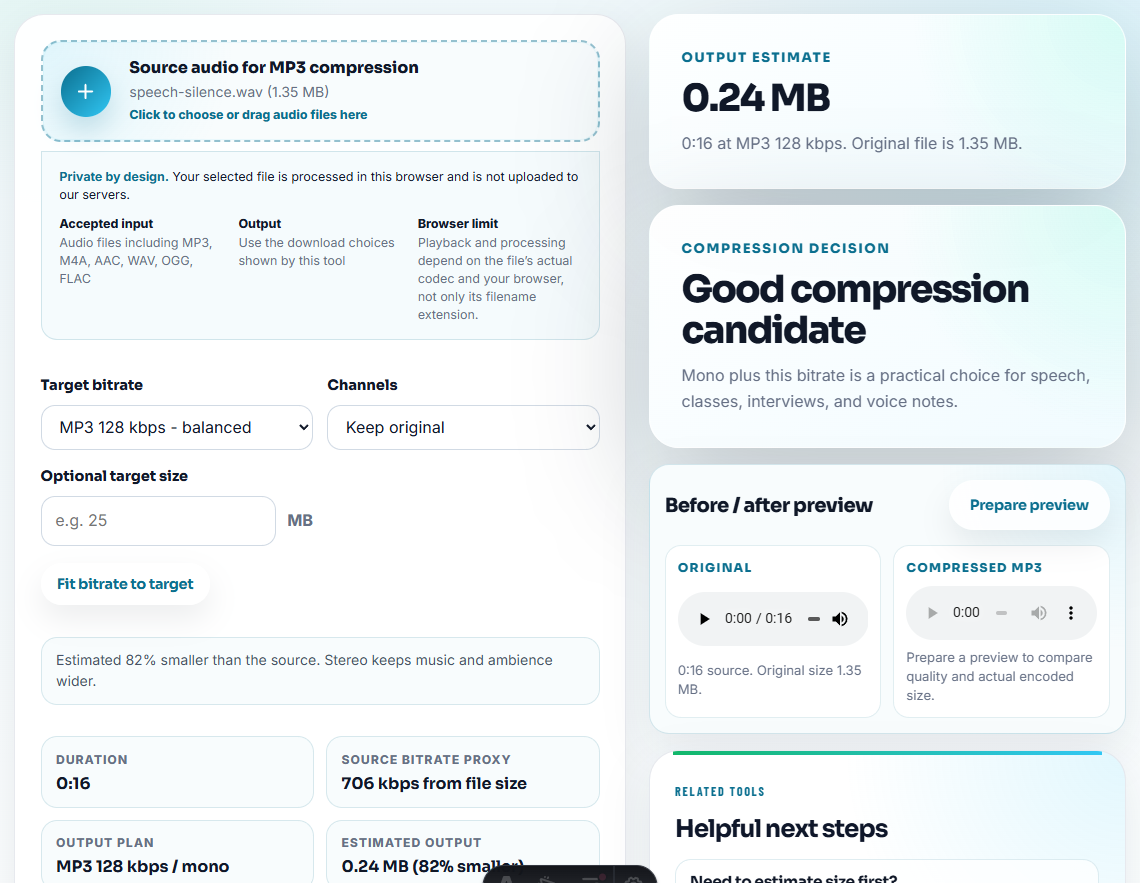
If the action is compress, use Audio Compressor on a delivery copy. If the action is convert, use Online Audio Format Converter on a copy. If the action is retire, preserve the source record and remove the active page reference.
Use Audio Metadata Editor to label the result:
Inventory status: keep. Page: /support/. Source: source-setup-example-original.wav. Next review: product setup update.Step 7: Recheck the Public Surface
After the inventory is acted on, check:
- Page embeds.
- Download links.
- Captions.
- Surrounding claims.
- Related support articles.
- Old folders or duplicate copies.
The inventory is only valuable if it changes what happens on the real site.
Score Each Embed by Page Risk
Not every embedded clip needs the same urgency. Use page risk to decide what to inspect first during a redesign, migration, or content refresh.
| Page situation | Risk level | Inventory focus | Likely action |
|---|---|---|---|
| Product or download page | High | Current proof, file size, source, and claim fit | Keep, replace, or retire after review. |
| Support article | Medium-high | Problem example, privacy, and expected result | Refresh or create safer support clip. |
| Old blog/tutorial page | Medium | Broken embeds and outdated UI references | Replace if useful, retire if stale. |
| Internal or low-traffic page | Lower | Source clarity and duplicate cleanup | Hold, consolidate, or noindex if needed. |
This helps the inventory produce practical SEO value: fewer broken or stale public audio experiences.
Problems to Catch Before You Find Every Embedded Audio File Before a Redesign
- Do not inventory audio files without page context.
- Do not treat every media-library file as publishable.
- Do not compress or convert before deciding whether the clip belongs.
- Do not ignore metadata comments on public files.
- Do not keep source-unknown audio on important pages.
- Do not mark a file as fixed without checking the page that uses it.
When a Quick Local Check Is Enough
Browser tools are useful for an embed inventory when you need to confirm which files play, which ones are outdated, and which ones need replacement. Do not edit the only live copy; make a review export and record the page URL beside each audio asset.
Use a formal asset-management system when many teams publish audio, when permissions are complex, or when every public clip needs audited approval history.
Related Tools and Guides
- Audio Metadata Viewer
- Recording Quality Checker
- Move Website Audio Without Breaking References
- Check Live Audio Before Refreshing a Page
- QA Public Page Audio Before Users Find Issues
- Stop Outdated Audio Proof From Being Reused
- Check Reused Audio Before It Becomes Outdated
Quick Answers Before You Continue
What is an audio embed inventory?
It is a list of audio files used on public pages, including page location, file purpose, source, status, format, duration, and whether the clip should stay, change, or retire.
Why do I need an embed inventory?
It prevents old clips, wrong files, private notes, broken downloads, and unsupported formats from being carried into refreshed or migrated pages.
What should I verify on the source file first?
List where each audio file appears, whether it still plays, who owns it, and whether the page needs a replacement, removal, or fresh approval.