
Check If an Audio Fix Is Ready to Ship
 By HenrikUpdated Aug 7, 20267 min read
Verify playback, metadata, file size, source copy, and rollback options before accepting or publishing an audio fix.

An audio fix should not be accepted just because a new file exists. The replacement may be the wrong source, a clipped export, a private draft, a huge page file, or a copy with unsafe labels.
An acceptance check is the final gate before a fix is marked done, published, or handed back to support.
Decide Whether the Fix Can Be Accepted
Acceptance should be based on the user’s original problem, not just on whether a new file exists.
| Check result | Accept? | What to do next | Why it matters |
|---|---|---|---|
| Correct source, fixed issue, clean playback | Yes | Mark accepted and record the approved copy | Support can close with confidence |
| Fix works locally but public copy is untested | Not yet | Test the final delivery file | Local success may not match user playback |
| Audio plays but metadata is unsafe | Not yet | Clean labels before release | Draft, private, or wrong names can leak context |
| File is clear but much larger than expected | Conditional | Check delivery size or compress a copy | Large files can hurt upload or page use |
| Issue is different from the original report | No | Reopen or split the case | Closing the wrong problem creates repeat support |
Check the File Before Sharing
| Task | Tool | Result to verify |
|---|---|---|
| 1 | Audio Metadata Viewer | Confirm the accepted file is the intended source or approved public copy. |
| 2 | Recording Quality Checker | Confirm the fix is audible, complete, not clipped, and comfortable enough to use. |
| 3 | Audio Waveform Generator | Verify timing when the fix depends on a specific section, quote, gap, or ending. |
| 4 | Audio File Size Calculator | Check that the accepted copy fits the page, download, or sharing context. |
| 5 | Audio Metadata Editor | Add safe accepted, owner, source, version, and review labels. |
| 6 | Online Audio Format Converter | Confirm format compatibility when the fix changed file type. |
Acceptance is not another full investigation. It is a focused check that the repair meets the original need.
Step 1: Restate the Acceptance Criteria
Write the expected result before listening:
Accept when: correct product demo plays from start to finish, no silent ending, public metadata is safe, and size is suitable for page embed.This stops reviewers from approving a file that sounds fine but solves the wrong problem.
Assign Acceptance Roles
One person can do several checks in a small team, but the role should still be explicit.
| Role | Accepts | Should not decide alone |
|---|---|---|
| Content owner | Correct section, wording match, public meaning | Technical playback if the file fails in specific players |
| Audio reviewer | Listening quality, timing, clipping, ending | Permission, page copy, or customer wording |
| Web or publisher | Final link, embed, download path, delivery size | Whether the audio content is factually approved |
| Support owner | Customer-safe reply and retry steps | Source truth if the replacement history is unclear |
| Product or legal owner | Claim, permission, or sensitive-use acceptance | Routine file compression or metadata cleanup |
This prevents a clean technical file from being accepted when the page, permission, or support promise is still wrong.
Step 2: Confirm File Identity
Use Audio Metadata Viewer to confirm:
- File name.
- Source or approved copy.
- Duration.
- Format.
- Size.
- Version or status labels.
- Page or folder context.
Reject the fix if the file identity is unclear.
Step 3: Check Playback Quality
Use Recording Quality Checker and a normal player or browser preview.
Check:
- Starts correctly.
- Main content is present.
- Ending is complete.
- Not silent.
- Not clipped.
- Not too quiet.
- Matches the reported issue.
For long files, check the start, the fixed section, and the ending.
Step 4: Verify Timing When Timing Matters
Use Audio Waveform Generator if the fix involved:
- Trimming.
- Missing ending.
- Long silence.
- Before-and-after proof.
- A quote or exact section.
- A support example that must show a specific issue.
The waveform gives a quick second check before acceptance.
Step 5: Review Size and Delivery Fit
Use Audio File Size Calculator if the audio is public, downloadable, embedded, or shared by email.
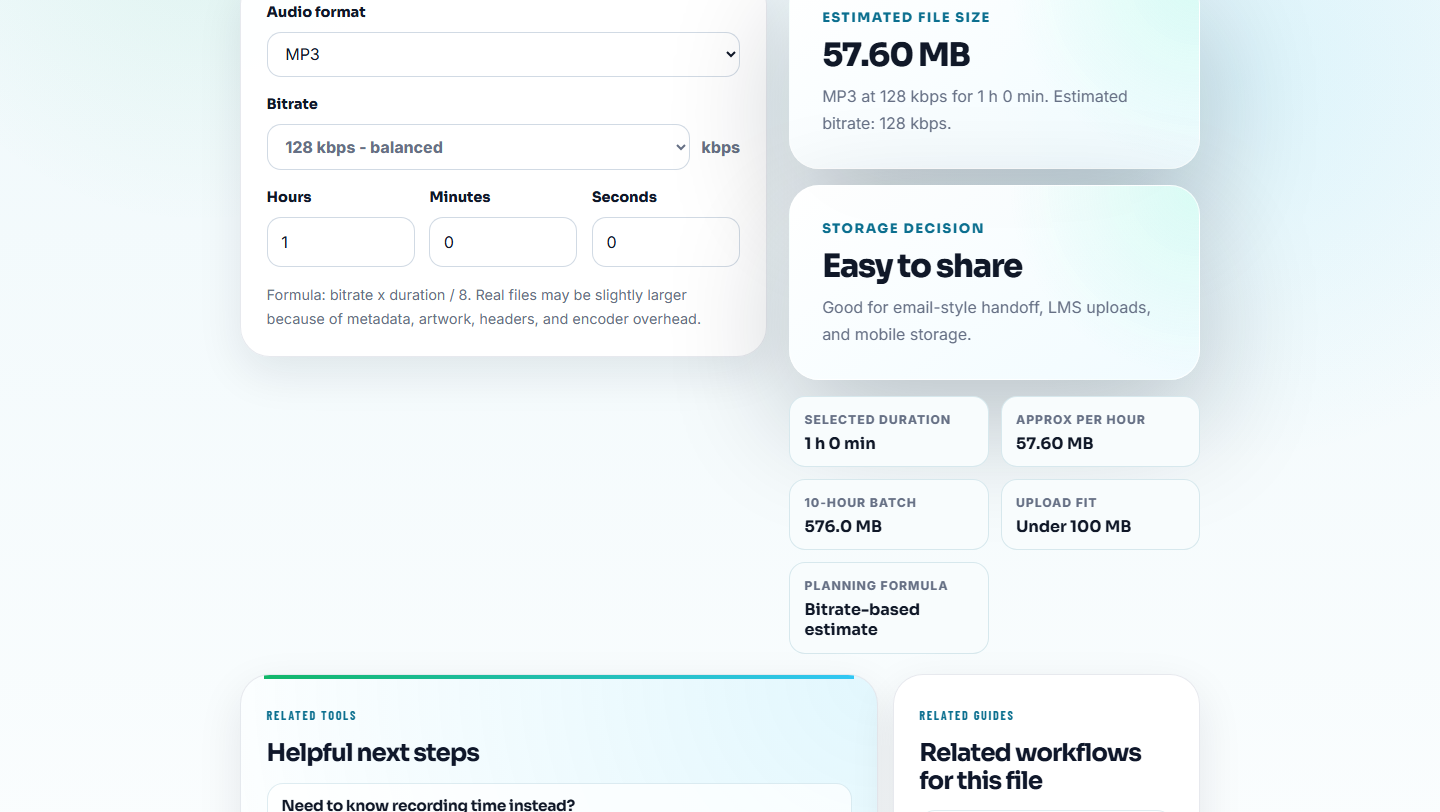
Ask:
- Is this a source file accidentally used as a public copy?
- Is the file much larger than expected?
- Is the compressed copy still complete?
- Is the format right for the page or recipient?
Do not accept a technically correct file that creates a new delivery problem.
Step 6: Close With an Acceptance Note
Use Audio Metadata Editor for safe labels:
Accepted fixed public copy. Source checked. Playback checked. Replaces demo-v1.mp3. Rollback copy preserved.Then write a short external note:
Accepted: replacement plays completely, uses approved source, public metadata is safe, and old copy is preserved for rollback.Acceptance Checklist
- Original issue understood.
- Correct source used.
- Fixed copy plays complete.
- Important section checked.
- Metadata safe for public use.
- Size fits the delivery context.
- Page or folder context matches.
- Owner and follow-up recorded.
- Rollback status known.
Acceptance Note Examples
Use a short note that says exactly what passed and what is still excluded.
Accepted for rollout:
The replacement file matches the approved source, includes the restored ending, passes playback, and has safe public metadata. Public link proof is still required after upload.

Accepted for customer reply:
The confirmation sample contains the repaired section and is small enough to send. It is not the final delivery file.

Not accepted:
The file plays locally, but the source is unclear and the public page still points to an older copy.
These notes keep acceptance separate from rollout proof and final closeout.
Stop Before You Mark the Fix Accepted
- Do not accept the file only because it was replaced.
- Do not skip the ending check.
- Do not approve files with unclear source labels.
- Do not ignore private or draft metadata.
- Do not accept a huge source file as a public embed.
- Do not close without rollback or no-rollback status.
When Browser Prep Is Enough for Fix Acceptance
A browser pass is enough when acceptance means checking one corrected sample against a known defect. Save the old and fixed exports side by side, test the same timestamp in both files, and avoid extra cleanup that could hide whether the fix itself worked.
Use formal QA signoff when the audio fix affects contractual claims, regulated content, paid campaigns, privacy-sensitive files, or large product releases.
Related File Prep Guides
- Audio Metadata Viewer
- Recording Quality Checker
- Audio File Size Calculator
- Roll Out an Audio Fix Without Missing Checks
- Document What Changed in an Audio Fix
- Find the Real Cause of an Audio Problem
- Write Audio Review Notes People Can Act On
- Make Audio Samples Useful for Regression Tests
Last Review Points
What is an audio fix acceptance check?
It is the final check before closing an audio fix, confirming the right file was used, playback is good, metadata is safe, size is reasonable, and rollback is understood.
What is the easiest detail to miss?
Check source identity, public copy, duration, playback, waveform timing when needed, metadata, file size, page match, owner, and rollback status.
What should I check for audio fix acceptance?
Compare the fixed copy against the original issue, confirm the symptom is gone, check that no new playback problem was introduced, and record who accepted the result.