
Track Audio File Changes Before Publishing
 By HenrikUpdated Aug 7, 20267 min read
Keep source, edit, approval, quality, and rollback notes so public audio changes can be checked later.
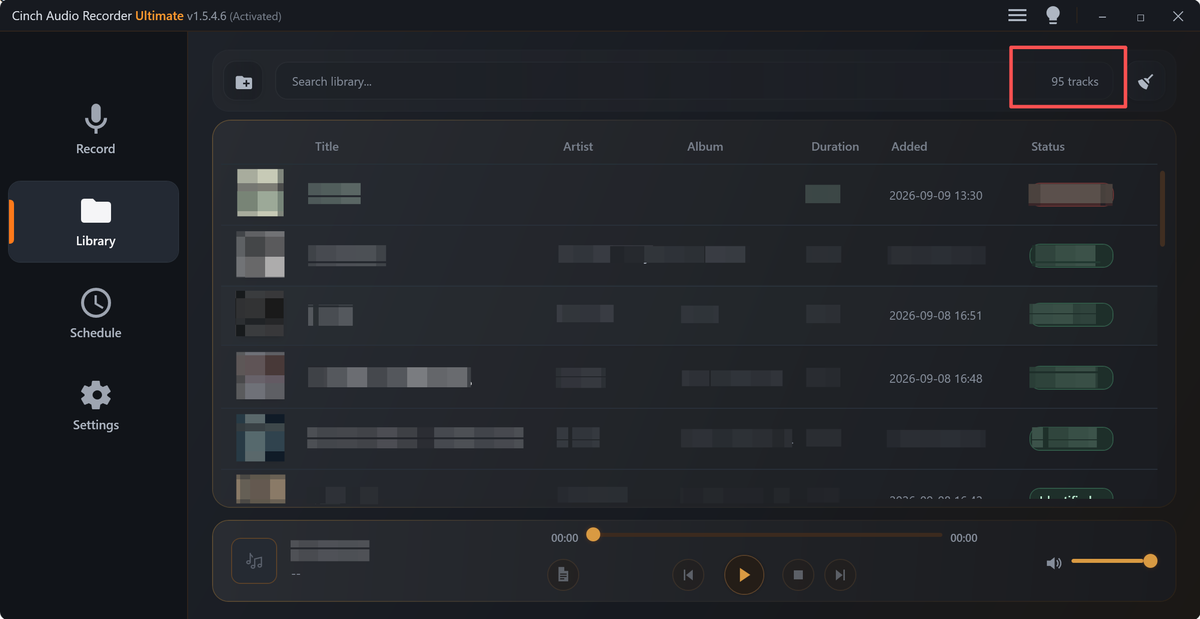
An audio audit trail is the answer to a simple question: if someone finds this file later, can they tell what it is, where it came from, whether it changed, and whether it should still be used?
This matters for website audio, support examples, customer proof clips, training files, product demos, podcast excerpts, and any audio that may be copied, replaced, retired, or restored later.
Build the Audit Copy in Order
| Task | Tool | Result to verify |
|---|---|---|
| 1 | Audio Metadata Viewer | Capture file identity, duration, format, size, channels, tags, and existing comments. |
| 2 | Recording Quality Checker | Record whether the file is complete, audible, clipped, silent, or too quiet. |
| 3 | Audio Metadata Editor | Add source, owner, version, review status, and audit notes that travel with the file. |
| 4 | Audio File Size Calculator | Record size expectations when delivery copies are created. |
| 5 | Audio Trimmer | Create a short checked excerpt when the full source should stay separate. |
| 6 | Audio Compressor | Create smaller review copies after the source is documented. |
The audit trail does not need to be complicated. It needs to be consistent enough that a future editor does not guess.
Step 1: Record the File Identity
Use Audio Metadata Viewer before editing or moving the file.
Capture:
- File name.
- Format.
- Duration.
- File size.
- Channel layout.
- Existing tags.
- Embedded comments.
- Current folder or page location.
This is the baseline. If the file is changed later, you can compare the changed copy against the starting point.
Step 2: Record the Quality Status
Use Recording Quality Checker before calling a file approved, final, public, or archived.
Useful status notes:
- Complete.
- Silent.
- Clipped.
- Too quiet.
- Missing ending.
- Wrong section.
- Needs replacement.
Quality notes should be plain, not dramatic. Write what someone can act on.
Step 3: Add Notes That Travel With the File
Use Audio Metadata Editor when the format can safely save useful notes.
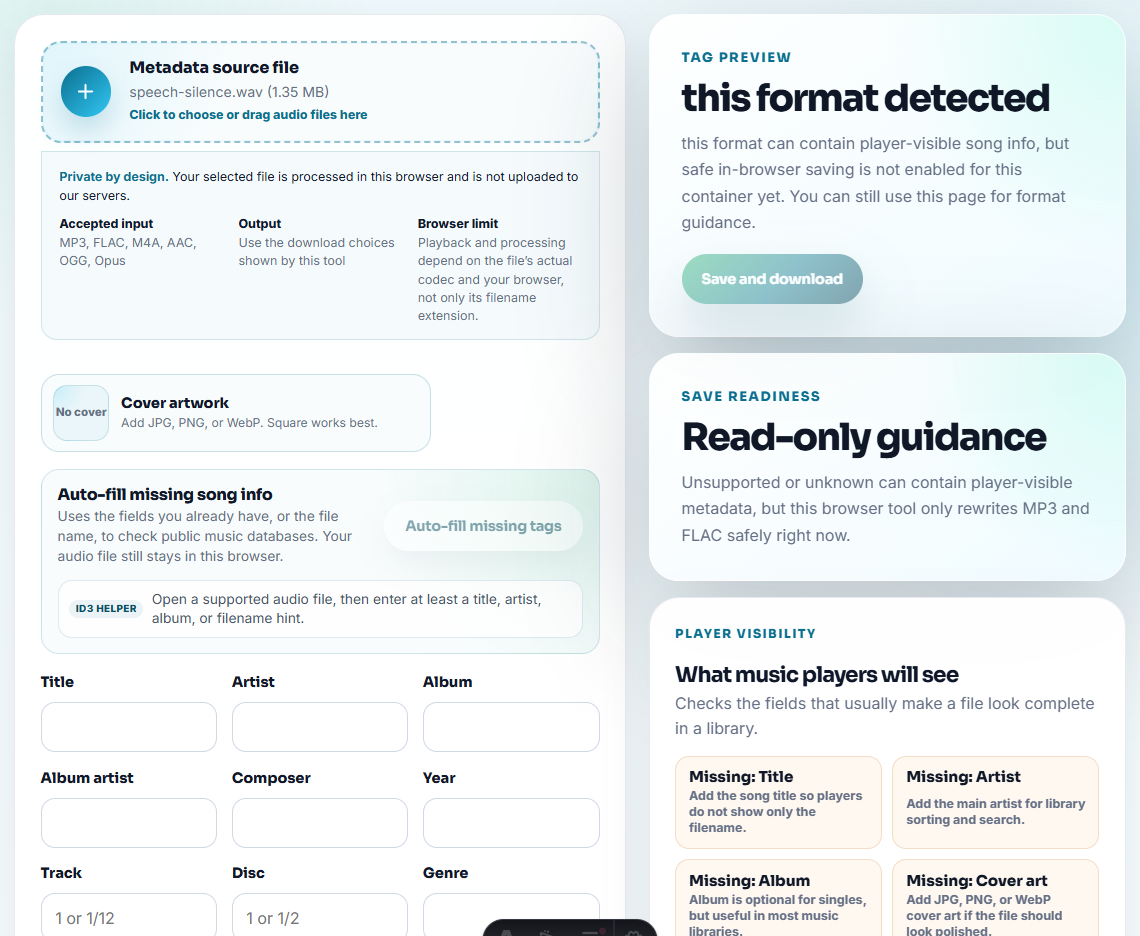
Good audit fields:
- Source.
- Owner.
- Project.
- Version.
- Approved use.
- Review status.
- Page or folder use.
- Replacement or retirement note.
Example:
source: support recording 2026-07
status: reviewed delivery copy
use: support article example
replacement: replace if UI changes
Do not put private information into public delivery copies. Keep sensitive notes in your internal tracking document instead.
Step 4: Track Copies Separately
An audit trail becomes confusing when every file is called final.
Use clear labels:
source-original.wav
review-copy.mp3
public-delivery-copy.mp3
retired-copy-do-not-publish.mp3
If you trim, convert, or compress a file, record the new purpose. A compressed review copy should not become the source master by accident.
Step 5: Keep a Simple Audit Table
Use a small table in your project notes, CMS notes, or shared document:
| Field | Example |
|---|---|
| File | product-demo-public-copy.mp3 |
| Source | demo-source-original.wav |
| Owner | Product marketing |
| Status | Approved public copy |
| Used on | Product page |
| Checked | Audible, complete, not clipped |
| Next review | After product UI update |
This table is often more useful than a long paragraph.
Track Events, Not Just Files
An audit trail becomes useful when it records the event that changed the file’s status.
| Event type | Record this | Example |
|---|---|---|
| Created | Source, owner, intended use, date | Source capture created for product demo |
| Edited | Old file, new file, edit reason, tool step | Trimmed 12s lead-in from public copy |
| Approved | Reviewer, allowed use, version, date | Approved for support article only |
| Published | Page, link, public file, rollout proof | Published to product demo page |
| Replaced | Old file, new file, reason, rollback | Replaced outdated UI demo |
| Retired | Reason, do-not-use status, storage | Retired because permission expired |
| Restored | Backup used, reason, final check | Restored previous safe public copy |
This event view shows what happened over time instead of only describing the current folder.
Step 6: Review Before Removing or Restoring
When a file is replaced, restored, or removed, update the audit trail.
Record:
- Old file.
- New file.
- Reason.
- Backup location.
- Reviewer.
- Date.
- Page or folder affected.
That history helps avoid repeat mistakes. It also helps future content work move faster because the next person can see why the file changed.
Decide What Evidence the Future Editor Needs
An audit trail should answer the questions a future editor will ask when something breaks, gets replaced, or needs review.
| Future question | Audit evidence to keep | Tool clue | Keep private notes where |
|---|---|---|---|
| Is this the right file? | Source name, duration, format, and page use | Metadata viewer | Internal table or folder note |
| Did the file play correctly? | Playback status and problem section | Quality checker or waveform | Internal issue note |
| Why was it changed? | Old file, new file, reason, owner | Change log | Internal change table |
| Can we roll back? | Backup path and previous public copy | File-size and metadata notes | Backup folder note |
This turns the audit trail into practical recovery information, not bureaucracy.
Minimum Audit Record
For a small team, this is enough to prevent most future confusion:
file:
source:
current role:
owner:
used on:
last change:
reason:
quality check:
approval status:
rollback or retired status:
next review:
If a field is unknown, mark it as unknown and assign an owner to resolve it. Blank fields are where future mistakes start.
Check the Change Trail Before Publishing
- Do not rely only on memory.
- Do not call every export final.
- Do not overwrite source files with compressed copies.
- Do not leave public files with hidden private notes.
- Do not delete a file before recording what replaced it.
- Do not use vague labels such as old, new, fixed, or done.
When Browser Prep Is Enough for an Audit Trail
For an audit trail, browser tools should only prepare labeled copies while the original remains untouched evidence. Record what changed, when it changed, and why the export exists so a future reviewer can follow the path without replaying every file.
Use a formal asset management system when you need permissions, legal retention, automated history, role-based approval, or large-team audit logs.
Related Tools and Guides
- Audio Metadata Viewer
- Recording Quality Checker
- Audio Metadata Editor
- Trace Public Audio Back to the Source File
- List Audio Risks Before Cleanup or Publishing
- Keep Audio Versions Clear Before Final Approval
- Log Audio Changes So Replacements Stay Traceable
- Keep Useful Audio and Retire Unclear Files
- Check Audio Risk Before Removing a File
Common Questions
What should an audio audit trail include?
Include file identity, source, owner, version, page or folder use, quality status, approval status, replacement notes, and the reason for each change.
Do I need special software for an audio audit trail?
For small libraries, a clear folder, metadata notes, filenames, and a simple tracking document are often enough. Larger teams may need a formal asset system.
What must be true before this file is ready?
Record the source file, every meaningful change, the reason for each copy, and the person or step that approved the final version.