
Trace Public Audio Back to the Source File
 By HenrikUpdated Aug 7, 20267 min read
Keep audio source traceability by linking public clips to source files, excerpt timestamps, permission scope, and replacement history.

Source traceability answers a practical question: if someone finds an audio clip on a page, in a sales folder, or attached to a support note, can the team tell where it came from and why it is being used?
Without traceability, audio proof becomes fragile. Nobody knows whether it is current, approved, replaced, edited fairly, or connected to the right product version.
Start With the Source Chain
| Sequence | Free tool | What to look for |
|---|---|---|
| 1 | Audio Metadata Viewer | Read existing source labels, dates, comments, and format details. |
| 2 | Recording Quality Checker | Confirm the file matches the source record before using it. |
| 3 | Audio Trimmer | Create traceable excerpts from source copies without overwriting originals. |
| 4 | Audio Waveform Generator | Add timing references when a short excerpt must map back to the source. |
| 5 | Audio Compressor | Create delivery copies while preserving source references in notes. |
| 6 | Online Audio Format Converter | Convert only delivery copies when compatibility requires it. |
| 7 | Audio Metadata Editor | Add source ID, approval status, owner, version, and replacement notes. |
Traceability does not require complicated software for small teams. It requires consistent labels and a rule that delivery copies never become the only record.
Step 1: Give the Source a Stable Name
Before editing, name the source in a way that will still make sense later:
source-2026-07-setup-demo-original.wav
source-customer-feedback-internal-review.mp3
source-support-example-ticket-redacted.wav
source-product-before-after-v1.wav
Avoid changing source names every time someone exports a new copy.
Define the Trace Chain
Every public or shared copy should connect back through a simple chain.
| Chain point | What to record | Example |
|---|---|---|
| Source | Stable source file and owner | source-demo-original.wav / product |
| Excerpt | Time range or section used | 00:14-00:38 |
| Working copy | Trimmed, cleaned, converted, or compressed copy | demo-excerpt-review-v1.mp3 |
| Public copy | File used on a page, reply, or download | demo-public-v2.mp3 |
| Decision | Why this copy is allowed | approved tutorial sample only |
| Replacement | What replaces or retires it later | v2 replaces v1 after UI update |
If one link is missing, the future reviewer may not know whether to keep, replace, or retire the file.
Step 2: Inspect Existing Metadata
Use Audio Metadata Viewer to find existing title, comments, dates, artwork, file size, duration, and format.
If the source already contains useful notes, preserve them. If it contains private or confusing notes, keep them in restricted records and clean the delivery copy.
Step 3: Create Working Copies
Use Audio Trimmer on a copy when you need an excerpt. Keep the source untouched.
Useful filenames:
trace-copy-source-setup-demo-clip-a.mp3
trace-copy-source-support-example-public-review.mp3
trace-copy-source-claim-review-before-after.mp3
trace-copy-source-testimonial-not-public.mp3
The filename should show that the file is a copy and point back to the source.
Step 4: Record the Useful Section
Use Audio Waveform Generator when a short clip must map back to a source timestamp. Add a note such as:
Source: source-2026-07-setup-demo-original.wav. Excerpt: 00:14-00:38. Use: public tutorial sample.This helps future reviewers verify the clip without guessing.
Step 5: Check Before Delivery
Use Recording Quality Checker to confirm the copied file still plays correctly. Source traceability does not help if the delivery copy is silent, clipped, or the wrong section.
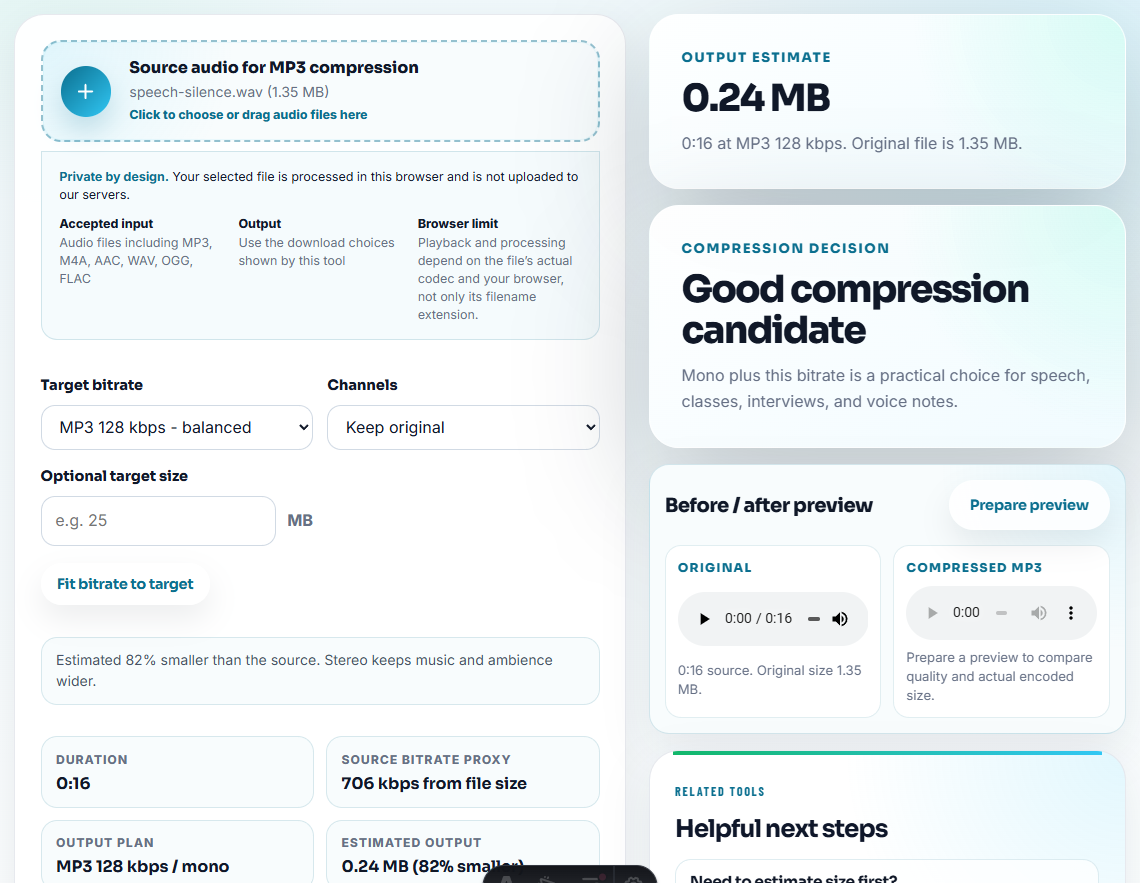
Use Audio Compressor or Online Audio Format Converter only on delivery copies.
Step 6: Add Metadata Notes
Use Audio Metadata Editor to add:
- Source file.
- Excerpt timestamp.
- Product or page.
- Approval status.
- Owner.
- Review date.
- Replacement file.
- Retirement status.
Example note:
Source: source-product-before-after-v1.wav. Excerpt 00:10-00:31. Approved for comparison page only. Replace after next product audio update.Step 7: Keep Replacement Records
When a clip changes, do not simply overwrite it. Record the replacement:
old: public-demo-clip-v1.mp3
new: public-demo-clip-v2.mp3
reason: product workflow changed
status: v1 retired, v2 approved
This prevents old proof from resurfacing later.
Add a Trace ID Before You Create Delivery Copies
A stable trace ID makes the whole chain easier to audit. Use one ID in the source note, review copy, public copy, and replacement record.
| Copy | Example trace label |
|---|---|
| Source | trace: setup-demo-2026-07-source-a |
| Excerpt | trace: setup-demo-2026-07-source-a / 00:14-00:38 |
| Public copy | trace: setup-demo-2026-07-public-v1 |
| Replacement | replaces: setup-demo-2026-07-public-v1 |
| Retired copy | retired trace: setup-demo-2026-07-public-v1 |
This helps future editors connect the public clip to the source, even if filenames change during migration or compression.
When Traceability Is Not Strong Enough
Do not publish or reuse a clip when the trace record cannot answer basic questions.
| Missing answer | Risk | Safer action |
|---|---|---|
| Source file unknown | The clip may be edited, outdated, or incomplete | Hold for source review |
| Permission scope unknown | The clip may not be safe for public use | Route to permission review |
| Excerpt timestamp missing | Reviewers cannot verify context | Rebuild excerpt from source |
| Replacement history missing | Old proof may stay live after a change | Add change log before reuse |
| Public location unknown | You cannot find where the clip is used | Add embed or page inventory |
Traceability should support a decision, not only decorate a filename.
Trace the Clip Back to a Decision, Not Just a File
Source traceability is stronger when it records why a clip exists. A file path alone does not explain what the audio was allowed to prove.
| Trace field | Why it matters | Example |
|---|---|---|
| Source file and timestamp. | Lets reviewers verify the excerpt without guessing. | source-demo.wav 00:10-00:31 |
| Intended use. | Prevents a support sample from becoming marketing proof. | public tutorial sample only |
| Permission or privacy status. | Shows whether the clip can travel outside the team. | internal only or approved public |
| Replacement trigger. | Keeps old audio from staying live after the product changes. | replace after next recording workflow update |
This gives future editors enough context to keep, replace, or retire the clip responsibly.
Traceability Checks Before Reuse
- Do not let compressed delivery copies become the only source record.
- Do not publish audio with no source reference.
- Do not keep source clues only in a private chat message.
- Do not overwrite old proof without noting why it changed.
- Do not use a clip when its source or permission is unclear.
- Do not mix source, draft, approved, and retired files in one folder.
When Browser Prep Is Enough for Traceability
For source traceability, use browser tools only for working copies while the original remains the reference record. Keep filenames, dates, and source notes consistent, and avoid destructive edits that make it hard to prove where a public clip came from.
Use a stricter workflow when source traceability must support legal review, signed releases, regulated claims, large media libraries, or formal asset management.
Related Fixes and Prep Guides
- Audio Metadata Viewer
- Audio Metadata Editor
- How to Troubleshoot Audio Files Before Sharing
- How to Confirm Audio Permission Before Public Use
- Stop Outdated Audio Proof From Being Reused
- Keep Audio Versions Clear Before Final Approval
Reader Notes
What is audio source traceability?
It is the ability to tell where a published, shared, or approved audio clip came from, which source file it used, who reviewed it, and what it is allowed to support.
How do I make audio traceable?
Keep originals separate, inspect metadata, label working copies, preserve source references, add approval notes, and keep replacement or retirement records.
What should I check for source traceability?
Record where the source came from, which copy was edited, who approved it, and how someone can trace the public version back to the original.