
How to Review Testimonial Audio Before Publishing
 By HenrikUpdated Aug 7, 20267 min read
Prepare testimonial review audio that preserves speaker meaning, permission scope, quote context, and public-use approval status.

Testimonial audio is different from ordinary marketing audio. The point is not to make someone sound perfect. The point is to preserve a short, fair, approved statement that reviewers can understand before it is quoted, embedded, or turned into written copy.
If the clip is too long, nobody reviews it. If it is cut too aggressively, the meaning can change. A good review copy sits in the middle: short enough to check, clear enough to hear, and labeled well enough that nobody mistakes it for a public-ready asset before it is approved.
Check the File Before Sharing
| Task | Tool | Result to verify |
|---|---|---|
| 1 | Audio Metadata Viewer | Check duration, format, size, source labels, and hidden notes before sharing. |
| 2 | Recording Quality Checker | Confirm the quoted section is audible and complete. |
| 3 | Audio Trimmer | Cut the testimonial excerpt from a working copy. |
| 4 | Audio Normalizer | Make a review copy easier to hear without changing the message. |
| 5 | Audio Waveform Generator | Add timing context for the quote, pause, or supporting sentence. |
| 6 | Audio Compressor | Create a smaller review copy after the excerpt is approved internally. |
| 7 | Online Audio Format Converter | Convert only when the reviewer or publishing system needs another format. |
| 8 | Audio Metadata Editor | Add testimonial status, permission, date, product, and usage notes. |
The goal is a review file that answers three questions quickly: what was said, who approved it, and where it can safely be used.
Step 1: Separate Source and Review Copies
Keep the original recording unchanged. Put it in a restricted source folder, then create a working copy for review.
Useful folder names include:
testimonial-source-restricted
testimonial-review-excerpts
testimonial-approved-public-copy
testimonial-not-approved
This prevents a rough internal clip from being uploaded, quoted, or sent outside the team by mistake.
Step 2: Confirm the Permission Status
Before editing, write down the permission status next to the file. Keep it simple:
- Not reviewed.
- Internal review only.
- Approved for written quote.
- Approved for audio use.
- Approved for website use.
- Do not publish.
Do not rely on memory or a vague filename. Testimonial files often move between marketing, sales, support, and leadership. The permission status should travel with the review copy.
Step 3: Inspect the File Before Sharing
Use Audio Metadata Viewer to check the file before forwarding it. Look for private customer names, internal project labels, ticket numbers, or rough notes that should not appear in a shared file.
If the metadata contains internal context, keep that in your controlled notes and clean the review copy before broader circulation.
Step 4: Check the Quote in Context
Use Recording Quality Checker before trimming. Listen for clipped words, dropouts, background interruptions, or a missing sentence that changes the meaning.
For testimonial review, the sentence before and after the quote can matter. A line that sounds strong alone may be more cautious in context.
Step 5: Trim the Excerpt
Use Audio Trimmer on a copy. Keep enough lead-in so the listener understands what the speaker is talking about.
Good filenames are plain and traceable:
testimonial-review-product-setup-quote.mp3
testimonial-review-support-response-approved-internal.mp3
testimonial-review-before-after-result-copy.mp3
testimonial-review-do-not-publish-yet.mp3
Avoid filenames that exaggerate the claim, such as “best-ever-proof” or “guaranteed-result”.
Step 6: Make the Review Copy Listen-Friendly
Use Audio Normalizer only if the quote is too quiet for reviewers to hear comfortably. Do not make the clip louder just to make it feel more persuasive.
Use Audio Waveform Generator when the reviewer needs to see where the exact quote begins, where a pause occurs, or which section supports the written draft.
Step 7: Prepare the Shareable Version
Use Audio Compressor after the excerpt and permission status are clear. A compact copy is easier to send for review, but the uncompressed or higher-quality source should remain protected.
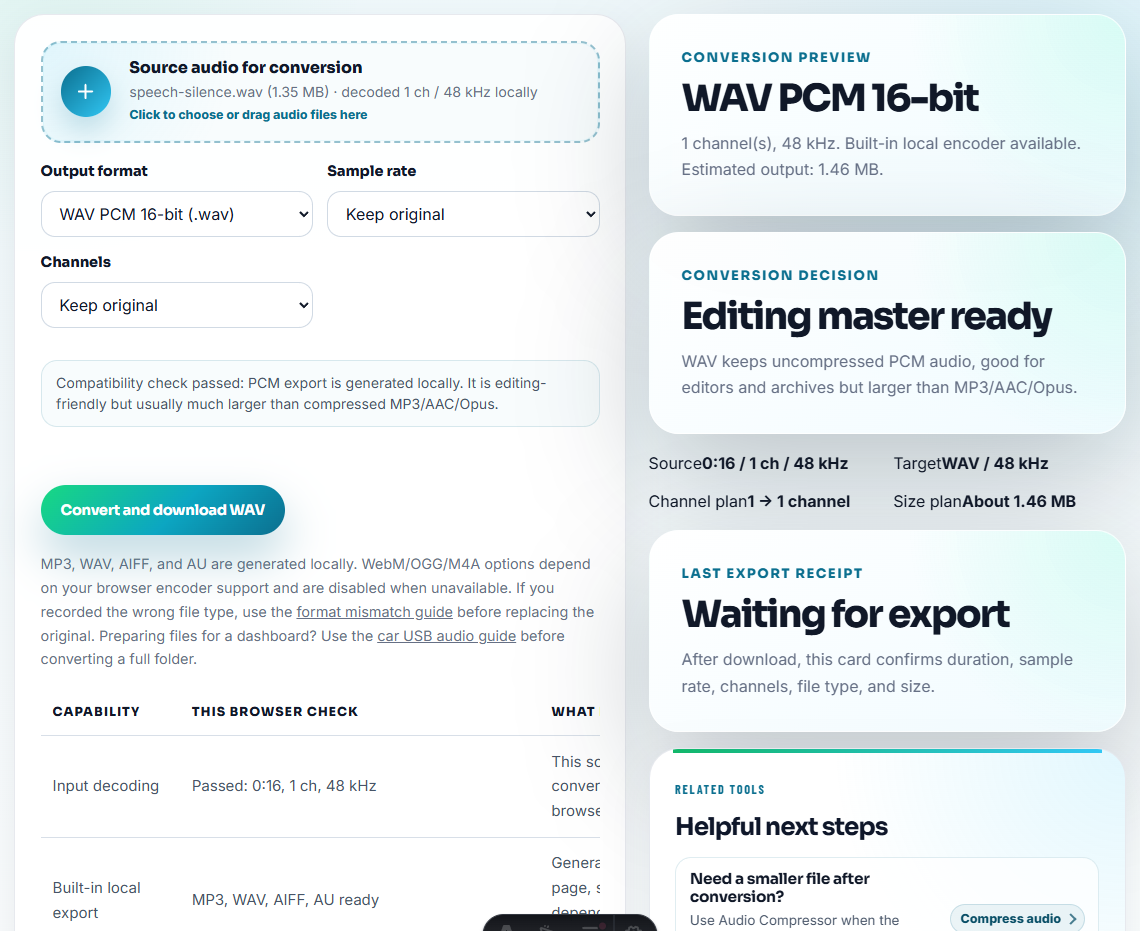
Use Online Audio Format Converter only when the review workflow needs a different format. Do not create extra versions unless they have a clear destination.
Step 8: Label the Final Review Copy
Use Audio Metadata Editor to add:
- Testimonial status.
- Permission scope.
- Product or feature.
- Speaker role, if approved.
- Review date.
- Source location.
- Approved use.
- Notes for the written quote.
Example note:
Approved for internal testimonial review. Quote mentions faster setup after onboarding; do not publish audio until public-use permission is confirmed.Review the Quote Like an Editor, Not a Sound Engineer
The first question is not “can this sound cleaner?” It is “does the edited clip still mean what the speaker meant?”
| Editorial check | What to listen for |
|---|---|
| Meaning | Does the trim remove a condition, hesitation, or qualifier? |
| Attribution | Is the speaker identity approved for the intended use? |
| Claim strength | Does the quote support a story, or is marketing adding a stronger claim around it? |
| Tone | Would the speaker feel represented fairly if they heard the public version? |
| Destination | Is the clip for internal review, written quote, website audio, or paid media? |
This makes the testimonial page stronger because it shows control over context, not just better audio quality.
Keep the Quote, Context, and Permission Together
A testimonial is not just a good-sounding sentence. The audio needs the surrounding context and permission status attached so the quote is not reused beyond what was approved.
| Review question | Audio evidence to keep | Approval note to attach |
|---|---|---|
| Does the quote still mean the same thing when shortened? | Sentence before, quote, and sentence after if needed. | ”Trim does not change speaker meaning.” |
| Is this approved as written text only? | Review excerpt plus transcript draft. | ”Written quote approved; audio use not approved.” |
| Can the customer be identified publicly? | Speaker/title only if explicitly allowed. | ”Name/logo use status separate from quote approval.” |
| Does the quote support a measurable claim? | Source context and any limitation in the speaker’s wording. | ”Do not use for benchmark or guarantee claims.” |
This protects the page from a common SEO trust problem: using customer proof without showing careful editorial control.
Publication Check Before Testimonial Audio Goes Live
- Do not publish audio because the written quote was approved.
- Do not cut out cautious language that changes the meaning.
- Do not remove all surrounding context from a sensitive claim.
- Do not rename files with exaggerated marketing claims.
- Do not compress or convert the only source copy.
- Do not mix approved and unapproved testimonial clips in one folder.
When a Written Quote Is Safer Than Audio
Use a written quote instead of audio when the speaker identity is sensitive, the clip contains distracting private context, the approved wording differs from what was said aloud, or the public page needs translation and legal review.
When You Do Not Need a Desktop Recorder
For testimonial review, browser tools can prepare a private listening copy, but approval matters more than cleanup. Keep the full source and consent record, avoid changing the meaning of the quote, and route any public testimonial through legal or customer approval.
Use a stricter workflow when permission terms are complex, the clip names a customer publicly, the quote supports a measurable claim, the audio may be used in paid ads, or legal review is required.
More Ways to Check the File
- Audio Metadata Viewer
- Recording Quality Checker
- Audio Trimmer
- Audio Metadata Editor
- Use Audio Proof Safely on Case Study Pages
- Prepare Customer Reference Audio Safely
- Give Sales Approved Audio Proof for Objections
Questions People Usually Ask
What context should stay with the audio?
Work from a copy, confirm permission status, inspect metadata, check playback, trim the exact approved quote, keep context notes, and label the file before sharing it for review.
Should testimonial review audio be edited heavily?
No. Light trimming and level checks are fine, but the clip should preserve the speaker’s meaning, tone, and surrounding context.
What should I check for testimonial audio?
Keep the testimonial clip accurate, approved, and contextual; do not trim it so tightly that the meaning or speaker intent changes.