
How to Review Localization Audio Without Losing Context
 By HenrikUpdated Aug 7, 20265 min read
Prepare localization review audio with language context, timing cues, pronunciation checks, and safe section labels.
Localization review audio is different from a polished marketing clip. A reviewer needs to hear words, pacing, pronunciation, tone, and context clearly enough to judge whether the localized version still makes sense.
That means the file should be organized, not over-edited. If you remove the surrounding sentence, speaker cue, or pause that explains the line, the review becomes harder.
Separate Source, Review, and Final Copies
| Checkpoint | Tool | Why it matters |
|---|---|---|
| 1 | Audio Metadata Viewer | Check duration, format, channels, size, and existing labels. |
| 2 | Recording Quality Checker | Find silence, clipping, weak level, or missing sections. |
| 3 | Audio Trimmer | Remove unrelated setup while preserving sentence context. |
| 4 | Audio Chapter Splitter | Split long audio by language, screen, scene, or review section. |
| 5 | Audio Normalizer | Make speech easier to hear before review. |
| 6 | Audio Compressor | Create smaller review copies after sections are final. |
| 7 | Audio Metadata Editor | Add language, locale, version, speaker, or review-status labels. |
The reviewer should know what language, section, and product state they are hearing.
Step 1: Define the Review Unit
Choose the smallest useful unit for review:
- One language version.
- One screen recording section.
- One dialogue or voiceover line group.
- One support clip translated for another market.
- One before-and-after localized sample.
- One tutorial step that needs wording review.
Do not send one giant file if the reviewer only needs to judge a few sections.
Step 2: Inspect Source Details
Use Audio Metadata Viewer to check whether the source file has old names, wrong language labels, unexpected channels, or private project notes.
Use Recording Quality Checker before splitting or trimming. If the file is mostly silence, clipped, or missing the ending, fix the source problem before asking for language feedback.
Step 3: Trim Carefully
Use Audio Trimmer to remove unrelated setup, long test noise, or duplicate starts.
Keep:
- The sentence before and after an important line.
- Pauses that affect meaning.
- Speaker changes.
- Product sound cues.
- Pronunciation context.
- Sections that explain why a translation choice matters.
Localization review needs context as much as clarity.
Step 4: Split Long Review Files
Use Audio Chapter Splitter when a long recording covers multiple screens, topics, voices, or language variants.
Helpful split labels include:
en-us-onboarding-step-01.mp3
de-de-error-message-review-section.mp3
ja-jp-tutorial-voiceover-part-03.mp3
localized-demo-before-after-review.mp3
Short sections let reviewers comment on exact audio without guessing timestamps.
Step 5: Make Speech Easier to Hear
Use Audio Normalizer when speech is too quiet. Do not over-process the copy if reviewers need to judge naturalness, timing, or tone.
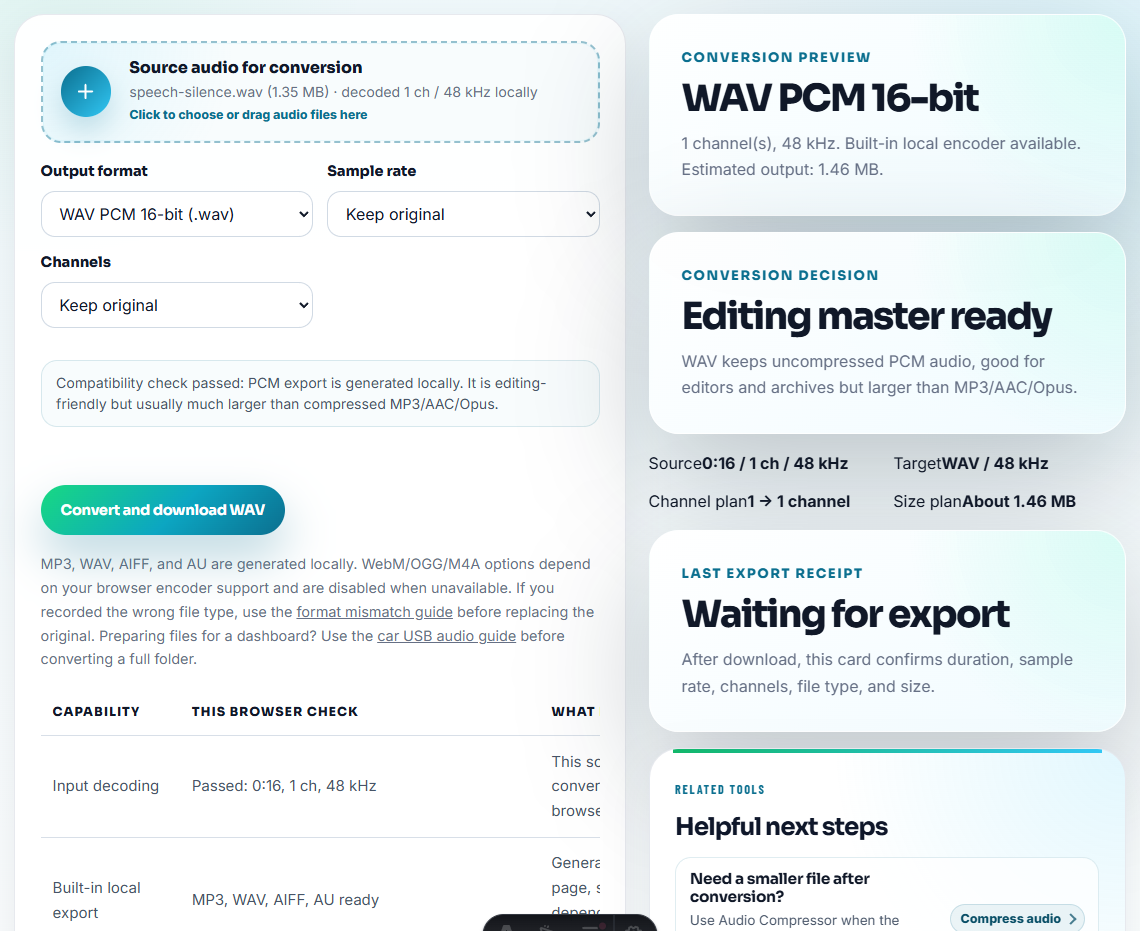
Use Audio Compressor only after the review sections are final. If the reviewer needs a different format, use Online Audio Format Converter on a copy.
Step 6: Add Review Labels
Use Audio Metadata Editor when files may be downloaded, forwarded, or stored in a review folder.
Useful labels include:
- Language or locale.
- Product or feature.
- Version or build.
- Speaker or voice.
- Review status.
- Source vs review copy.
Step 7: Send a Short Context Note
Add a note beside the files:
Please review sections 02 and 03 for pronunciation and tone. The pause before the result sound is intentional.That note prevents reviewers from treating every pause or sound cue as a mistake.
Protect Meaning Before Polishing Sound
Localization review can fail when the audio is cleaned so tightly that reviewers lose the reason a line works or fails. Preserve the cues that affect meaning.
| Review concern | Keep in the clip | Why it matters |
|---|---|---|
| Pronunciation | The full phrase and neighboring word. | Reviewers need natural sound, not isolated syllables. |
| Timing | Pauses, product sounds, and response gaps. | A translation may be accurate but too long for the moment. |
| Tone | Speaker lead-in and emotional context. | A line can be linguistically correct but wrong for the situation. |
| Locale fit | Language, region, and version labels. | Reviewers need to know which market they are judging. |
This makes the page more than an editing checklist; it helps users preserve the evidence localization reviewers actually need.
Problems to Catch Before You Review Localization Audio Without Losing Context
- Do not remove context around the sentence being reviewed.
- Do not rename language versions casually.
- Do not over-normalize if tone and naturalness matter.
- Do not send private customer audio without permission.
- Do not mix approved and draft localized clips.
- Do not compress the only source file.
When a Quick Local Check Is Enough
Browser tools help localization reviewers when they need a short sample to check pronunciation, pacing, or translated phrasing. Keep the original-language reference nearby, label the locale clearly, and do not replace professional localization QA for public releases.
Use a larger workflow when localization needs professional translation review, subtitle timing, speaker diarization, legal review, or many languages and variants.
More Ways to Check the File
- Audio Metadata Viewer
- Audio Chapter Splitter
- Audio Trimmer
- Audio Metadata Editor
- Make Audio Easier to Transcribe
- Use Audio Examples That Teach One Tutorial Step
Common Edge Cases
What should I check before using audio for localization review?
Split or trim the audio into reviewable sections, keep enough context, label language and version clearly, check playback, and send a copy rather than the only source file.
Should localization review audio be heavily edited?
No. Clean obvious distractions, but preserve timing, pronunciation context, pauses, and source clues that reviewers need to judge meaning.
What should I check for localization review audio?
Keep the spoken context, note the language or market, remove unrelated noise, and avoid edits that change timing needed for localization review.