
How to Make KB Audio Downloads Useful After Saving
 By HenrikUpdated Aug 7, 20266 min read
Prepare knowledge base audio downloads that remain useful after download, with safe examples, version labels, and support context.
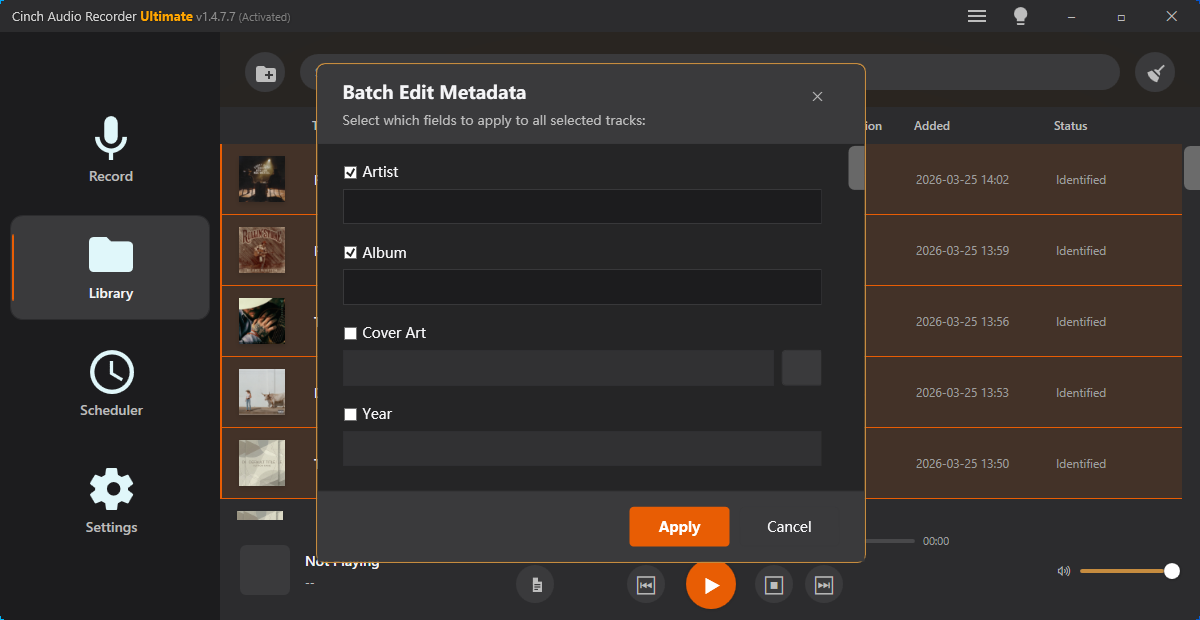
Knowledge base downloads need a different standard from quick support attachments. A support attachment may solve one ticket. A knowledge base download can be saved, forwarded, linked from another article, and reused by people who never saw the original explanation.
That means the audio file needs clear labels, checked playback, practical size, and enough context to remain useful later.
Make the Review Copy Easy to Trust
| Task | Tool | Result to verify |
|---|---|---|
| 1 | Audio Metadata Viewer | Inspect source details, hidden tags, duration, format, and size. |
| 2 | Recording Quality Checker | Confirm the example is audible, complete, and not misleading. |
| 3 | Audio Trimmer | Cut the section that matches the article step or issue. |
| 4 | Audio Compressor | Create a smaller download copy after review. |
| 5 | Online Audio Format Converter | Export a compatible copy when the article or browser needs another format. |
| 6 | Audio Waveform Generator | Create a visual reference for article screenshots or timing notes. |
| 7 | Audio Metadata Editor | Add article, version, example type, and published-copy labels. |
The published file should be understandable even after someone downloads it and loses the page context.
Step 1: Define the Article Job
Decide what the download is supposed to do:
- Demonstrate a problem sound.
- Provide a clean example result.
- Let users test playback.
- Support a tutorial step.
- Show a before-and-after reference.
- Give a small sample file for troubleshooting.
If the audio does not support the article directly, do not add it just to make the page feel richer.
Step 2: Inspect for Private or Confusing Details
Use Audio Metadata Viewer before publishing a copy. Knowledge base files often start as support examples, internal demos, or draft tutorial assets.
Remove or avoid:
- Customer names.
- Ticket numbers.
- Internal product notes.
- Old draft labels.
- Unclear version names.
- Long source recordings that include unrelated material.
If the original file needs to remain unchanged, create a reviewed public copy.
Step 3: Check That the Example Still Teaches the Point
Use Recording Quality Checker to make sure the published example is not silent, clipped, incomplete, or too weak to understand.
For problem examples, the issue should still be audible. For result examples, the useful part should be clear without promising more than the article explains.
Step 4: Trim to the Article Section
Use Audio Trimmer to keep the download focused. A knowledge base article should not ask users to search through a long file to find the example.
Good download names include:
kb-example-low-volume-before-fix.mp3
kb-tutorial-step-3-output-copy.mp3
kb-playback-test-short-sample.mp3
kb-noisy-recording-example-public.mp3
Match the filename to the article title or step so the file still makes sense in a downloads folder.
Step 5: Choose the Delivery Format
Use Online Audio Format Converter only when the article needs a more practical playback format. Do not convert just to create extra files.
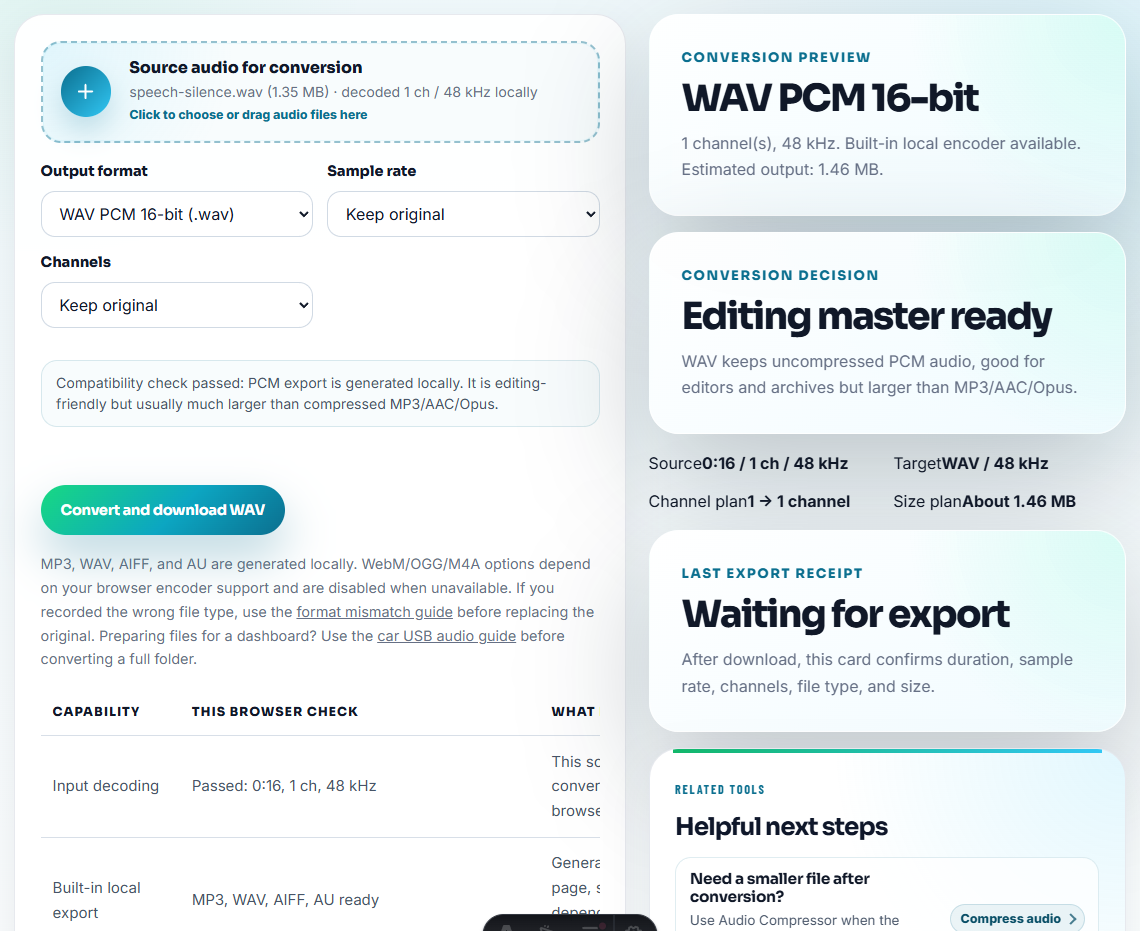
Use Audio Compressor after the file is reviewed. A smaller download is helpful, but size reduction should not remove the sound users need to hear.
Keep a simple folder split:
source/
reviewed/
published/
archive/
That prevents the public copy from replacing the source file.
Step 6: Add Visual Context When Useful
Use Audio Waveform Generator if the knowledge base article needs to point at silence, clipping, a rough cut, or the exact section users should listen to.
Do not add a waveform image to every article. Use it when it makes the support explanation easier to understand.
Step 7: Label the Published Copy
Use Audio Metadata Editor to add labels such as:
- Article topic.
- Product or feature.
- Example type.
- Version or review date.
- Published-copy status.
- Short note on what users should hear.
This is especially useful when users download a file and later ask support about it without linking the article.
Make the Download Useful Without the Original Ticket
A knowledge base download may be saved, forwarded, or reused months later. It needs enough context inside the filename, metadata, and page copy to remain understandable without the original support thread.
| Download type | Must include | Avoid |
|---|---|---|
| Problem example. | What users should listen for and whether it is recreated. | Raw customer evidence or private ticket language. |
| Clean result sample. | Product or workflow version and what changed. | Claims that the sample proves every case. |
| Playback test file. | Format, duration, and expected behavior. | Multiple unexplained formats that confuse the article. |
| Tutorial step asset. | Matching article step number and reviewed-copy status. | Draft filenames such as final-new-new.mp3. |
This gives the page durable value because the file still teaches the lesson after it leaves the page.
Check the Saved KB File Before Linking It
- Do not publish raw support attachments without review.
- Do not expose private customer, ticket, or internal labels.
- Do not upload a long source file when a short excerpt teaches the point.
- Do not compress the only source copy.
- Do not convert into multiple formats unless the article needs them.
- Do not publish audio that contradicts the article explanation.
When You Do Not Need a Desktop Recorder
Browser prep is enough for a knowledge-base download when the file teaches one support step and is safe for public use. Check the filename, playback, and size, then make sure the article explains when the user should download it.
Use a stricter workflow for downloadable datasets, customer-identifiable examples, regulated content, accessibility-critical media, legal claims, or files that will be translated and maintained across many article versions.
More Ways to Check the File
- Audio Metadata Viewer
- Recording Quality Checker
- Audio Trimmer
- Online Audio Format Converter
- Add Safe Audio Examples to Support Articles
- Use Audio Examples That Teach One Tutorial Step
Common Edge Cases
What should I avoid hiding from the listener?
Inspect the source, remove private labels, trim the useful section, check playback, choose a practical format, add version labels, and compress only the published copy.
Should a knowledge base download include the original audio?
Usually no. Publish a reviewed copy and keep the original source separate unless the article specifically teaches users how to inspect the original file.
What should I check for knowledge base audio downloads?
Make the file small enough to download, clear enough to understand, and labeled so readers know which help article or step it supports.